One machine stop can produce several alarms: low pressure, a downstream station waiting for parts, and a cycle timeout. Recording all three as separate production losses overstates what happened. Selecting the first alarm as the cause can be just as misleading.
An alarm records an observed condition. A downtime record measures when production stopped and resumed. A reason records the team’s explanation for that stop. MES and SCADA provide these different records for review using the same machine and time period.
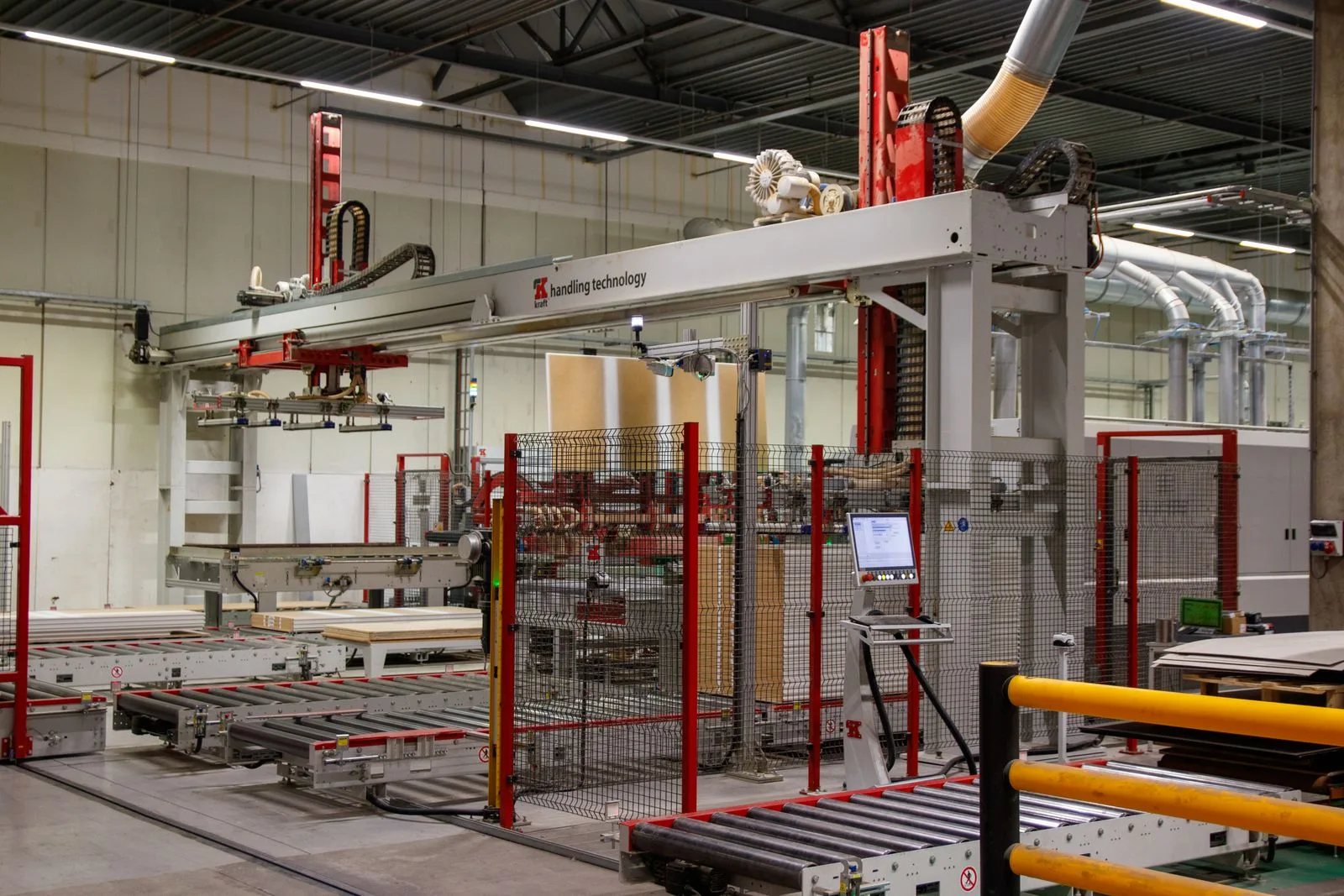
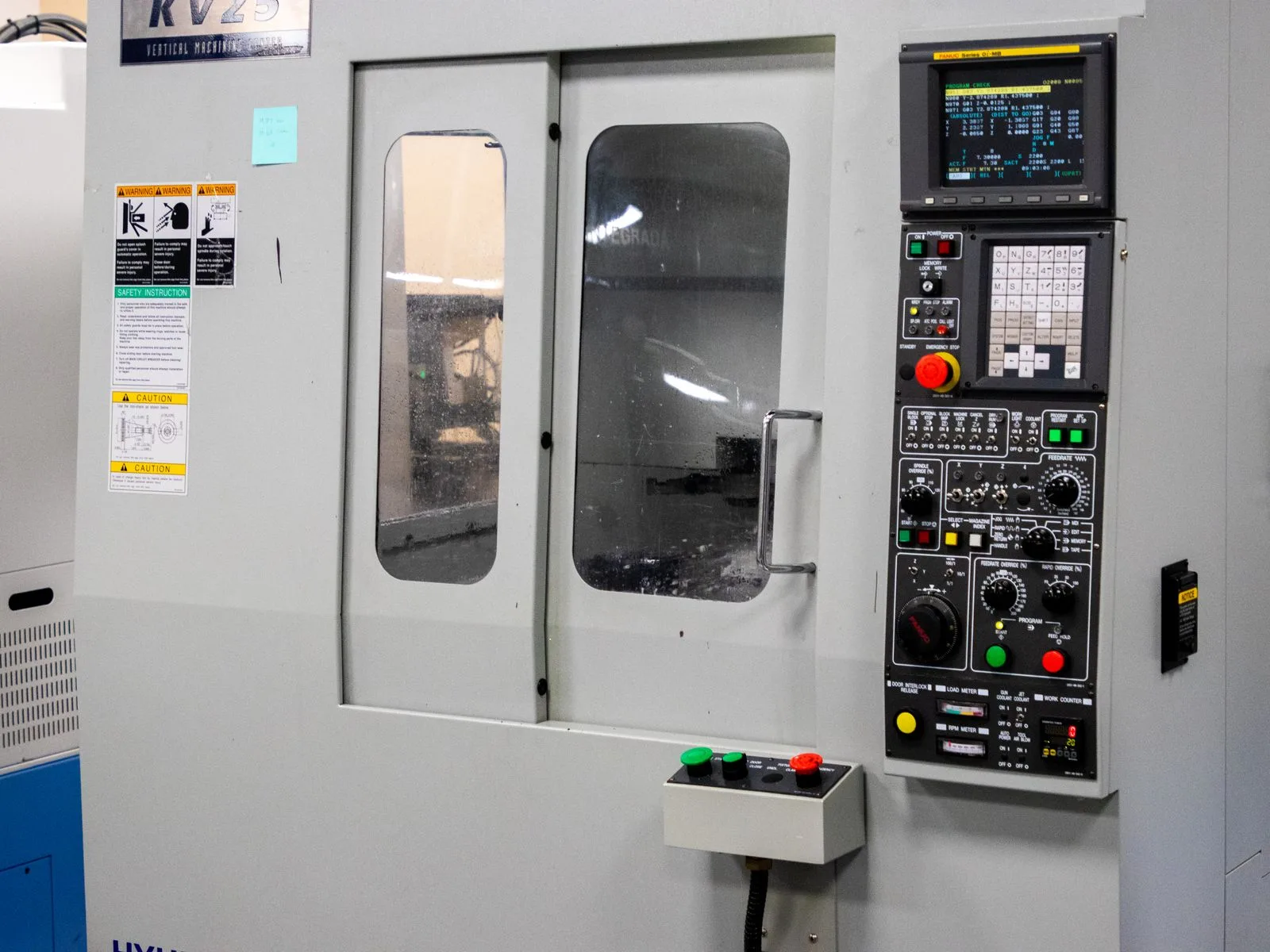
Industrial context photo: Ludovic Delot / Pexels.
Fourteen alarm minutes can mean nine stopped minutes
Consider this illustrative sequence.
| Time | Event |
|---|---|
| 10:14 | Low supply-pressure alarm opens |
| 10:15 | Production-state signal changes to stopped |
| 10:16 | Downstream station opens a waiting-for-parts alarm |
| 10:17 | Operator acknowledges the alarms |
| 10:20 | Pressure recovers and its alarm clears |
| 10:24 | Production resumes and the waiting alarm clears |
The pressure alarm lasted six minutes. The waiting alarm lasted eight. Their sum is fourteen minutes, but production was stopped for nine minutes. The alarm intervals overlap.
Acknowledgement at 10:17 did not end the stop. Nor did pressure recovery at 10:20 restore production immediately. The remaining four minutes might include a restart check or removal of an unfinished part. Without a record, either explanation is only a possibility.
Treat the first alarm as a lead
Low pressure identifies a condition, not its underlying cause. A closed valve, leak, supply-capacity issue or planned operation could produce the same reading.
Suppose the operator records that the supply valve remained closed after maintenance. That observation directs attention to the valve position and maintenance handover. Without that observation, “pressure failure” is an incomplete explanation, not a confirmed component fault.
Event order also depends on consistent clocks. A SCADA asset called “Press 2” must match the MES workcenter, and source timestamps must be distinguished from message receipt times. Otherwise, a delayed record can appear to be the first event when it was actually a consequence.
Build a reason list around useful decisions
A PLC alarm list may contain hundreds of technical states. Copying it into the operator’s downtime list usually makes classification harder. People choose the nearest familiar entry, and a complete-looking report hides uncertain causes.
Useful reasons distinguish work that needs different responses. Material waiting, mold change and a broken tool should not collapse into the same equipment-failure category. Conversely, several sensor alarms caused by one interruption should not split that interruption into several losses.
Orenda MES provides managed stop reasons and production/downtime history for this review. Orenda SCADA provides the connected process view, trends and recorded alarm events. Using both products does not automatically turn a SCADA alarm into a confirmed MES reason.
Separate recurring alarms from recurring losses
Twenty brief alarms might occur without stopping production. A single event might stop it for forty minutes. Alarm frequency and downtime duration therefore produce different priority lists.
Maintenance may need to inspect the repeated condition against load and product context. Production may need to understand which order lost time. Neither a high alarm count nor a long stop establishes a mechanical fault by itself. Material waiting calls for a different response from a damaged bearing.
Make uncertain reasons visible
An increase in unclassified stop time is initially a recording gap. It should not become a new equipment-failure claim in a weekly report. Reviewing the longest unresolved intervals with the operator can reveal whether the next action belongs to production, maintenance or data setup.
Orenda AI Reports retains selected source records and report versions for that review. A question such as “Show the three longest unclassified stops and the records available for each” gives the investigation a concrete purpose. A later report using corrected reasons should remain distinguishable from the version used in the previous meeting.
SCADA Studio evaluates observed alarms while a viewer receives data. Where continuous event recording belongs to the PLC or a configured host alarm service, that retained source must also be checked. The resulting weekly discussion can then distinguish measured loss, confirmed explanation and work still needed.