Standard reports
Review recurring production measures with consistent calculations and a defined reporting period.
Use standard reports, Analytics PRO, and AI reports in Orenda MES. Review the selected period, inspect the evidence, and share the result.
A useful report states which machines, products, and dates it covers. Orenda MES brings standard reports, analysis views, and AI reports into the Reports workspace. The selected scope stays visible while the team compares results and opens source records.
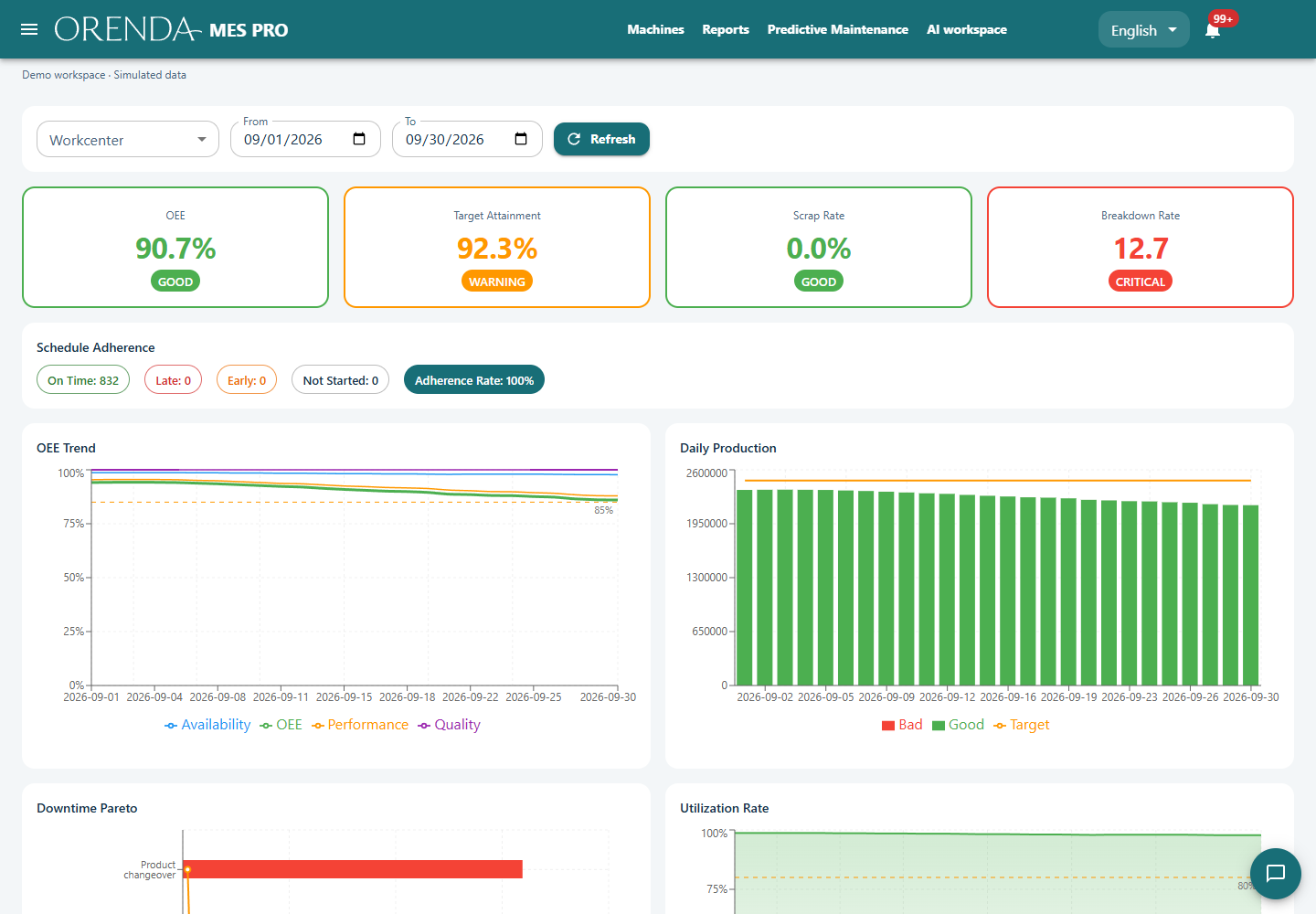
Review recurring production measures with consistent calculations and a defined reporting period.
Compare selected periods, use saved views, and open underlying records. Review metric settings before comparing machines or products.
Ask a focused question using authorized records. Review findings and source evidence, then keep the completed report for follow-up.
Time zone, quantity unit, and stop duration rules affect the result. Standard reports and Analytics use shared calculations. Retained evidence lets a reviewer inspect what supported the report instead of relying on a summary alone.
Return to a saved view or persistent AI report. Keep a follow-up question connected to the work already reviewed.
Inspect the measurements and source records used by the report. Make missing information visible before deciding on action.
Export completed AI reports as PDF and Excel. Analytics can export retained evidence to Excel for further review.
No. Standard reports and Analytics use the recorded data and defined calculations. Use AI reports when the team needs a focused investigation or written explanation with supporting evidence.
Original records and document preparation remain on the Box. Hosted analysis receives selected authorized measurements and document excerpts. An approved customer-managed inference endpoint can also be configured.
A report can compare the available production, downtime, and quality records for the selected scope. A useful explanation depends on consistent counts, time definitions, and recorded stop reasons.
Share an example report and the decisions it should support. We can identify the records and comparisons it needs.
Discuss production reporting