Software · No dedicated hardware required
Orenda Connect
Reach your machines, servers and internal apps through identity-based, encrypted connections.
- No public inbound ports
- No traditional VPN
- Access by user and group
Cybersecurity & a secure application ecosystem
Reach private applications and machines with Orenda Connect. Add MES, SCADA, Predictive Maintenance and AI Reports on Orenda Box when your team needs local production tools.
See the platform in action
Use Connect for private access to existing applications. Run MES, SCADA and maintenance tools on Box when your team needs applications and data processing on site.
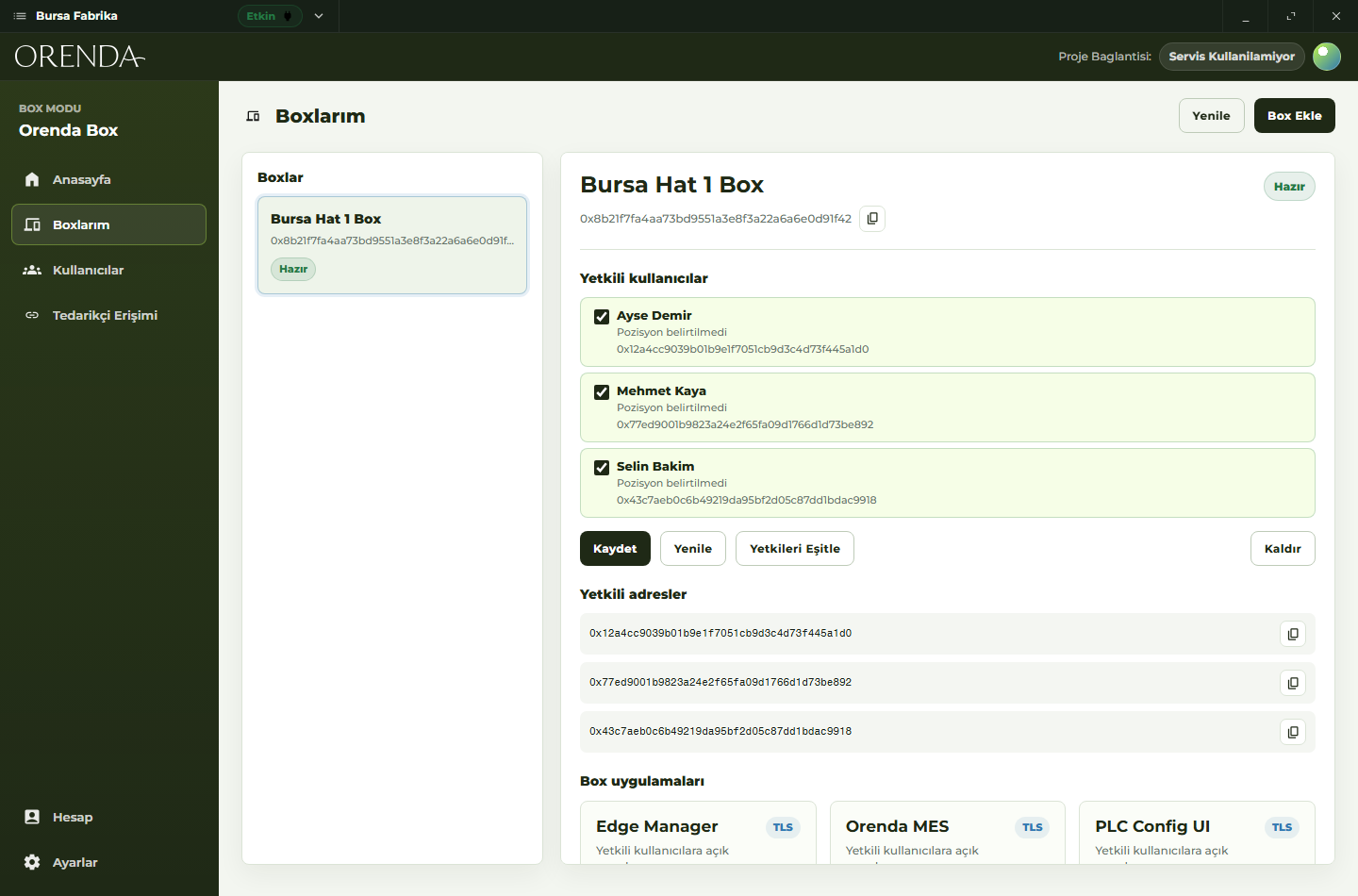
Open approved machine tools and applications through encrypted connections. Give colleagues or service partners access to the resource they need, and revoke it when the work is done.
Explore remote service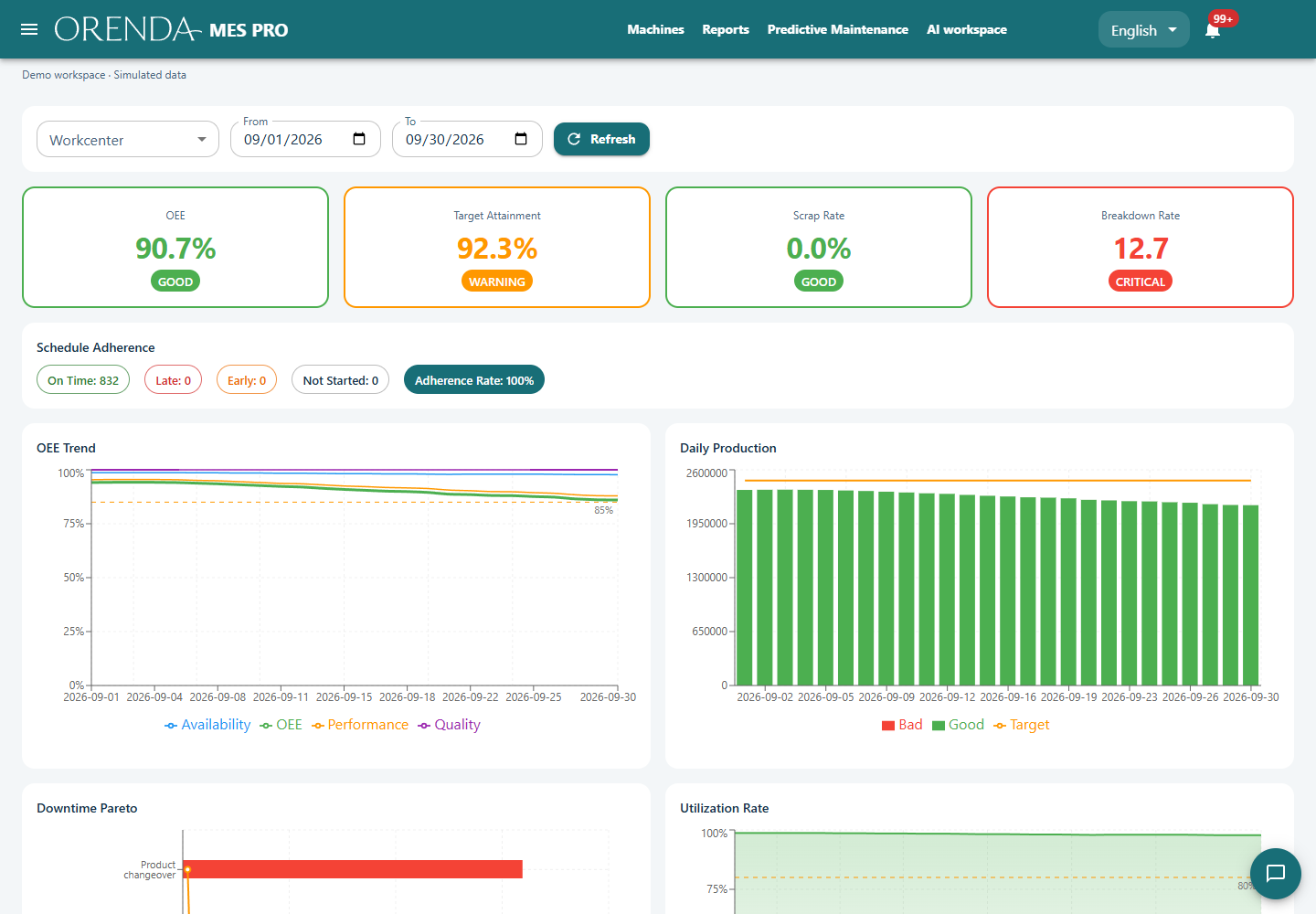
MES records what you produced and why the line stopped. SCADA shows process values and equipment states. Use them together when the team needs both the production record and the process view.
See MES and SCADA together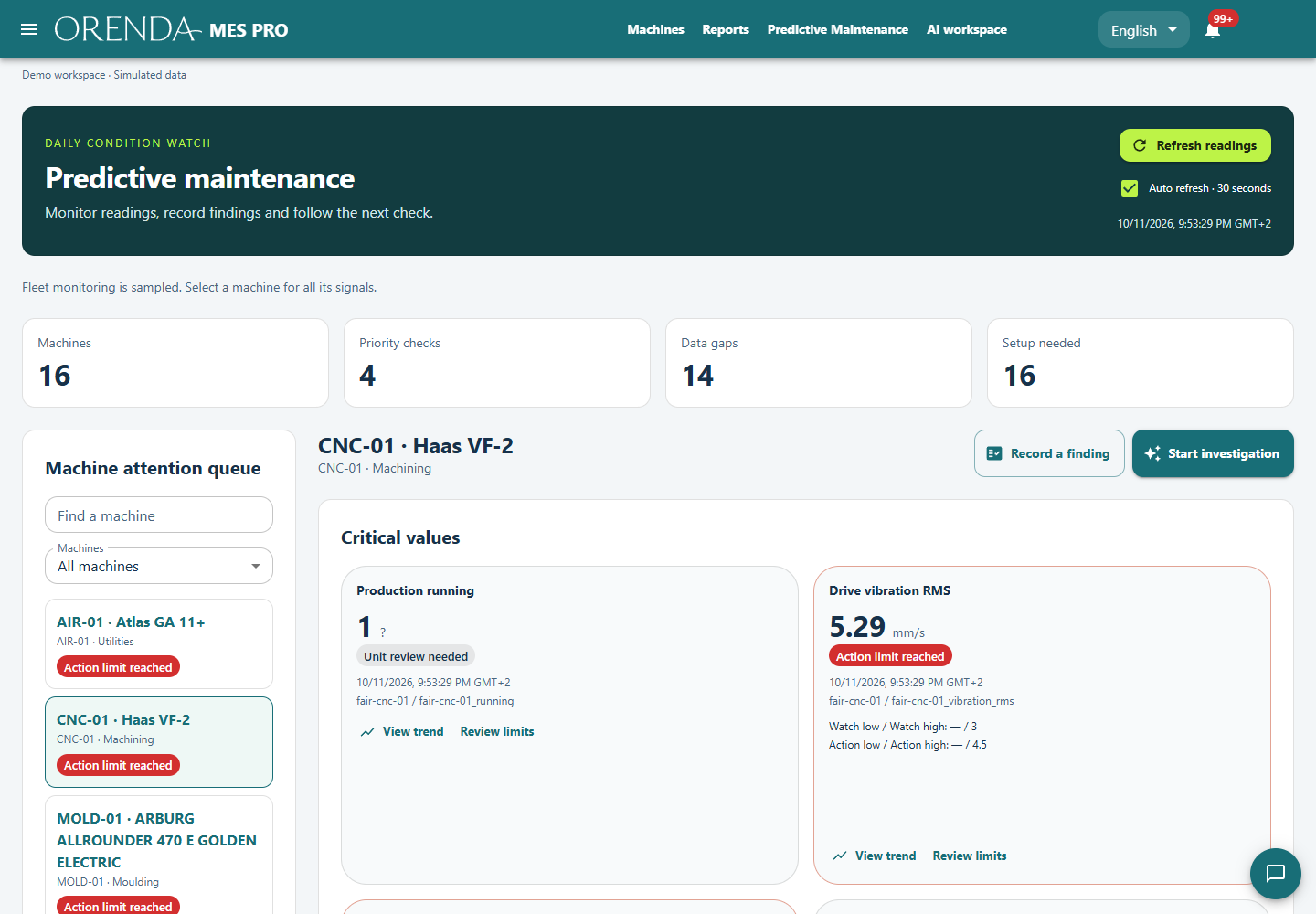
Investigate changes in machine measurements with maintenance history and manuals. Assign the next inspection, keep its result and check the machine again after the work.
Explore Predictive MaintenanceSecure access and applications
Start with secure access. Add local computing and applications as you grow.
Software · No dedicated hardware required
Reach your machines, servers and internal apps through identity-based, encrypted connections.
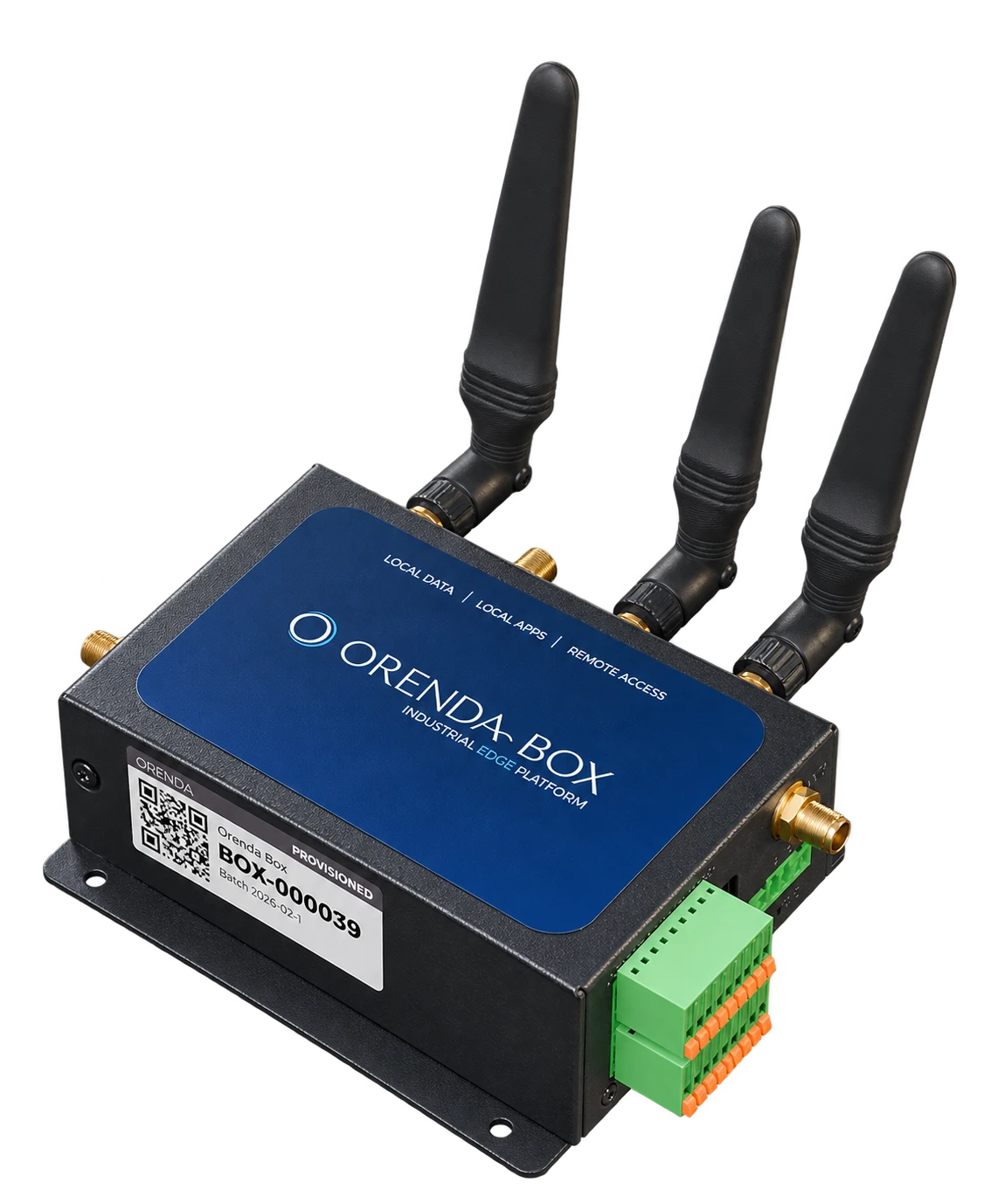
Optional edge hardware
Process data and run applications on site, with secure access for your team.
MES, SCADA, Predictive Maintenance and reviewed third-party apps. You approve their permissions.
Orenda MES →Orenda SCADA →Orenda Predictive Maintenance →Orenda AI Reports →
EU Data Act · Cyber Resilience Act
Export your data through open APIs in standard formats, without exit fees. Control service access, use signed updates and keep the records needed to support connected machines sold in Europe.
Explore EU compliance workflows →Simple to start. Built to expand.
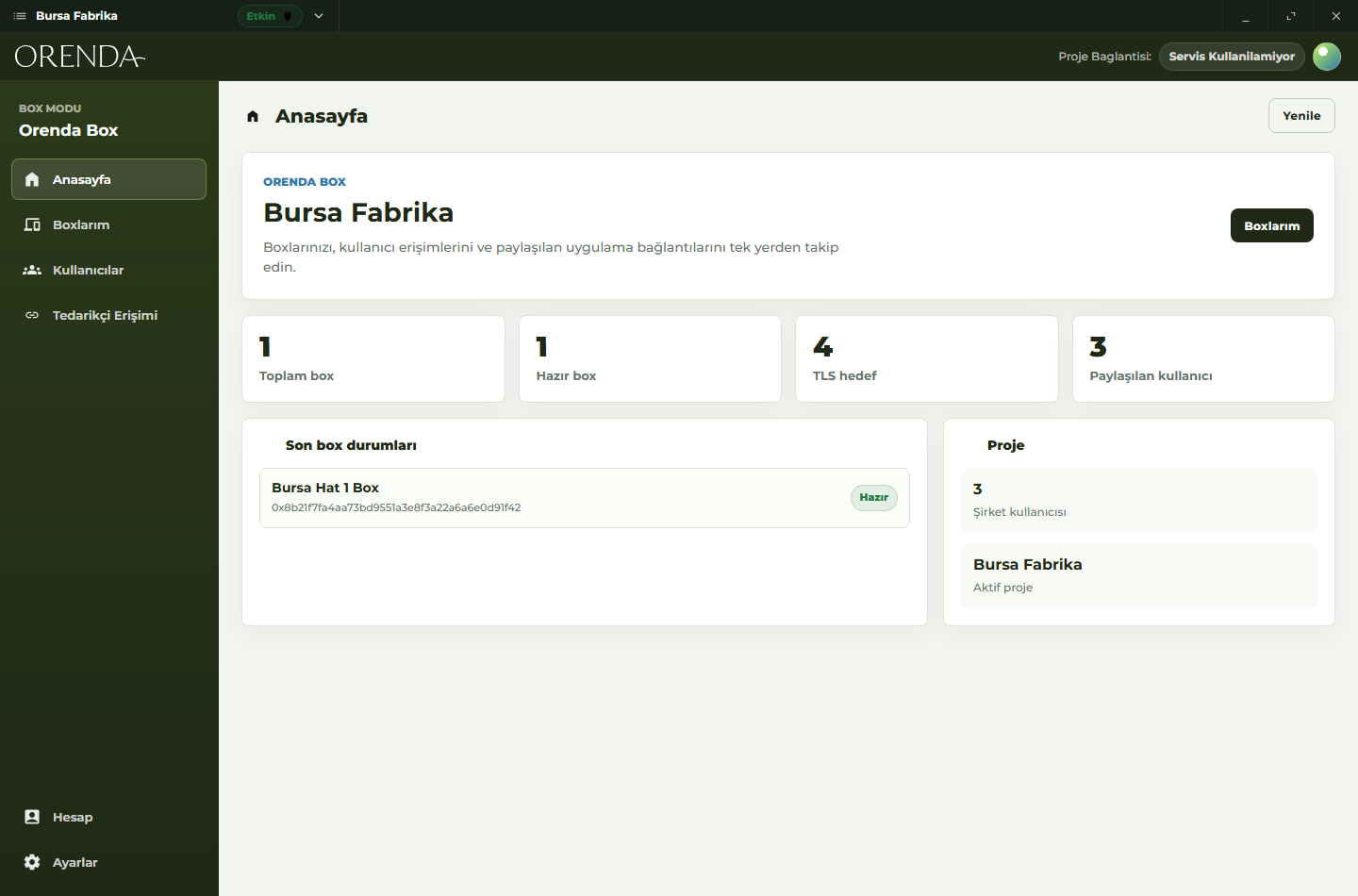
Set up Orenda on an existing host and select the app or service to make privately accessible. Use OrendaBox when you also need local computing.
Invite users, organize groups and grant access to specific resources. Your organization keeps control of the permissions.
Open approved resources through Connect. Add more systems, locations and permission-controlled apps as your needs grow.
Orenda Connect requires no dedicated hardware. Remote connections use your existing internet connection; target services do not need public inbound ports.
Predictive Maintenance and AI Reports
Use Predictive Maintenance to investigate a machine change. Use AI Reports to answer a production question. Review the source records and keep the result with the work.
Product demo · 1:41
In this product demonstration, a tortilla line stops in Hamburg. A machine builder checks production data remotely, investigates what changed, and gives an engineer access to the needed applications.
Reach machine tools, warehouse applications and operational dashboards. Give each team access to the systems it needs.
See access across sitesGive authorized staff access to research servers, lab computers and internal applications without public inbound ports.
Explore private accessConnect to store systems, development servers and internal dashboards. Manage access across branches and distributed teams.
Explore team accessOrenda App Market brings permission-controlled applications to the platform: MES, SCADA, Predictive Maintenance and reviewed third-party apps.
Find your solution
Manufacturing Operations
A changed measurement is the start of an investigation. The machine’s history and documentation help the maintenance team decide what to check.
Read the guide →
Manufacturing Operations
Learn why a SCADA alarm does not prove a production stop's cause. Use an event timeline to connect process evidence, operator checks and MES downtime.
Read the guide →
Machine Builders
Connect each machine release to its components, risk assessment, security tests and support records. Follow a vulnerability correction through customer delivery.
Read the guide →Orenda is a cybersecurity platform for secure remote access and permission-controlled applications. Orenda Connect connects authorized users to existing systems without public inbound ports or a traditional VPN. Optional OrendaBox hardware runs applications and processes data on site. Orenda App Market provides MES, SCADA, Predictive Maintenance and reviewed third-party applications.
Your protected systems remain online, but their services are not exposed through public inbound ports. Authorized users reach them over encrypted Orenda connections. This reduces exposure to internet scanning and attacks against public services; it does not replace endpoint security, application authentication or patching.
No. Orenda Connect works with existing supported hosts, applications, servers and devices. OrendaBox is optional hardware for secure connectivity, local data processing and hosting applications on site.
No. The same identity-based access model supports internal systems in manufacturing, education, retail, healthcare, logistics and software companies. Industrial applications are one part of the platform.
Your first private connection
Bring one application, server or machine. We’ll map who needs access and help you plan a setup that can grow with your organization.