Bring electronics assembly and inspection results together.

How many units were assembled, accepted or returned for rework? Review the order, inspection and defect record together.

What the production total leaves out

Completing an assembly does not always mean the unit is ready. A visual, dimensional or functional inspection may send it back for work. MES and quality records help locate that difference in the relevant production job.

Actual Orenda application with simulated production data
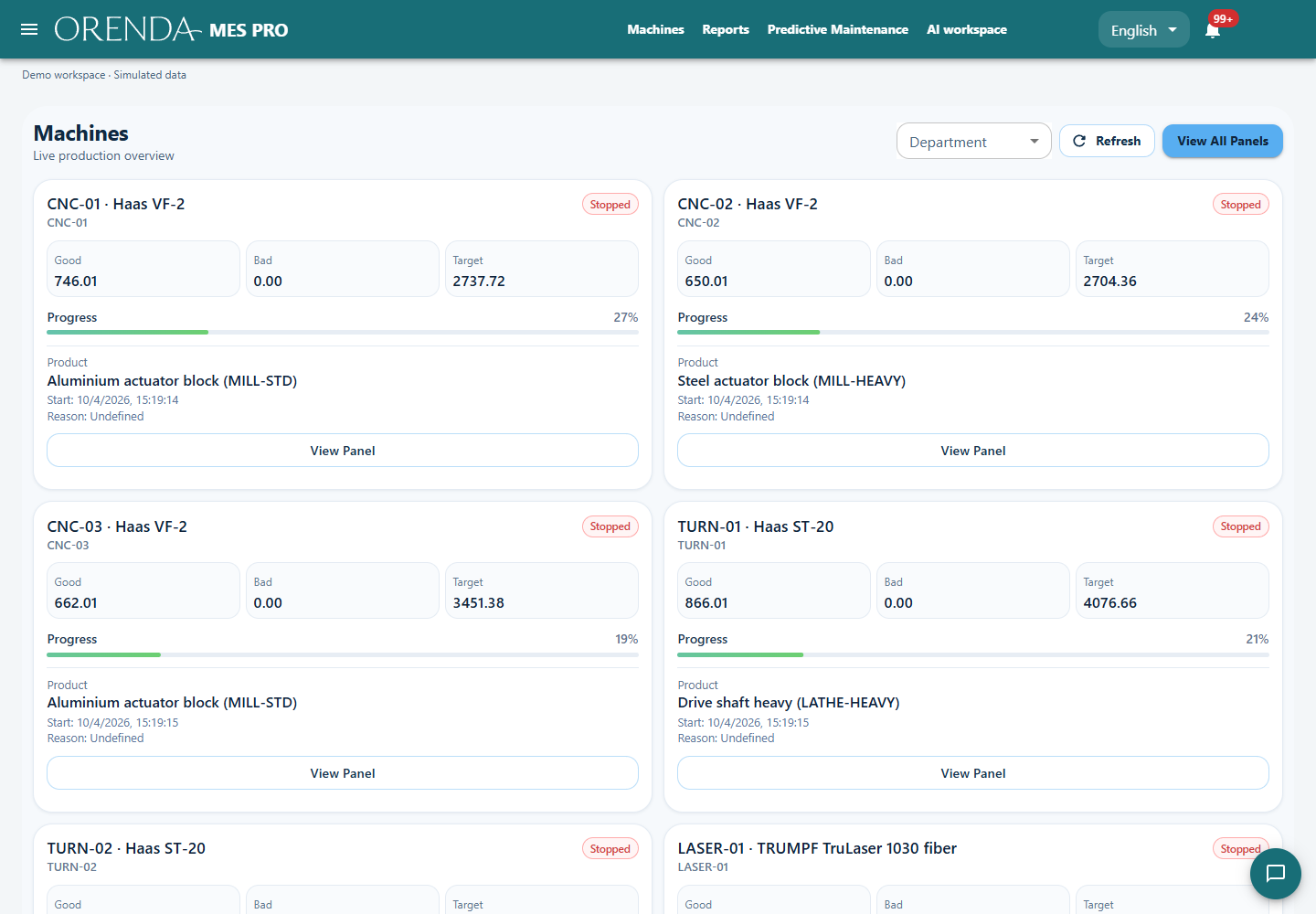
Actual Orenda interface · Simulated data

Do not count a test attempt as another finished unit

A second test increases the number of attempts, not the number of distinct units produced. Make the counter’s meaning clear: test attempt, completed operation or accepted product. This keeps repeat work from inflating shift output.

Quality characteristics, limits and results can be recorded in the application. A connection to existing test equipment is a separate integration decision; a recorded manual inspection can also be the starting point.

Connect repeated defects to the job

When a defect appears across orders, its total count is not enough. Review the product variant, workcenter and production period to see whether the issue concentrates around particular work or conditions.

Production, quality and maintenance can choose a check from the same record. Review the next comparable job to see whether the defect pattern changed after the action.

Illustrative example: assembly is complete, the result is still open

Assume 500 units have been assembled and 30 require rework. The final inspection records determine how many units can be accepted for delivery.

Illustrative example: assembly is complete, the result is still open
RecordUse
500 assemblies completeThe workcenter’s completed production
30 units assigned to reworkAdditional work and capacity demand
Accepted quantity after inspectionThe outcome used in delivery planning

The useful record connects production and inspection, rather than adding test attempts together.

See the application with your team’s questions in mind.

Show us the report you use today and the part of production it does not explain. We can demonstrate the relevant screens and discuss the machine connections and modules for your setup.