Explain packaging-line downtime in pharmaceutical production.

A format change, a feed interruption and an equipment fault need different actions. Give production and maintenance the detail to tell them apart.

What the production total leaves out

The number of cartons completed cannot explain a long format change or a machine waiting for service. Orenda MES records production and stop reasons. SCADA displays connected equipment values and trends so the team can examine the machine conditions during those stops.

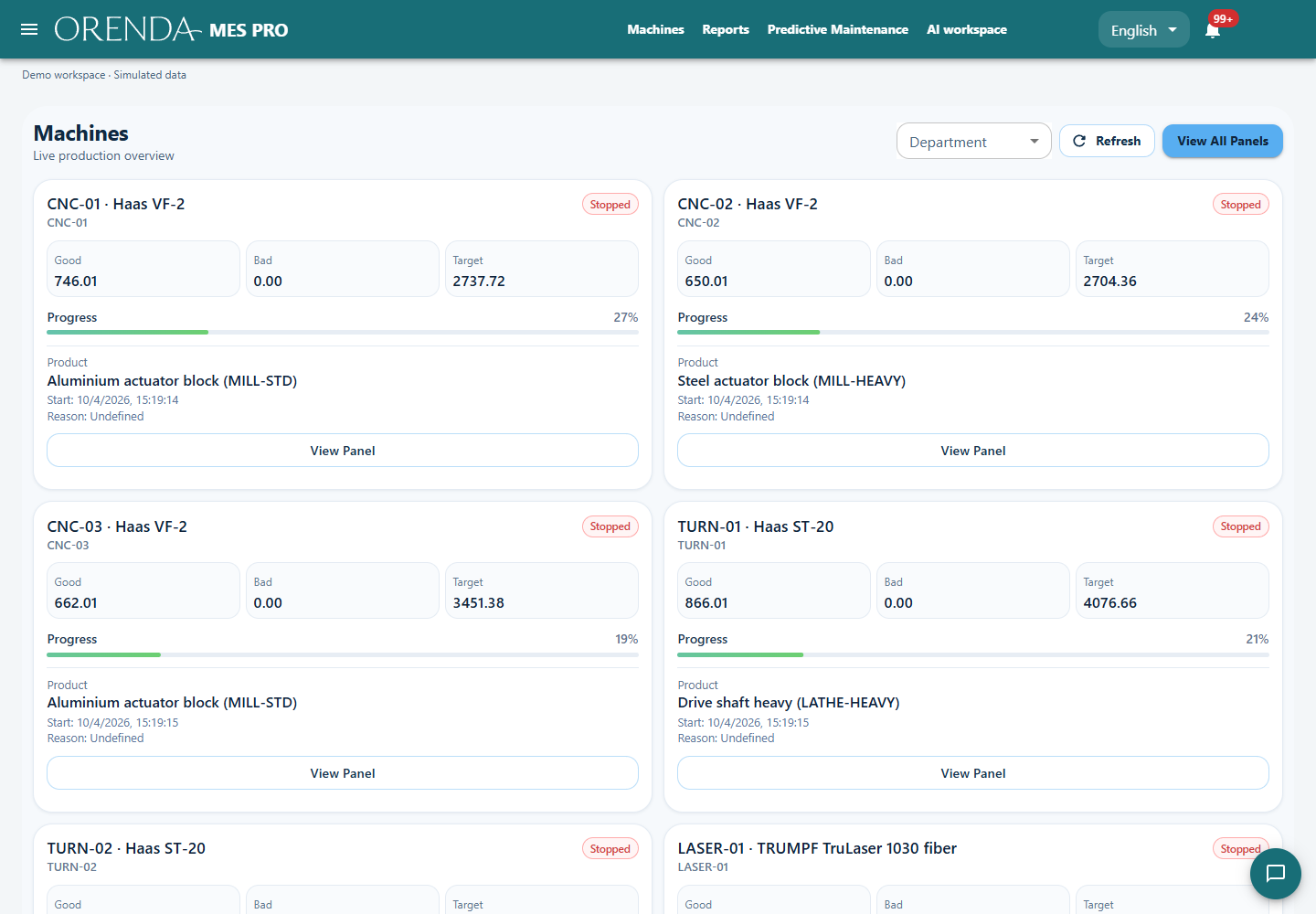
Actual Orenda application with simulated production data
Actual Orenda interface · Simulated data

Separate the work inside a format change

Removing format parts, making adjustments and returning to production are different steps. Recording the reason for waiting prevents a long changeover from being treated as a machine fault. It also makes the next run of the same format a better comparison.

Keep the operator’s reason list close to the actual tasks. Reviewing time placed under “other” can be more useful than adding dozens of codes. The aim is to capture a few useful facts at the right time.

Review the line after the maintenance work

Repeated equipment stops can lead to an inspection or maintenance order. Retaining the work and its result gives the next shift a useful starting point. Selected SCADA values and states help the team locate the period to investigate.

After work on a feeding mechanism, review a comparable production run. Check whether feeding stops still occur and whether another operating condition has changed. This connects the completed maintenance task to the production result.

Illustrative shift: three kinds of waiting

The same total loss can contain work for several teams.

Illustrative shift: three kinds of waiting
RecordFollow-up
40 minutes changing formatPreparation and adjustment steps
25 minutes waiting for feedMaterial flow and feeding conditions
20 minutes of equipment downtimeFault investigation and maintenance result

The shift discussion can move from a low output total to a specific task and owner.

See the application with your team’s questions in mind.

Show us the report you use today and the part of production it does not explain. We can demonstrate the relevant screens and discuss the machine connections and modules for your setup.