See the shift as it happens
Follow machine states and recorded quantities. Add the product and work order so a counter becomes a useful production record.
Orenda MES · Manufacturing execution system
See what is running, what stopped and what the shift produced. Orenda MES puts machine signals, operator records and work orders in one production view.
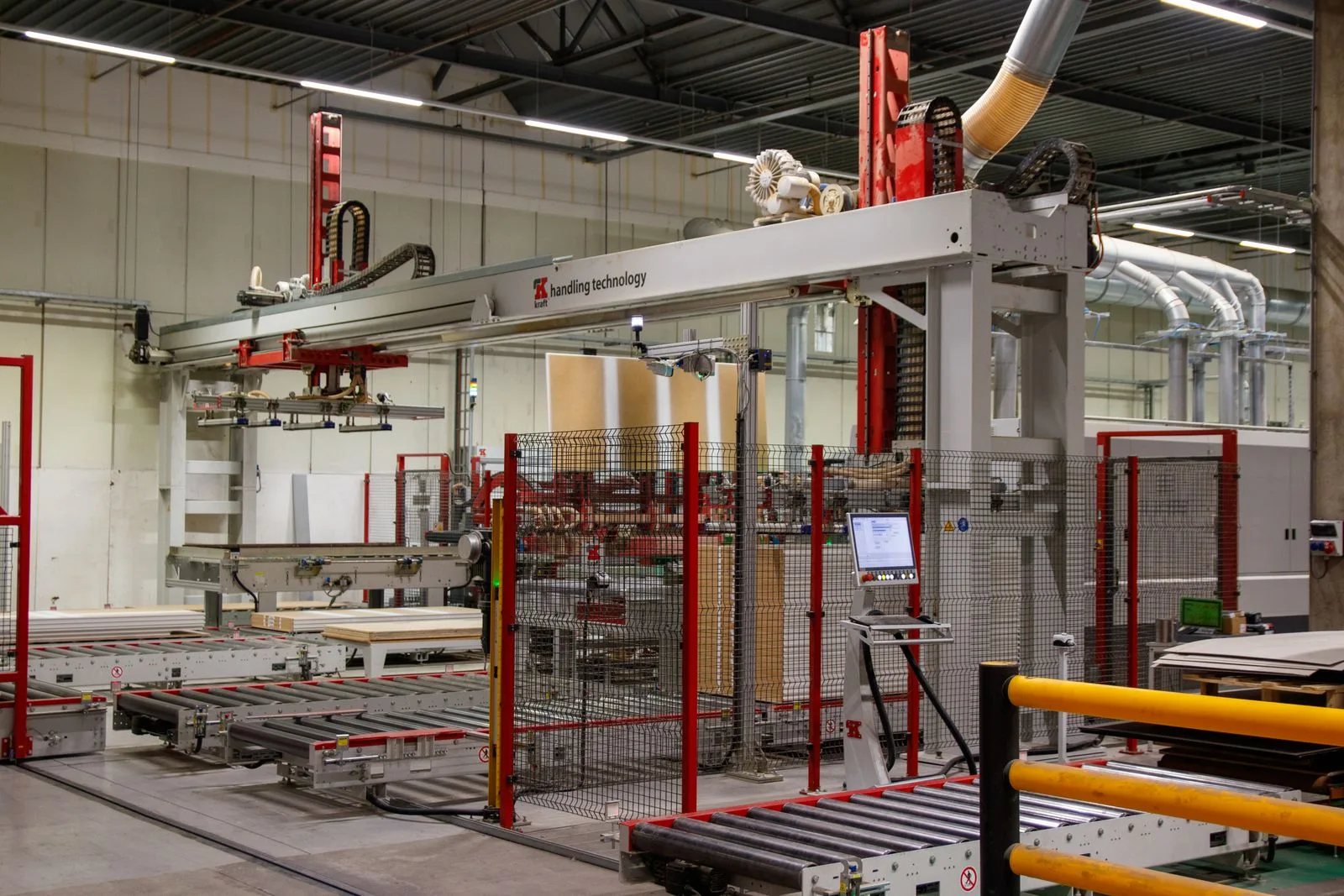
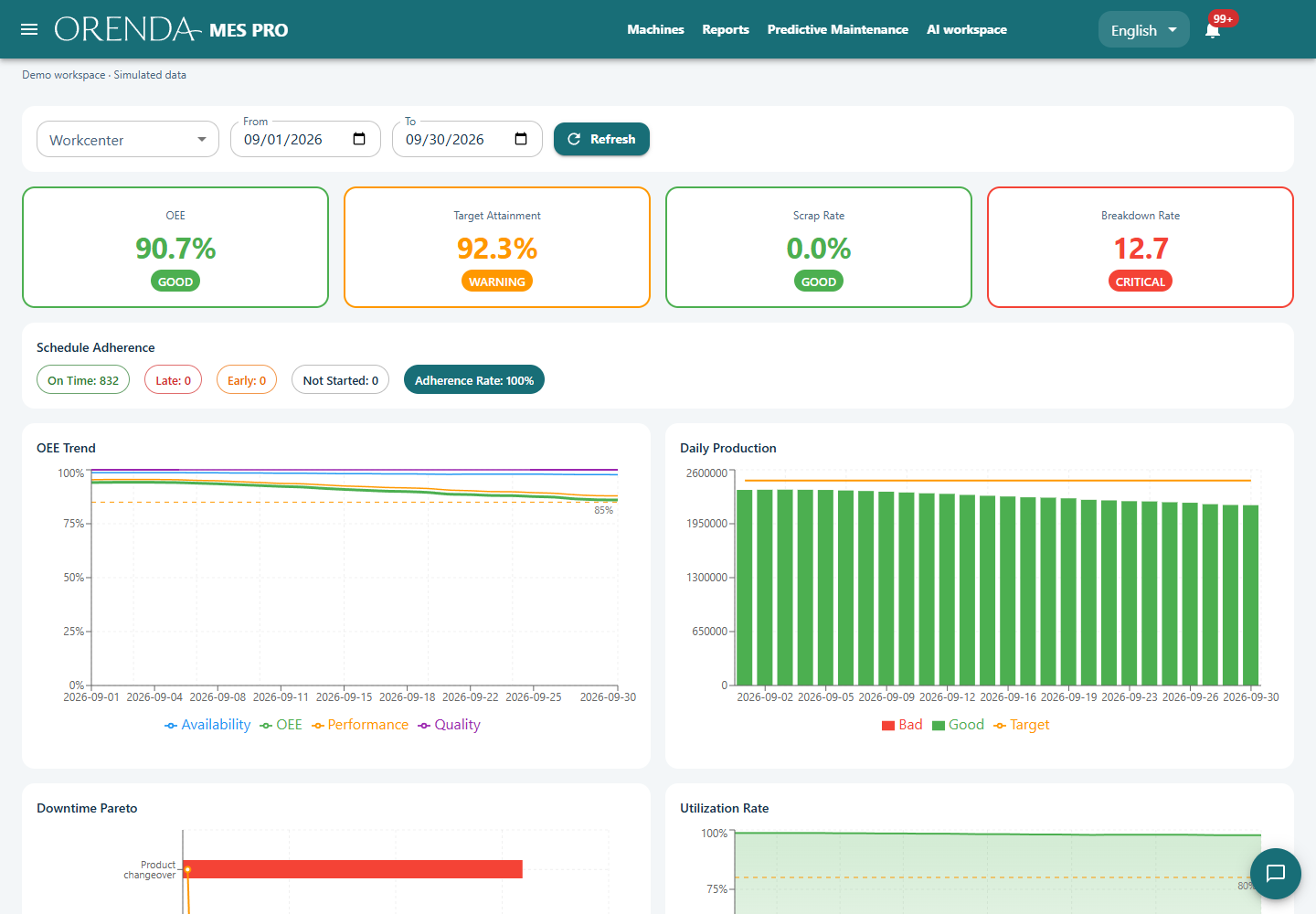
Orenda MES is a manufacturing execution system that runs on Orenda Box. It records the machine, product, work order, quantities and downtime reasons for each production run. Teams use these records to review output, overall equipment effectiveness (OEE) and job progress.
Follow machine states and recorded quantities. Add the product and work order so a counter becomes a useful production record.
Review stops, reason codes and OEE. Check the time period and count definitions before comparing machines or shifts.
Start with runs and work orders. Add scheduling, quality, tooling, inventory and maintenance modules to match your workflow and license.
Consider an illustrative shift with 840 parts produced and 24 rejects. Accepted output is 816 parts, but that total does not explain a missed target. The team also needs the product, expected cycle time, planned production time and recorded stops. MES keeps these details with the production run.
The operator selects the product and work order when the job changes. The shift lead can then investigate time lost to setup, material waiting or other recorded causes. Consistent count and time definitions make comparisons between shifts useful.
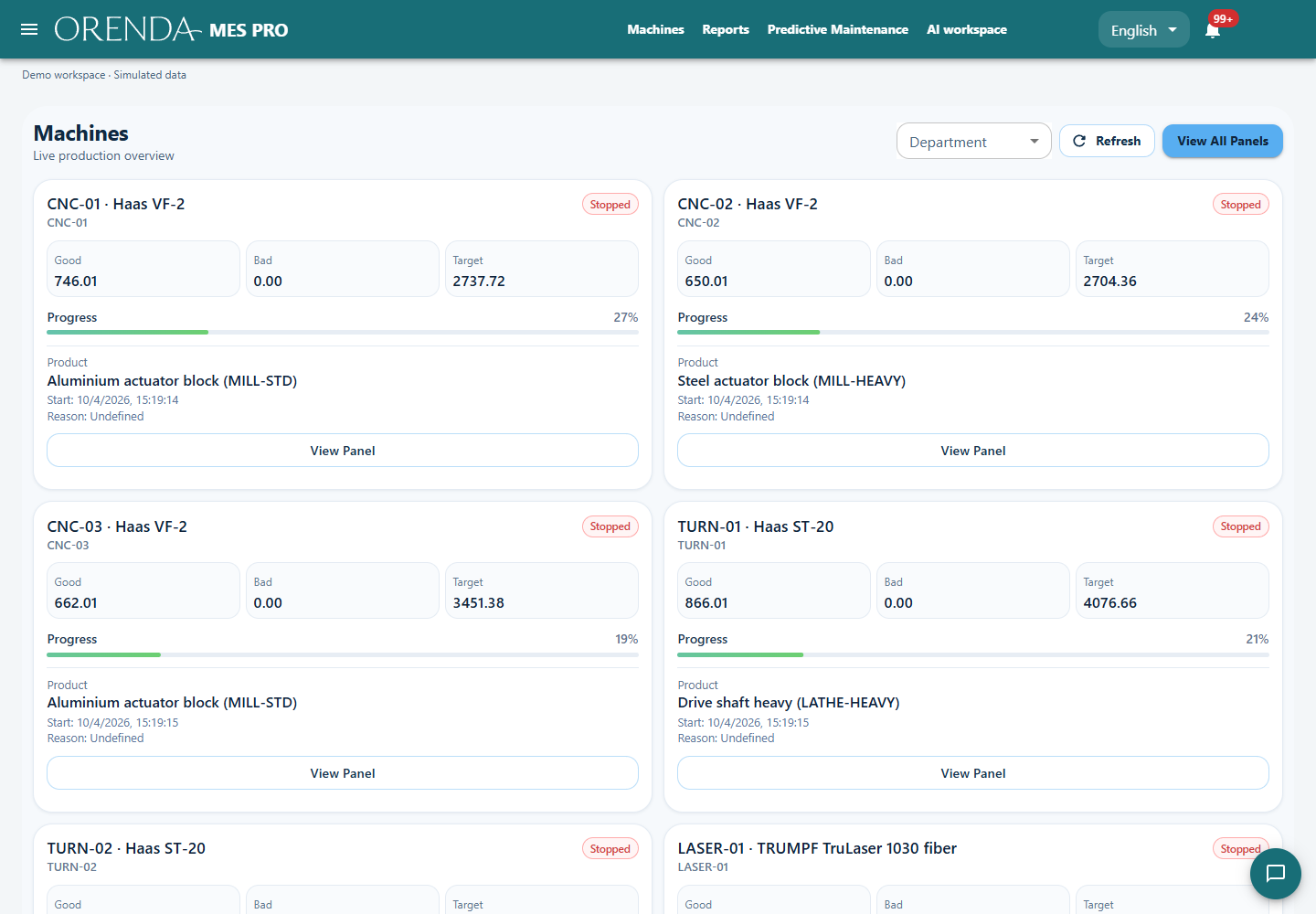
With the appropriate modules and rules enabled, a completed run can update its work order, trigger an inspection under a matching quality plan and create a production stock movement. Recorded runtime can support usage-based maintenance plans.
The incoming team can review the completed job and related records to see which inspections or follow-up tasks remain. Production, planning, quality and maintenance keep their responsibilities while working from connected records.
Select the machine, product and work order.
Collect machine counts and states; add stop reasons and rejected quantities.
Review the shift with the operator and check the totals.
Identify the largest loss and assign a task to reduce it.
MES runs on the Box. Your team opens it through Edge Console or Orenda Connect. Machine connections, data mappings and licensed modules are agreed during setup. An ERP connection needs its own confirmed adapter and scope.
Start by checking the existing controller and available signals. MES reads configured production data and adds work context. Your PLC and local HMI retain their machine-control roles.
MES records the production job and its result. SCADA presents the process and approved operator actions. They can use the same machine signals while keeping those roles separate.
One machine or line, a sample work order, a shift report and the available PLC signals. These are enough to discuss a useful first pilot.
Show us what your team needs to know at the end of the shift. We’ll map the signals and workflow together.
Plan an MES demo