Production and mold tracking for plastics

Keep machine output, mold assignments and recorded use together. Use MES for the production job and SCADA for the process values your team needs to see.

Distinguish part quantities from mold cycles

A molding cycle and a finished part are not the same unit. Orenda MES records tool assignments and use from completed-run quantities. For a multi-cavity mold, check this recorded use against physical cycles. Converting part output into shot counts needs a separately confirmed mapping.

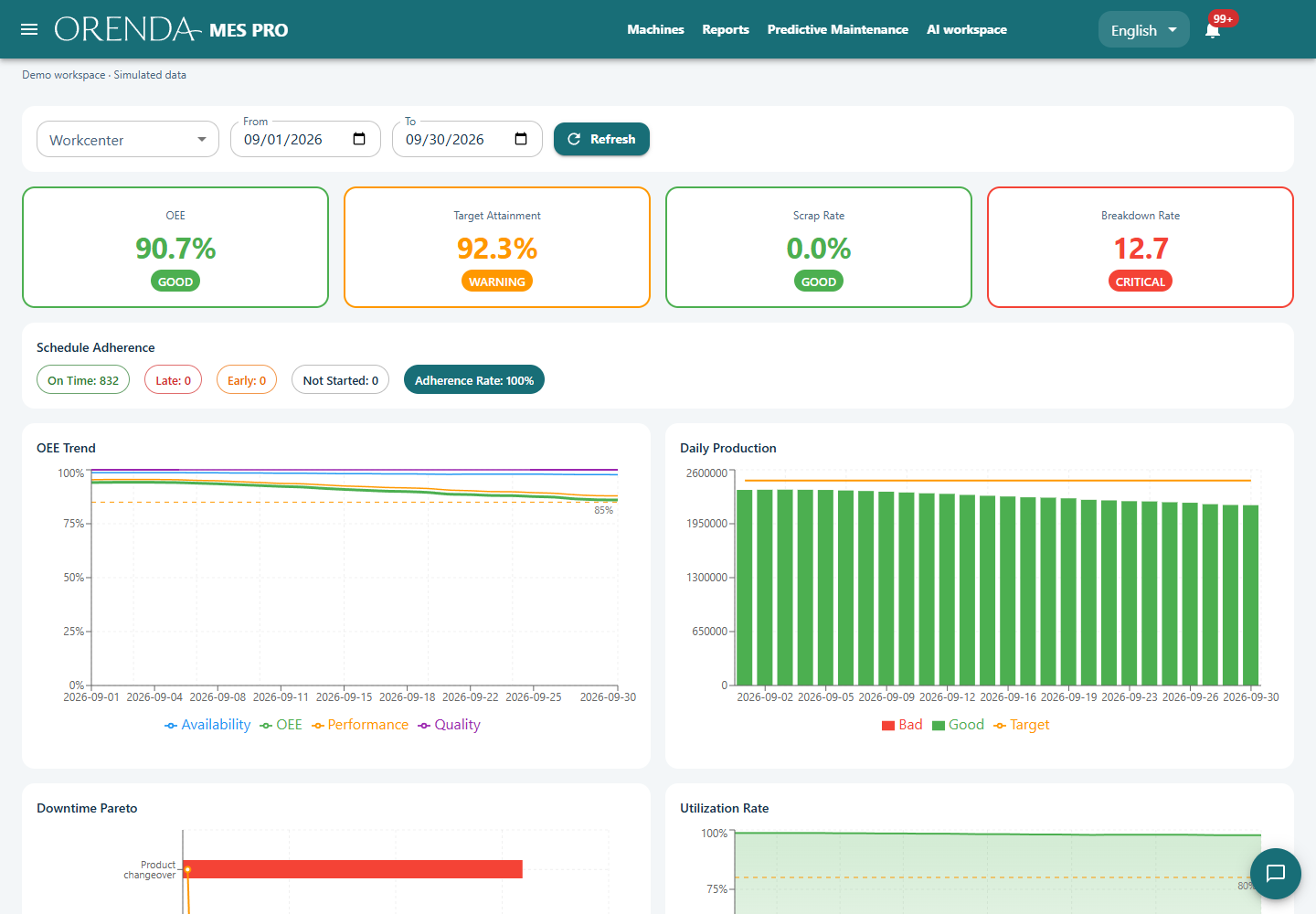
Orenda MES production analytics with demonstration data

Orenda MES demonstration · Simulated production data

One hundred cycles can represent several hundred parts

In an illustrative example, a four-cavity mold completes 100 cycles. With every cavity active, nominal output is 400 parts. If 12 are rejected, accepted output is 388. Cycles, total parts and accepted parts are different measures of the same production.

MES updates tool use from completed-run quantities. That recorded use must not be assumed to equal physical shots without a verified mapping. Confirm the machine counter, active cavities and recorded unit before applying a shot-based maintenance limit.

Keep mold changes in the production and service history

When a mold moves to another machine, update the production record and assignment so later use is attributed correctly. Review mold-change and setup time separately from other recorded stops.

Recurring defects can be examined with the related production and quality records. Available temperature or pressure trends can support that review. Maintenance teams can use the recorded count, inspection results and previous work to plan the next check and retain the result for future investigations.

Keep three records aligned

Machine and job

Record the product, work order, run and changeover. Check the expected cycle for the actual setup.

Mold and use

Register the mold, opening count and assignment. Track recorded use against the configured maintenance limit with Tooling PRO.

Process and quality

Show available temperatures, pressures or other approved values in SCADA. Link inspections and defects to production through the quality workflow.

Attribute production to the mold used

When a mold changes machines, update its assignment and the production record at the correct time. Compare the completed-run quantities with the mold's recorded use and confirm that the same output is counted once. Keep any conversion from part quantity to physical cycles explicit.

  1. Register the mold and agree what its opening count represents.
  2. Compare the machine cycle counter with the quantities recorded by MES.
  3. Confirm any required cavity conversion before using a shot-based maintenance limit.
  4. Change the mold assignment and verify that recorded use is counted once.

Turn the record into daily work

Review production losses

Separate recorded stops, changeovers and rejected output before comparing runs.

Plan the mold inspection

Use the configured count limit and inspection findings to schedule the next check.

Keep service history

Record the maintenance work and result with the equipment. Use that history when a problem returns.

Plastics production questions

Does a shot limit predict mold failure?

No. It shows recorded use relative to a configured limit. Inspection findings and service history are still needed to assess the mold.

Can we connect our molding machine?

Bring the controller model, available interface and required signals. We can review the connection and agree a reading test for your machine.