Commissioning
Check the agreed readings and application views with the technician at the customer site.
Give your service team the machine data and tools they need after delivery. Inspect the problem remotely, involve the right engineer, and plan the next step.
A customer calls about a stopped line. With Orenda Box, your team can inspect configured status, alarms, production records, and local applications. Orenda Connect gives approved engineers a way to open the required tools. Start the conversation with what the machine shows.
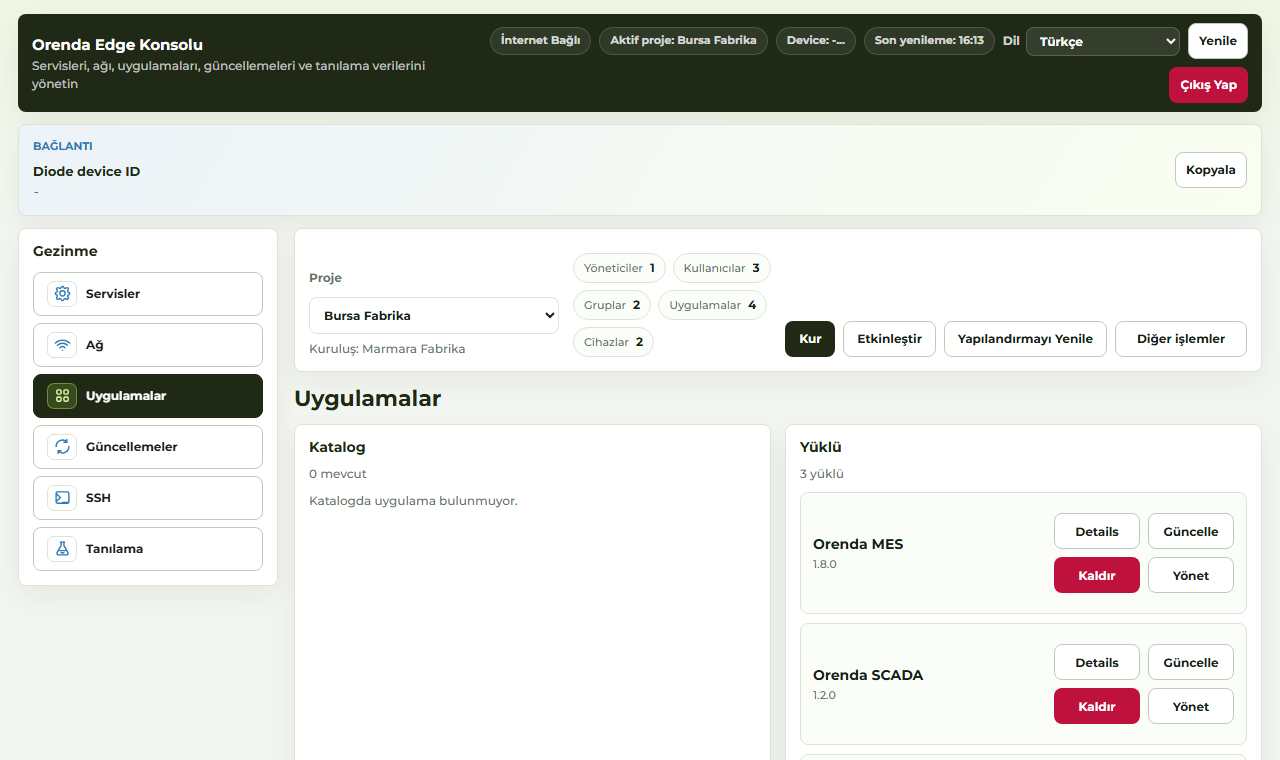
Check the agreed readings and application views with the technician at the customer site.
Review the fault and machine history before arranging a visit or preparing spare parts.
Use previous findings, manuals, and service records to continue the investigation.
For an existing service PC or application, Orenda Connect may be enough. Add Orenda Box when you also need PLC data collection and local applications. The customer approves which tools and people can connect.
The customer and service engineer can work from the same machine records.
People open the tools assigned to them, with permissions that can be removed.
Document the connections, owners, and service steps for the next installation.
Yes, where the machine has a compatible controller or service application and the site permits the connection. A retrofit begins with the cabinet, power, network, controller, and software already in place.
Available actions depend on the selected service software, machine design, and permissions. PLC and safety controls remain on the machine. Agree any process-affecting work with the customer and local operator.
Tell us which controller, service tools, and recurring support task you want to start with.
Plan a machine service demo