Which machine stopped?
Follow machine status and open the relevant operator or SCADA view.
See running and stopped machines, production counts, scrap, and OEE. Orenda MES runs on site, with authorized remote access for the team.
A machine counter tells you how many parts were made. A production record adds the product, order, shift, and reason for a stop. Orenda Box collects the configured PLC signals; Orenda MES turns them into a working view of the line. Operators add the information the machine cannot supply.
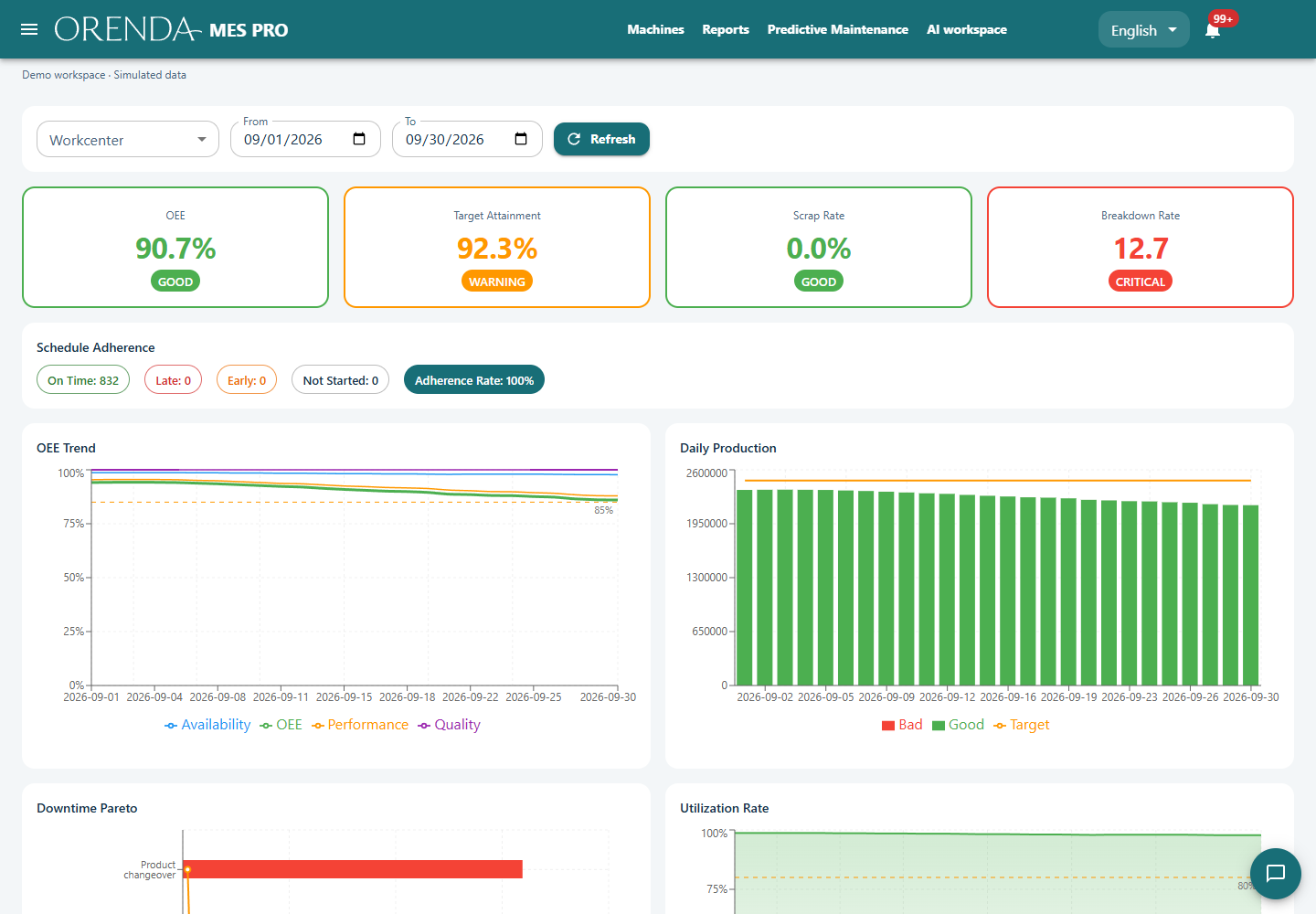
Follow machine status and open the relevant operator or SCADA view.
Look at stop duration and recorded reasons, then compare shifts or products.
Review total and good quantities alongside the time and cycle definitions used for OEE.
Choose one machine and define what running, stopped, and good production mean. Validate the PLC values against the operator’s view. Use the same definitions in the dashboard and report before comparing performance.
Keep collection and installed applications close to production.
Let authorized colleagues or service partners open the relevant application.
Use production records alongside measurements and machine manuals to investigate a change.
SCADA shows process values, trends, and alarms. MES organizes production execution: what was made, when, for which order, and with which losses. They can use the same machine signals for different jobs.
The Box’s local data collection and installed applications operate on site. Remote access and hosted AI analysis require connectivity. We test the installation’s restart, storage, and offline behavior during setup.
ERP integration is scoped against your system and workflow. Agree the identifiers, fields, direction of exchange, and failure handling before treating an interface as part of the installation.
Share the machine and PLC model, the production counts you already have, and the first question you want the report to answer.
Plan a production monitoring demo