Keep packaging quantity, format and loss in one record.

Sheets, blanks and packs should not become interchangeable numbers. Know what each job produced and where changeover time went.

What the production total leaves out

The order unit and machine counter may differ. A machine counts sheets while planning needs finished cartons and the next station counts packs. The selected count point and unit are therefore central to a useful MES record.

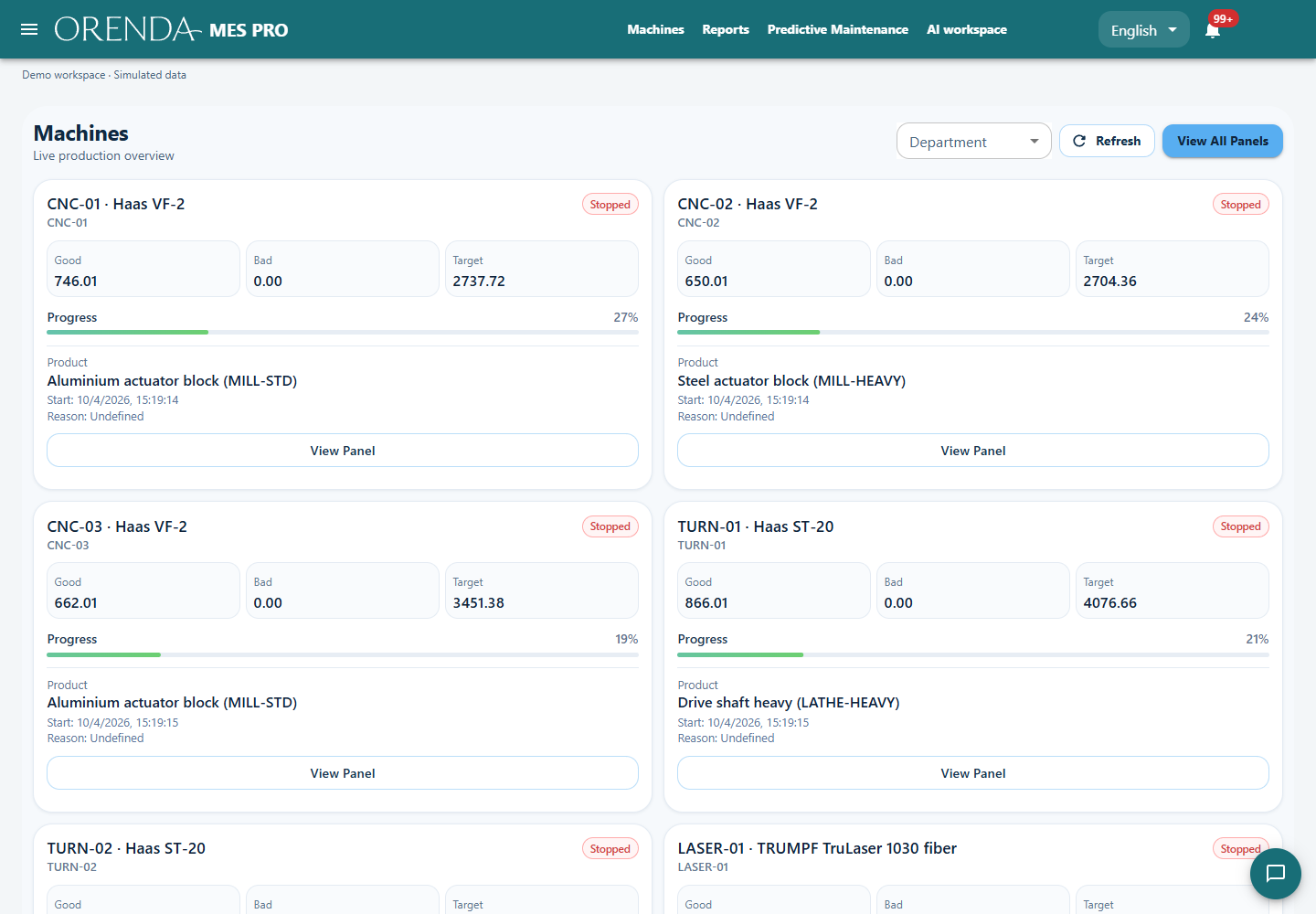
Actual Orenda application with simulated production data
Actual Orenda interface · Simulated data

Make the report and order use compatible units

If the number of pieces per sheet changes with the product design, a raw sheet count is not finished output. Keep the product, counter meaning and agreed conversion with the job. Record rejects at the stage where they are actually observed.

Planning and production can then explain a difference through the count point, conversion rule or rejected quantity. They do not need to argue over two totals that describe different stages of the line.

Make repeated short stops visible

A series of short interruptions can consume more time than one long fault. Reasons the operator can distinguish—feeding, adjustment, material and equipment—help reveal the cumulative loss.

Review format changes by product. Two changes to the same format often provide a more useful comparison than two whole shifts with a different product mix. A focused SCADA view can help investigate equipment states around repeated interruptions.

Illustrative example: the counter is right, the unit is wrong

A job records 5,000 sheets, with four packaging pieces planned per sheet.

Illustrative example: the counter is right, the unit is wrong
InformationHow to read it
5,000 sheetsThe quantity directly counted by the machine
Four pieces per sheetThe conversion for this product
Rejects after cuttingA separate record affecting accepted output

Multiplying 5,000 sheets by four gives 20,000 expected pieces. Check the actual pieces after cutting and the rejected quantity before reporting accepted output.

See the application with your team’s questions in mind.

Show us the report you use today and the part of production it does not explain. We can demonstrate the relevant screens and discuss the machine connections and modules for your setup.