A packaging line stops twice on the night shift. By the time maintenance reaches the pump, the pressure looks normal. The panel still does its job. What the technician needs is a pressure trend they can open when the operator calls.
What changes for the operator?
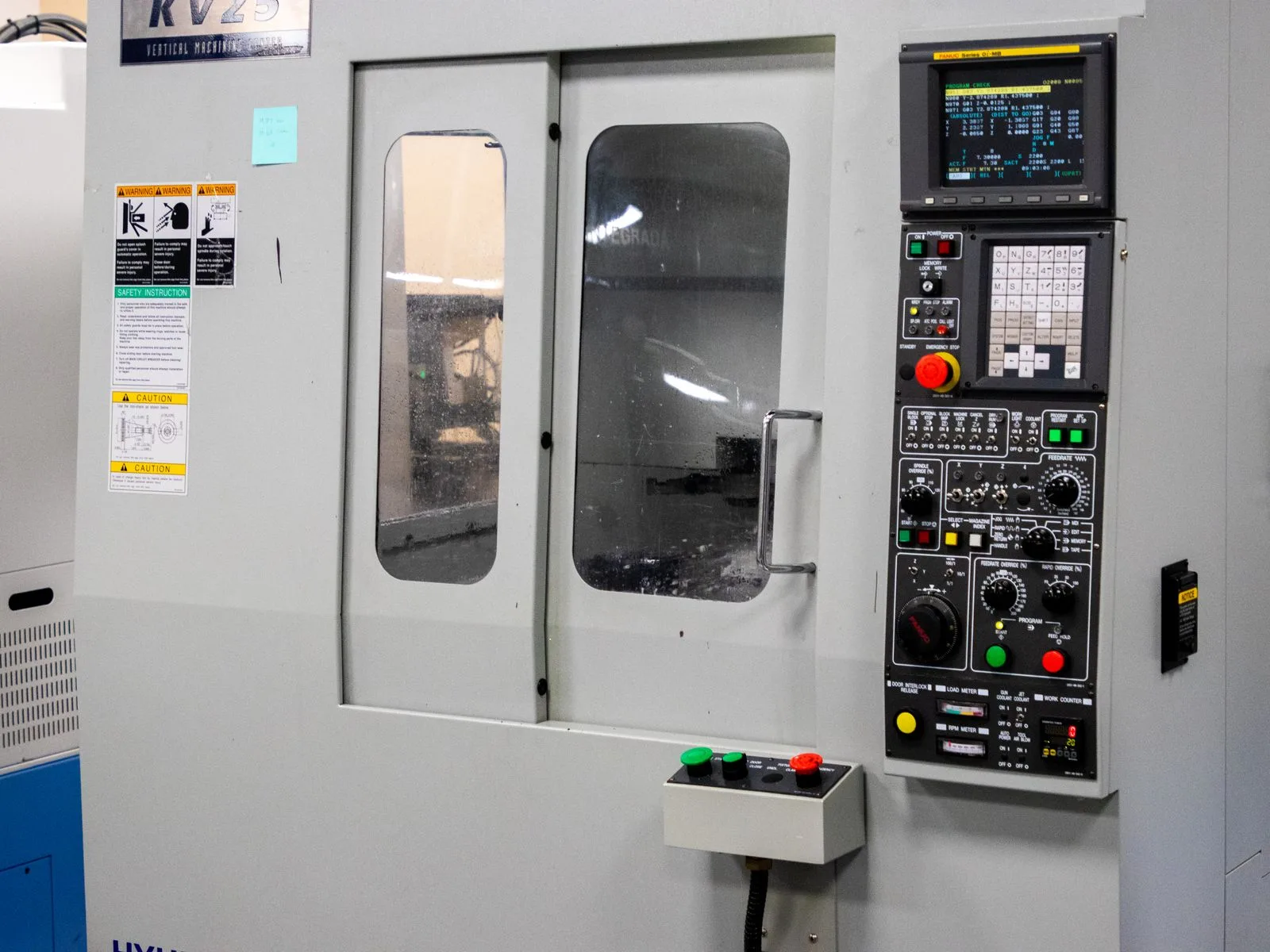
Ask the operator to show a routine task and a fault on the existing panel. If the panel is failing, check the project backup, the spare panel and how the line will restart after replacement. If the task is remote diagnosis, keep local operation in place and agree which readings the technician needs.
Try one pump before adding the whole line
Show the measured discharge pressure, its unit, the pump running feedback and the time of the reading. Agree how far back the technician needs to look before a stop. If you display the start command as well, give it a separate label. A command can be present while the pump is stationary.
On a compatible Orenda Box, SCADA Studio can show approved PLC readings in a browser and plot retained measurements. If the technician only needs an existing HMI application with a supported connection method, Orenda Connect can give them access to that resource without dedicated Orenda hardware.
Read one stop from the trend
Take an example from a commissioning exercise. At 02:14 the pump has running feedback and the discharge pressure reads 3.1 bar. At 02:15 the operator sees a stop. The remote screen still shows 3.1 bar, but the last sample is stamped 02:14. The technician has one observation from before the stop. They need a fresh reading or the local operator’s report before drawing a conclusion about pressure at 02:15.
Before the pilot, have the technician mark the shortest event they need to see. A ten-second dip can fall entirely between two readings taken a minute apart. More screen refreshes will display the same two samples. Check the collection interval at the source and how long the Box retains the history. Then replay a known event and ask a colleague on the next shift to find it without being told the time.
A second screen is a sensible first purchase when the operator can still run the machine and maintenance needs this history. Price panel replacement separately if the original display is failing or nobody can restore its project. Bring the controller model, the panel project backup if available, and an example stop to the PLC compatibility review. That gives the integrator a concrete job to quote.
What should the handover prove?
On the test setup, interrupt the measurement feed. Both people should see that the reading is unavailable. Restore it and compare the new timestamp with the local panel. Ask the technician to find the pressure drop using a viewing account. Record the screen version, tag names and result. Add a second pump when someone can name the decision that comparing them will support.
In one Orenda bench test on a CP3B Box, we stopped the SCADA app for 12 seconds. The physical HDMI screen showed unavailable measurements and an unknown equipment state. Live values returned after the app restarted. Repeat the check on the customer’s hardware with the tags and screen version they will use.
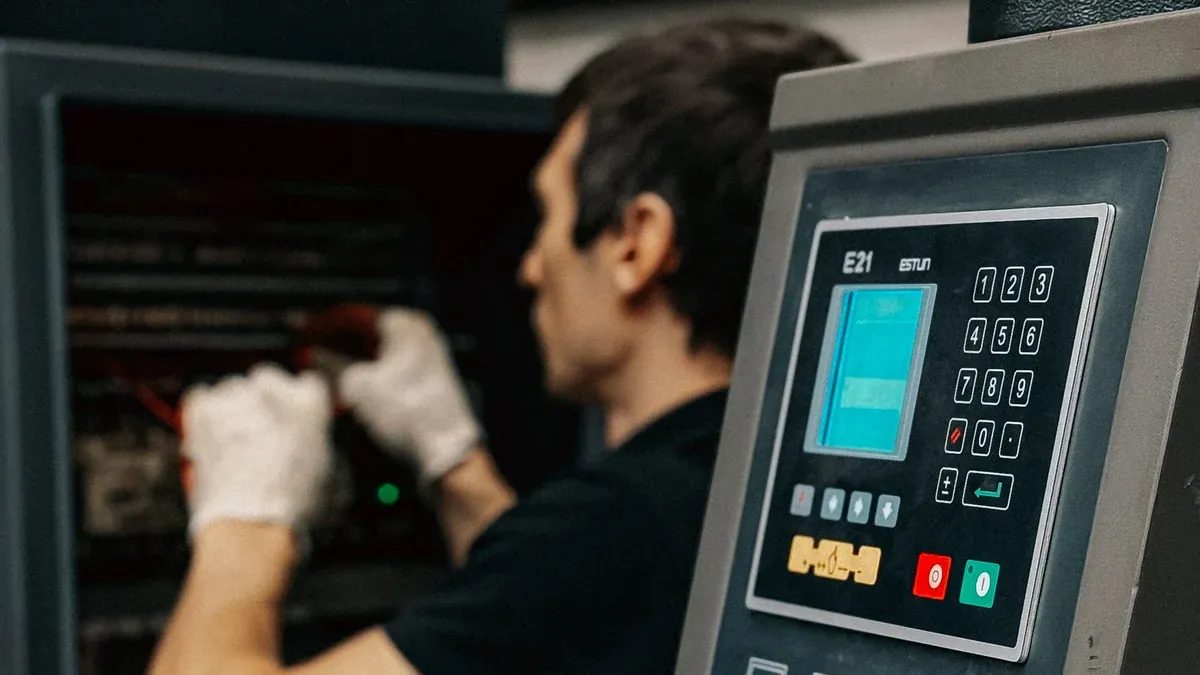
Photo by 1 Bulat843.