A weekly report says scrap improved. A second report says it increased. Before discussing the cause, check whether both reports cover the same products, quantities, and time boundaries.
A production report is a defined calculation over selected records. The label alone does not tell you what was measured.
1. Define the time boundary
Write the start, end, and plant time zone. Decide how shifts that cross midnight belong to the report.
Check how the system handles a stop that starts before the reporting period. Only the relevant part of the stop should enter that period’s duration.
Keep the same rule when comparing weeks. A daylight-saving change or a different shift selection can alter the available hours.
2. Check the quantity unit
Parts, cycles, kilograms, and batches are different measures. A count of 100 means little until the unit is known.
Confirm the product and count point. A machine cycle may produce several parts. A packing count may differ from a machine output count.
Do not add quantities with different units into a single production total. Group compatible records or use a defined conversion.
3. Separate downtime categories
Review the recorded stop reasons. Confirm which periods belong to planned production time and which are excluded.
Keep unknown reasons visible. Relabeling every unexplained stop as a machine fault gives the report a stronger conclusion than the records support.
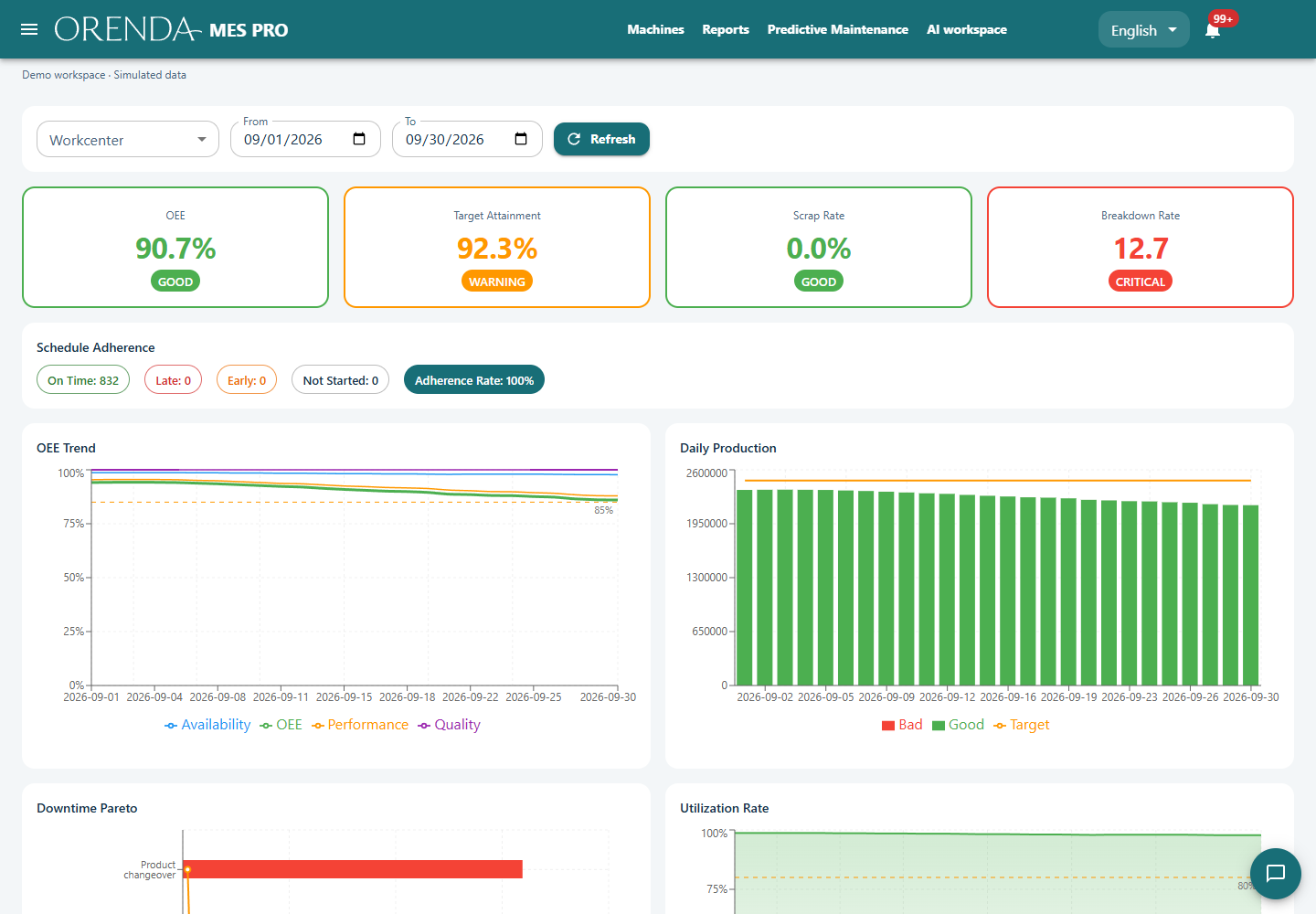
When reviewing OEE, keep the time and count definitions with the calculation. The OEE guide and calculator show how the three factors use those inputs.
4. Build totals from the underlying counts
Consider this illustrative example. Both runs count parts using the same rule.
| Run | Total parts | Scrap parts | Scrap rate |
|---|---|---|---|
| A | 100 | 5 | 5% |
| B | 900 | 9 | 1% |
| Combined | 1,000 | 14 | 1.4% |
The simple average of 5% and 1% is 3%. It is not the combined scrap rate. The larger run made nine times as many parts.
For this measure, add scrap parts and total parts first. Then divide 14 by 1,000. Apply the rule that belongs to each metric; do not assume every percentage uses the same weighting.
5. Keep the evidence with the explanation
A reviewer should be able to identify the scope, source records, and calculation. If the report says a loss changed, make the supporting period easy to inspect.
Use AI to investigate a specific question after these checks. For example: “Which recorded stop reasons contributed most to this week’s lost production time?”
Review the sources behind the answer. A missing reason is a data gap. A recorded association is a starting point for investigation, not proof of a physical cause.
How this fits Orenda Reports
Orenda MES brings standard reports, Analytics PRO, and AI reports into one workspace. Standard reports and Analytics share the owner calculations. The team can compare periods and open underlying records.
Completed AI reports can be exported as PDF and Excel. Analytics can export retained evidence to Excel. Keep the exported scope with the file when sharing it.
Use the production reporting solution to plan the report. If the inputs are incomplete, start with production monitoring and agree how the shop floor records them.