A PLC connection can return a number without returning the number your team needs. The address may be valid but belong to another register. The displayed value may use the wrong unit.
Check the meaning of the data before using it in a dashboard. The following checklist helps an automation team prepare a small, reviewable tag list.
Start with the operational question
Choose the task first. Production monitoring may need machine state, total count, and good count. A maintenance question may need a temperature and the operating state at that time.
Do not collect every available tag by default. Record why each selected value is needed and which application will use it.
Prepare a tag record
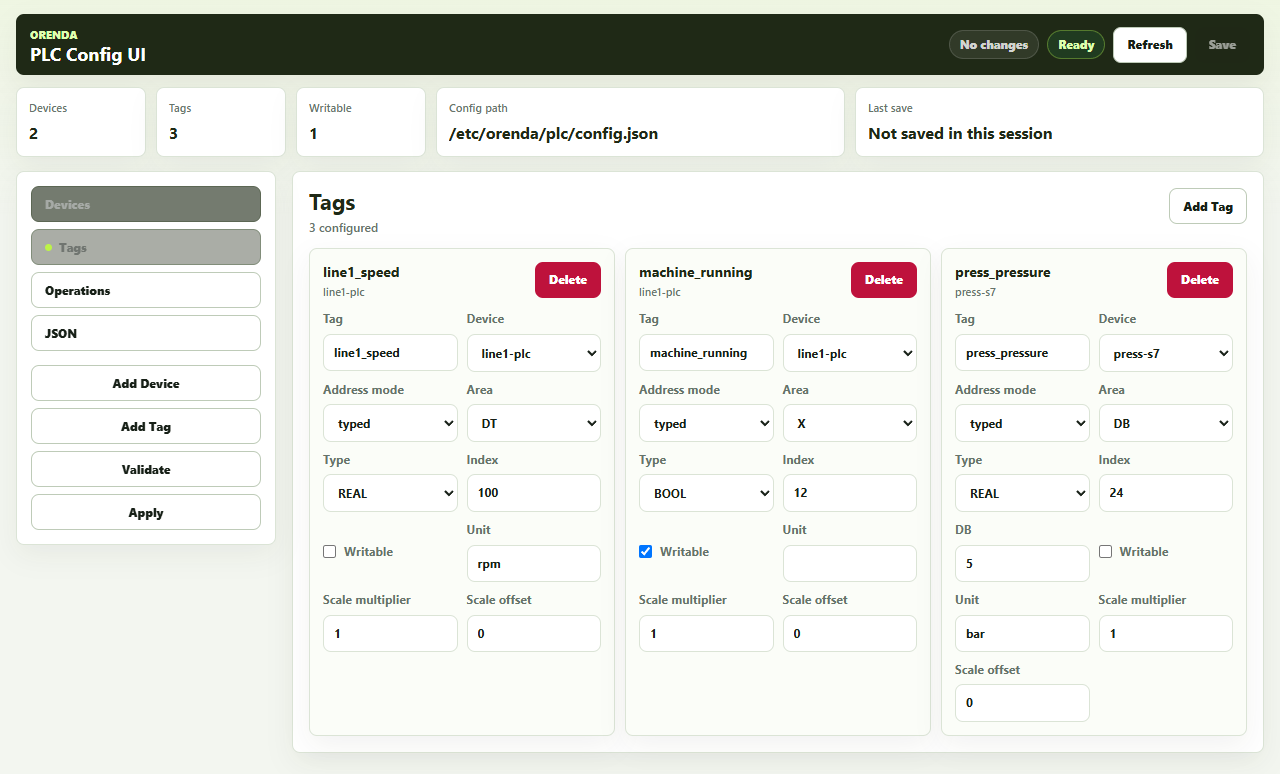
Use a record like this for each value. The example is illustrative; it is not a PLC configuration to copy.
| Field | Example | What to confirm |
|---|---|---|
| Machine | Press 01 | Stable machine identifier |
| Tag | Motor temperature | Exact source address |
| Data type | Numeric measurement | Controller type and word order |
| Unit | °C | Scaling and expected range |
| Reading interval | Defined during setup | Required response and controller load |
| Context | Running or stopped | Meaning of the machine state |
| History | Required for comparisons | Retention and available storage |
Keep an address-map reference with the record. If the PLC program changes, review whether the meaning of the tag also changed.
Check counters separately from measurements
A temperature is a measurement at a point in time. A part counter records accumulated events under a particular reset rule.
Determine when the counter resets. It may reset at a new order, a shift change, or a power cycle. Confirm how the consuming application calculates output across that event.
Also check the count point. A machine may count cycles while the production order counts parts. A multi-cavity mold can make those quantities different.
Compare with a known production period
Choose a short run with a known product and a reliable local record. Compare machine states, counts, and selected measurements.
Ask the operator to identify where the machine started, stopped, and changed state. Check those events against the collected record. Keep the differences visible until the mapping is corrected.
Test unavailable data and recovery
Confirm what the application shows when the connection fails. A last known value should not appear to be a fresh reading.
Review the source timestamp and the time zone used for reports. Test restart and reconnection under an agreed commissioning plan. Check for duplicated counts, missing intervals, and an unexpected counter reset.
The test should leave a small acceptance record: what was checked, what matched, and what still needs work.
Use the same definitions across applications
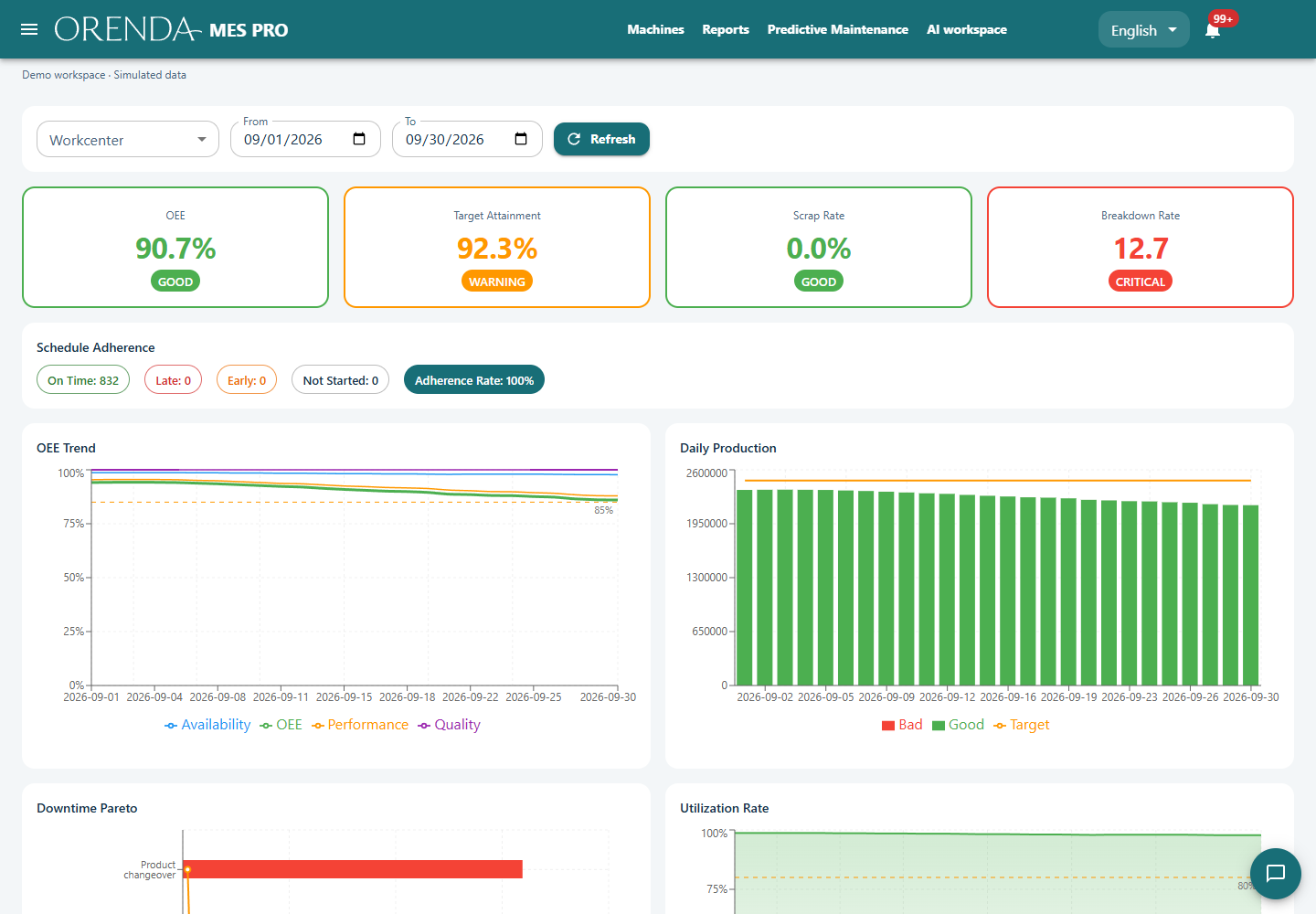
In Orenda, the Box collector supplies configured values to permitted applications. MES adds production context. SCADA presents the process view. Reports use the recorded scope and calculations.
Keep the same machine identifiers and units across these uses. A clear definition at collection time reduces later disagreements about the chart.
Start with PLC data collection. Then use the verified signals in production monitoring or SCADA screens.