A maintenance pilot needs a question that the team already recognizes. “Why has this bearing temperature changed during the same product run?” is a useful starting point. It identifies a machine, a measurement, and a comparison.
The pilot should make the next maintenance decision easier to review. Define that decision before selecting signals or uploading documents.
1. Choose one machine and one question
Name the machine and the person who will review the result. Record the recurring symptom and the operating period you want to examine.
Keep the first question narrow. A change in one machine is easier to investigate than a request to explain every loss across the factory.
2. Check what each signal means
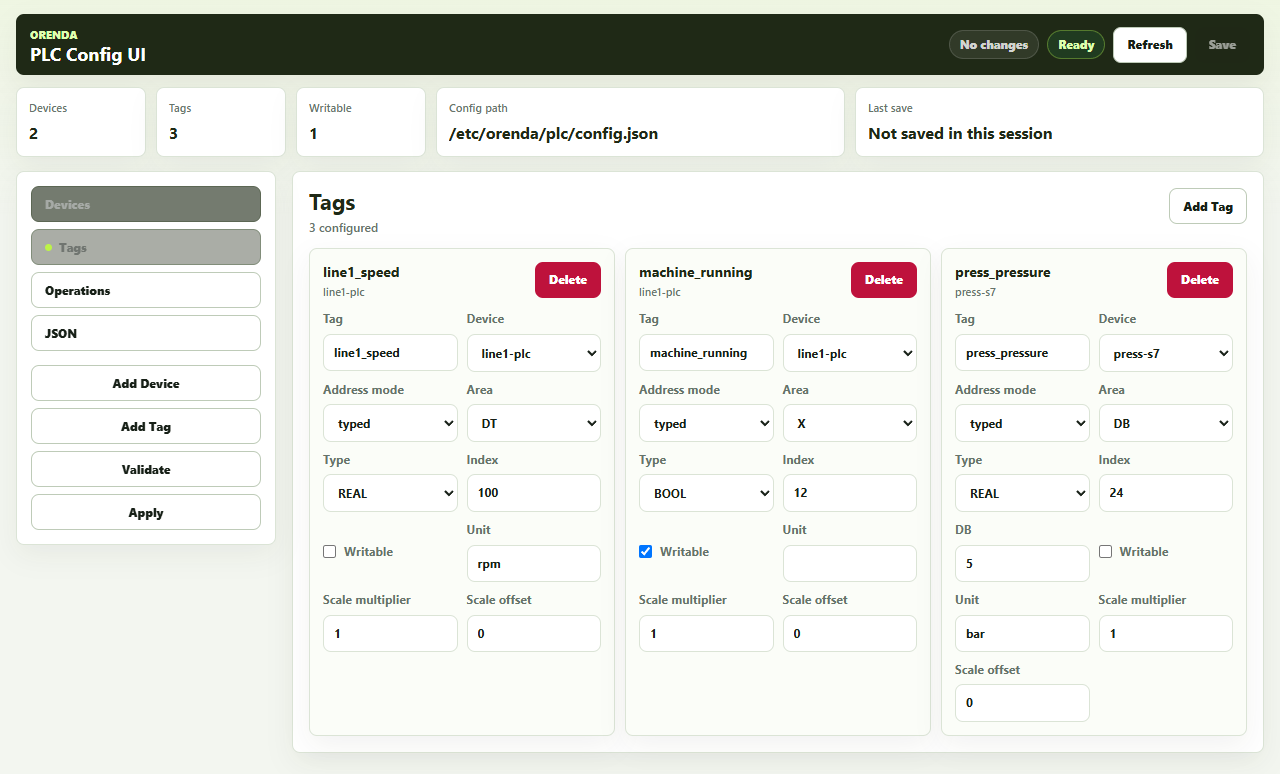
For each selected signal, record the unit, source, reading interval, and machine state. Check whether a recent sensor or scaling change affects the values.
Compare a current reading with the local display. Identify gaps in the historical record. A value that stopped updating must not look like a stable machine.
Use the PLC data collection checklist to prepare the first tag list.
3. Select comparable operating periods
Compare the same product or recipe where possible. Check load, speed, and operating state. Record changeovers and maintenance interventions.
A heavier product may increase current during normal operation. Mixing that run with a lighter product can hide the meaning of the change.
Keep a stable comparison machine or period when one is available. Use it to test whether the review distinguishes an unusual change from normal variation.
4. Add service records and the correct manual
Prepare the retained repair history, inspection notes, and relevant manual edition. Link each document to the correct machine.
Record the date of a replacement or calibration. Measurements before and after that event may belong to different comparison periods.
In Orenda, original documents are prepared and indexed on the Box. Hosted analysis can use selected authorized excerpts and measurements. Confirm the permitted sources before starting the investigation.
5. Agree what the team will review
Use this acceptance table during the pilot. It is a review aid, not a claimed customer result.
| Check | Evidence to retain |
|---|---|
| The machine and period are correct | Selected scope and operating context |
| The measurement has a clear meaning | Unit, source, timestamp, and data gaps |
| The finding can be inspected | Linked record or document passage |
| The next check is practical | Reviewed task and responsible person |
| The follow-up is recorded | Technician observation and later comparison |
A useful finding may identify missing information. Record the next data or inspection task instead of treating an incomplete result as a completed diagnosis.
6. Follow the case after the first report
Review the proposed check with the maintenance team. Use the installed maintenance workflow to record the agreed work. After completion, examine a suitable operating period.
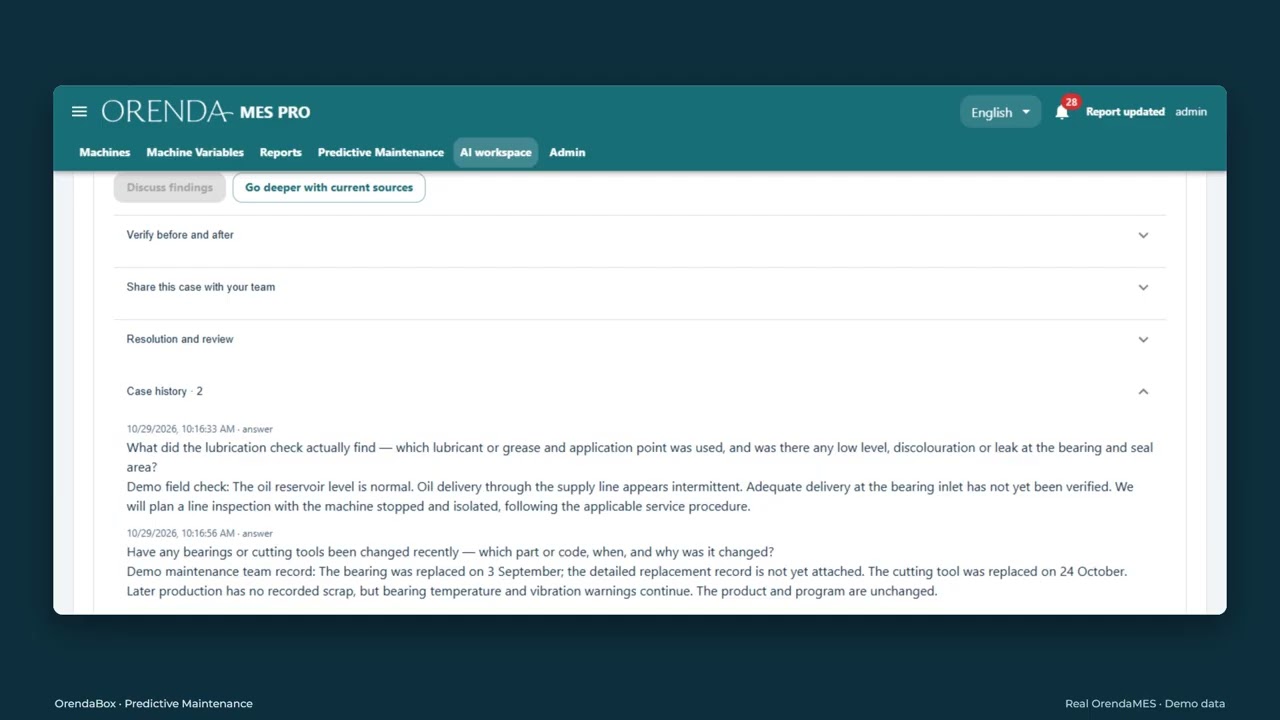
Keep the earlier finding, the work record, and the later result together. This gives the next engineer a clear starting point.
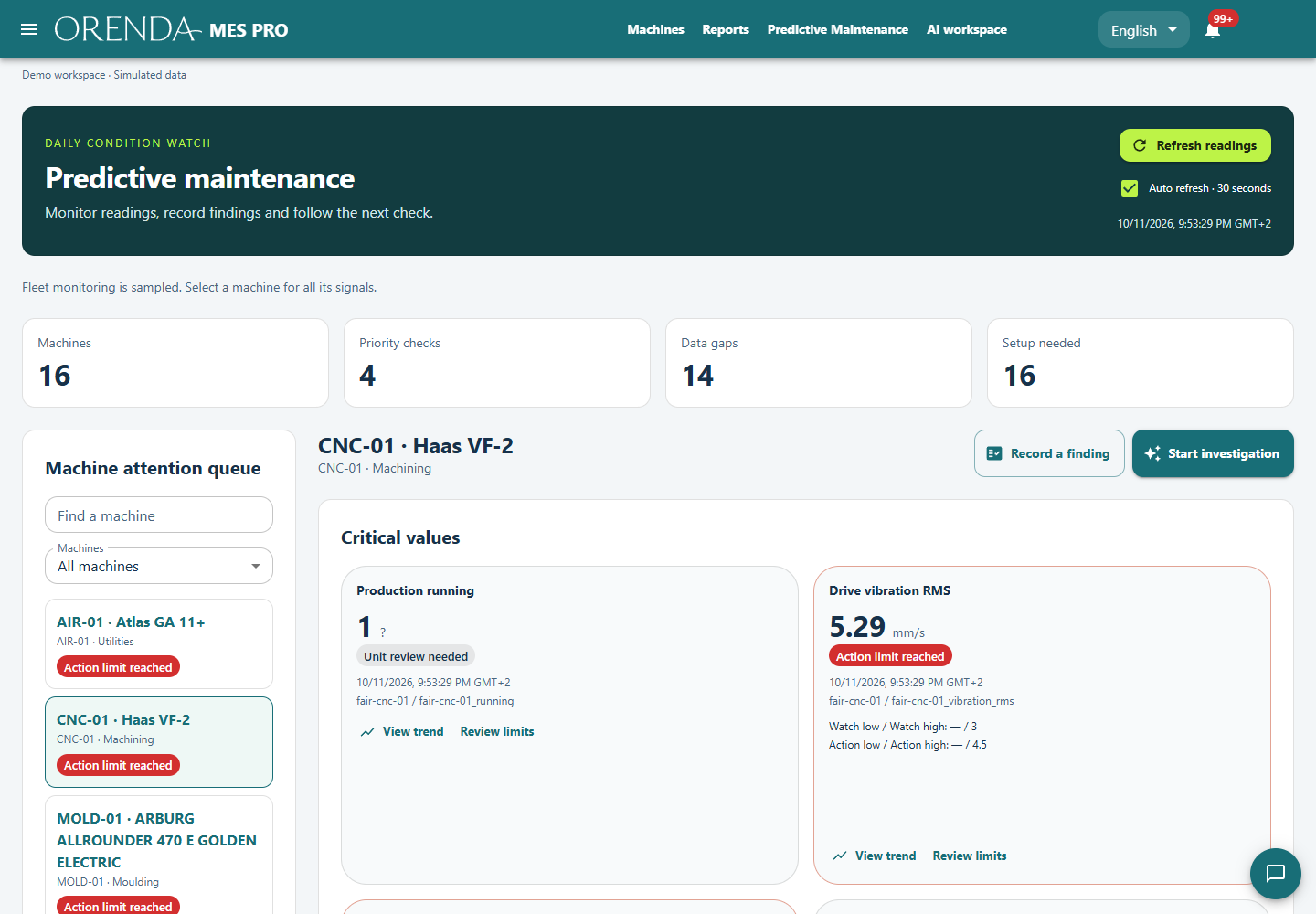
The Orenda Predictive Maintenance demo shows the workspace with demo data. Use it to discuss the workflow. Validate the result separately on your machine and records.
What to bring to the first discussion
Bring the machine identifier, a signal list, a recurring question, and a known production period. Add the manual and the service records you have.
Agree the pilot scope through the Predictive Maintenance solution. Use maintenance management for schedules, work orders, and the completed work.