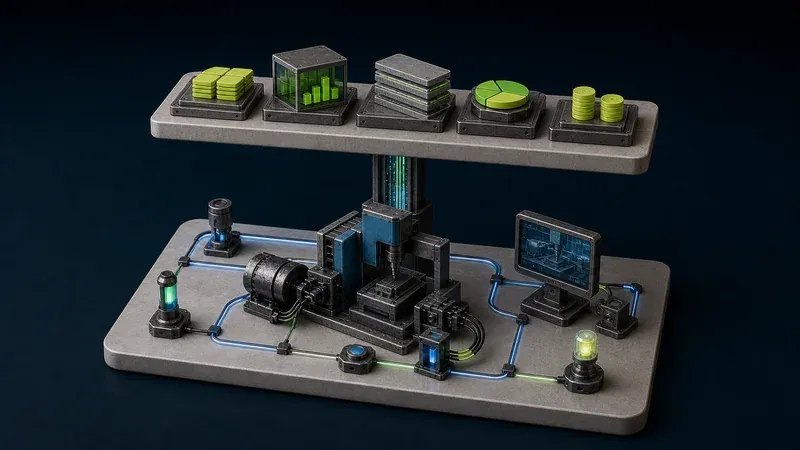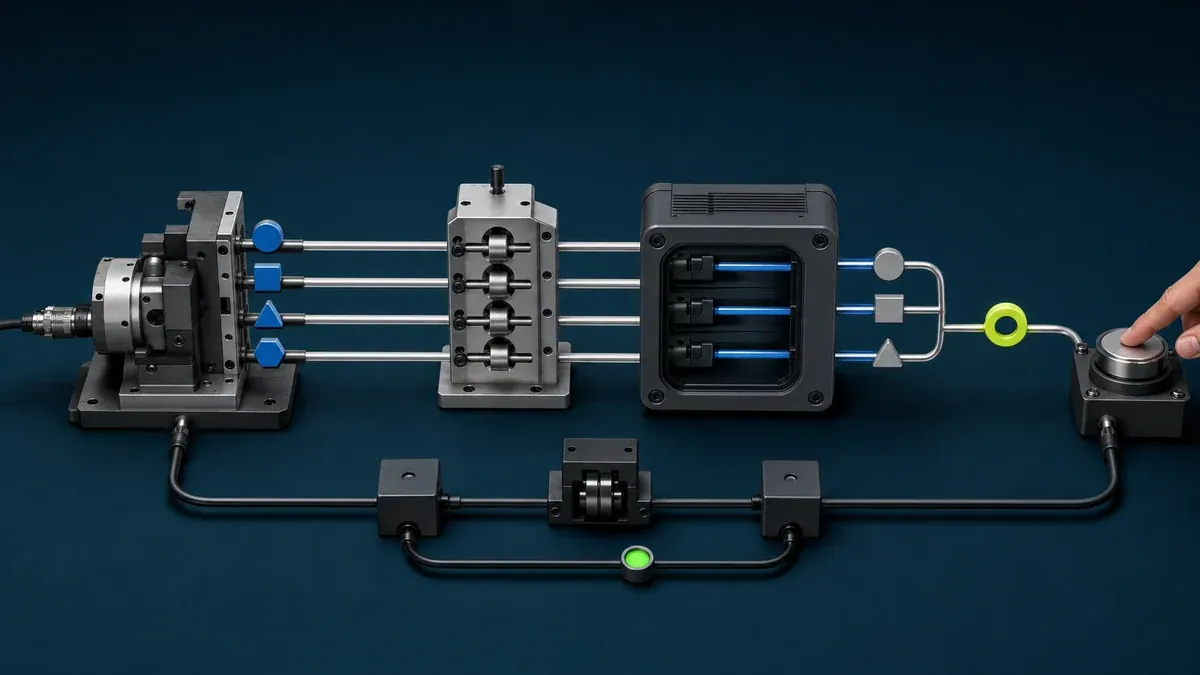
An edge MES runs selected manufacturing-execution functions and production data close to the machine or line. The goal is not to move every enterprise workflow into a small computer. It is to keep the functions that need local data, local availability, or a clear site boundary near production while preserving deliberate integration with central systems.
The PLC still controls the machine. An edge MES may add work context, production records, downtime, quality, OEE, operator workflows, reports, or approved remote visibility, but those responsibilities need their own data contract, lifecycle, security, backup, and recovery plan.
What is an edge MES?
“Edge MES” describes where selected MES functions execute, not a separate standards-defined class of manufacturing software. The ISA-95 framework defines manufacturing-operations responsibilities and the information exchanged with enterprise and control functions. It does not require every responsibility to run in one central server or prescribe one physical deployment pattern.
Similarly, the NIST fog computing conceptual model describes distributed computing resources between smart end devices and centralized services. That helps explain why applications or data processing may be placed closer to a source, but it does not turn every on-site computer into an MES.
An edge deployment is credible only if it still performs a defined manufacturing-execution job. Installing a database beside a PLC, mirroring tags to a dashboard, or calling a gateway “MES-ready” does not create order, product, material, quality, downtime, or resource context by itself.
When does running MES at the edge help?
Start with a production requirement rather than an architecture preference. Edge placement can make sense when one or more of these conditions are real:
- operators need a local workflow even when a remote service is unavailable
- selected production records must remain available at the site
- machine events need local timestamping, buffering, validation, or context before another system uses them
- a line or machine needs a bounded MES function without a plant-wide rollout
- a machine builder wants a repeatable on-machine application package, subject to each customer site’s authority and compatibility
- the site wants local MES or SCADA views while granting approved teams remote access only to the required resource
These are reasons to investigate, not automatic benefits. A local application can still fail because its storage fills, a clock drifts, a certificate expires, an operating system is not maintained, a dependency requires internet access, or nobody owns recovery.
A central MES may be simpler when connectivity is dependable, the workflow is consistent across sites, the organization wants one governed source of truth, and local continuity or data-boundary requirements do not justify another application lifecycle. Many useful designs are hybrid: local execution and buffering at the site, with selected records synchronized to a central MES, ERP, historian, or reporting service.
Which responsibility belongs in which layer?
Use functional ownership rather than vendor labels.
| Layer | Primary responsibility | Examples | Boundary to preserve |
|---|---|---|---|
| PLC, DCS, or machine controller | Deterministic machine and process control | sequences, interlocks, motion, device logic | MES failure must not silently take away required local control or safety |
| HMI or SCADA | Supervisory visibility and permitted interaction | current states, alarms, trends, operator views | supervisory access is not the same as production-record ownership |
| Edge MES | Local manufacturing execution and context | order or product context, counts, downtime, quality, OEE, local reports, selected workflows | workflow software must not be treated as a safety controller |
| Central MES, ERP, or analytics | Cross-line or cross-site planning, governance, aggregation, and enterprise integration | schedules, master data, consolidated performance, business records | synchronization rules and system-of-record ownership must be explicit |
The actual product boundary varies. Some SCADA packages include production modules, some MES products show live values, and some edge platforms host both. The MES vs SCADA guide explains why overlapping features do not remove the need for clear responsibilities.
What data does an edge MES need?
An edge MES needs more than raw PLC tags. NIST AMS 300-11 recommends defining the manufacturing-data use case and requirements before choosing devices and infrastructure. Apply that discipline to each local workflow.
| Data group | Typical source | Why MES needs it | Common failure |
|---|---|---|---|
| Equipment identity | machine record, configuration, or controlled master data | assigns events to the correct machine, line, and revision | data is attached to a friendly name that changes |
| State and mode | PLC, controller, HMI, or validated signal model | distinguishes running, stopped, setup, faulted, manual, automatic, and unknown | communication loss is reported as a real machine state |
| Counts and events | PLC, sensor, controller, or production application | records produced quantity, cycles, stops, and transitions | counter resets, duplicate pulses, or late events are not handled |
| Production context | order, product, recipe, shift, or operator workflow | explains which work the machine was performing | current tags are combined with the wrong order or product |
| Quality context | inspection, operator entry, quality system, or validated machine result | separates produced, good, rejected, and reworked output | good quantity is inferred when the source cannot supply it |
| Time and data quality | synchronized clocks, source status, timestamp, unit, scaling, freshness | makes events comparable and exposes uncertainty | dashboards show stale or badly scaled values as current |
Keep an explicit unknown state. A missing connection is not proof that a machine is stopped, and a frozen counter is not proof that production stopped. Store enough provenance to answer which source produced a value, when it was observed, which unit and scaling apply, and whether its quality was good.
How does an edge MES calculate OEE?
The arithmetic is short; the context is distributed. OEE combines Availability, Performance or Effectiveness, and Quality. Machine states and counters can supply part of the calculation, but the planned production window, product-specific planned rate, work order, and good-quantity rule may come from MES, ERP, quality, or an operator workflow.
The OPC Foundation’s ISO 22400-based OEE example makes that split explicit: planned busy time and planned run time per item usually come from MES or ERP rather than from the machine. Its quality calculation also needs good quantity, which a lifetime production counter may not provide.
That is why an edge MES should join selected machine evidence with controlled production context instead of inventing a complete KPI from a run bit and one counter. Use the OEE formula and worked example to define the measurement contract before automating it.
What should happen when connectivity fails?
“Runs locally” is not a complete offline strategy. Define and test:
- Startup: Can the edge application start after a power cycle without reaching a remote identity, license, DNS, or package service?
- Local operation: Which operator, data-collection, reporting, and supervisory functions remain available?
- Buffering: Which records are queued, in what order, for how long, and what happens when storage reaches its limit?
- Time: Which clock is authoritative, how is drift detected, and how are timestamps handled after reconnect?
- Synchronization: How are duplicates, late events, rejected records, changed master data, and conflicting edits resolved?
- Visibility: How does the local team know that central synchronization or remote access is unavailable without confusing that condition with machine downtime?
- Recovery: Who restores the application, data, configuration, certificates, and backups, and how is the result verified?
Test network loss, power loss, an application restart, full or nearly full storage, and delayed synchronization in a representative environment. The required behavior depends on the workflow; a local status screen and a regulated production record do not have the same recovery obligations.
How should security shape the design?
An edge MES sits close to operational systems and often bridges several responsibilities. The NIST Guide to OT Security stresses that OT safeguards must respect performance, reliability, and safety needs. Apply those constraints to the local computer and every connection around it.
Document:
- the exact PLC, HMI, MES, ERP, identity, update, backup, and remote-access flows
- which side initiates each connection and which ports or protocols are required
- separate identities and permissions for operators, maintainers, administrators, and remote support
- how access is removed and how credentials or certificates are renewed
- operating-system and application patch ownership
- protected configuration and backups
- log retention and time synchronization
- behavior when identity, DNS, internet, or central services are unavailable
- the local procedure for higher-consequence changes
Remote monitoring, resource access, and remote control are separate decisions. A user who needs one MES report should not automatically receive a route to a control subnet. A support engineer who can open an engineering workstation still needs customer authorization and change control before altering a machine.
What should you evaluate in an industrial edge computer?
Size the platform from the actual deployment:
- controller interfaces and verified protocol compatibility
- data rate, event bursts, history, retention, and storage endurance
- MES, SCADA, database, integration, and support application workloads
- cabinet, mounting, power, temperature, contamination, vibration, and electromagnetic requirements
- operating-system, application, driver, and dependency lifecycle
- backup, restore, replacement, and configuration recovery
- local display or operator-access needs
- network segmentation, identity, certificate, update, and observability requirements
- offline operation and the largest acceptable data gap
“Industrial,” “edge,” and “MES-ready” are not substitutes for verified evidence. The industrial edge box comparison provides a role-based hardware checklist.
How should an edge MES pilot be run?
A useful pilot is narrow enough to verify.
- Choose one machine, line, or manufacturing question.
- Name the local workflow and what must still work if central connectivity is lost.
- Define the minimum machine signals, production context, states, timestamps, units, and data-quality rules.
- Confirm the controller, protocol, network, cabinet, power, environment, and application compatibility.
- Build one local screen, record, report, or OEE workflow that answers the chosen question.
- Compare digital events and counts with actual production records and operator observations.
- Test power loss, network loss, application restart, storage limits, backup, restore, and synchronization.
- Test one approved remote-support task and prove that unrelated resources are not reachable.
- Assign owners for configuration, master data, access, updates, backup, recovery, and data review.
- Decide whether to expand, revise, or stop based on documented acceptance criteria.
Do not judge success by whether a dashboard loaded. Judge whether the record is credible, the local workflow survives its required failure modes, the access boundary behaves as designed, and the responsible team can recover it.
Where does Orenda Box fit?
Orenda Box is an industrial edge computer that reads configured PLC and machine data and runs approved local applications, including Orenda MES and Orenda SCADA. A project can use it for selected production context, status, downtime, OEE, alarms, trends, reports, diagnostics, and approved remote visibility, depending on the validated controller, data, application, and site setup.
Orenda Box does not make every controller compatible, repair poor signal definitions, create missing quality or order context, or replace the PLC and safety system. It also does not remove the need to size storage and workloads, validate the site environment, document offline behavior, manage updates and backups, or assign operating owners.
A practical first step is one machine, a small decision-useful data set, one local MES or SCADA view, and one approved support workflow. The product decision module below distinguishes the machine-side role of Orenda Box from the resource-access role of Orenda Connect.
What is the final takeaway?
Edge MES is useful when selected manufacturing-execution functions genuinely need to run close to production. Its value comes from a well-defined local workflow and trustworthy production context, not from moving software onto a smaller computer.
Keep PLC and safety control in the engineered control layer. Define what runs locally, what remains central, how data synchronizes, what works offline, who owns the lifecycle, and how recovery is proven. Then pilot one bounded use case before turning a local solution into a site or fleet standard.