Secure remote access without a VPN lets an authorized person reach a particular application or service without joining its whole network. With Orenda Connect, users reach approved resources through encrypted connections over the decentralized Diode network. The target application does not need a public inbound port. The computers still need an internet connection and a supported Orenda installation.
This guide covers internal web applications, servers and remote desktops across offices, schools, shops and other organizations. For production equipment and engineering tools, use the separate OT VPN, jump server and ZTNA comparison.
How can remote access work without port forwarding?
A port-forwarding rule sends traffic arriving at a public router address to a service inside the network. An alternative is to run an access service on a supported computer that can reach the target. The remote user’s access client establishes an authorized connection through that service instead of connecting to a publicly exposed target port.
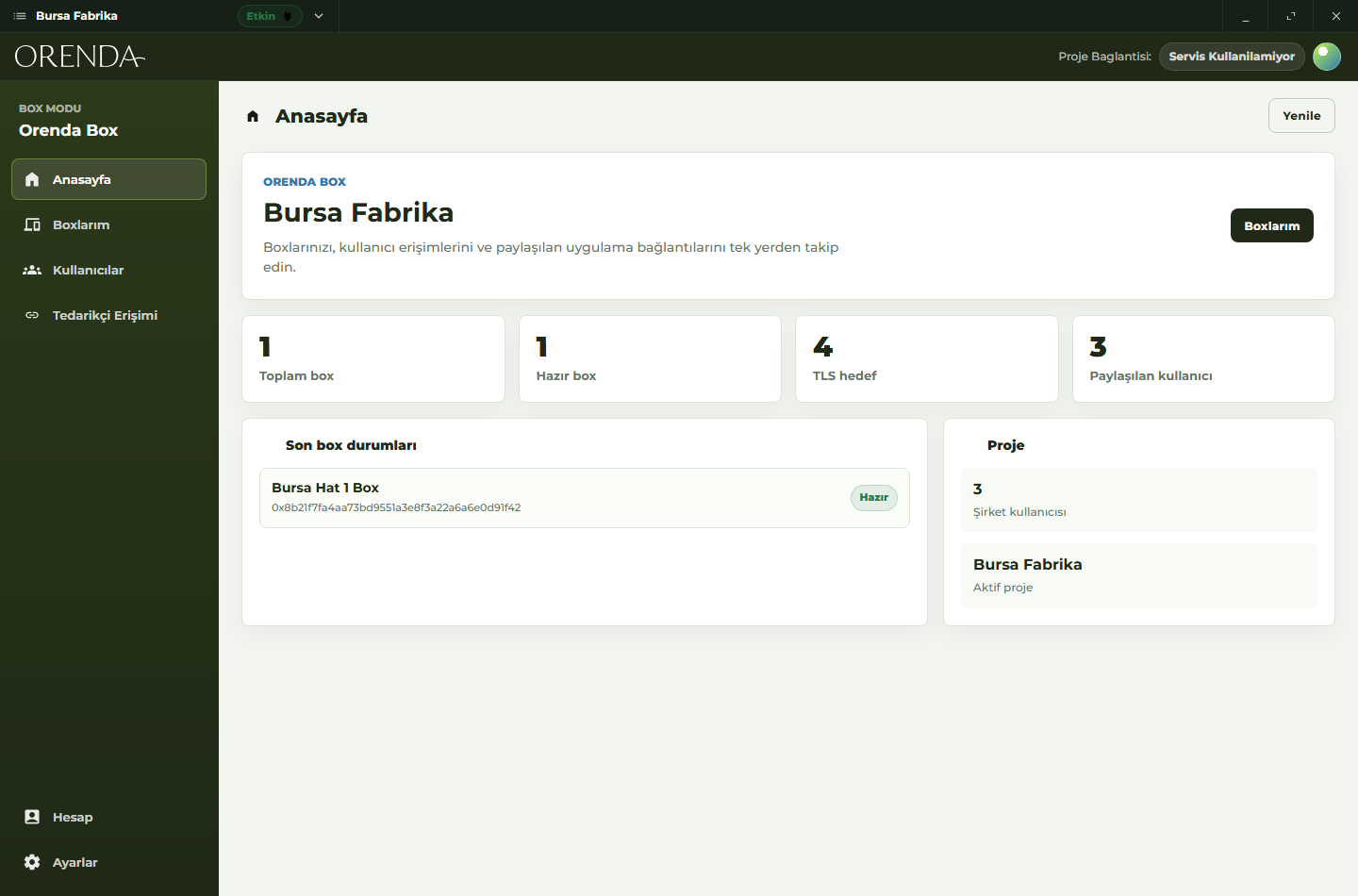
In Orenda, OrendaService provides this connection on the target computer or another supported host with a permitted local path to the application. Orenda Connect lets the user open the resources assigned to them. Organization permissions determine who can connect. Installing Orenda does not automatically remove old port-forwarding rules or other public access paths; review those separately when moving a service to private access.
No public inbound port does not mean no network configuration. The host must be able to reach the Diode network, the local application must be reachable from that host, and the selected transport must work with the organization’s firewall and proxy rules.
Which applications can you reach?
Choose the actual application and protocol before choosing an access method. The following are example deployment tasks, not customer case studies or a promise that every application is compatible.
| Target | Example task | What to check before rollout |
|---|---|---|
| Internal web application | Open a retail management panel or warehouse dashboard | Web protocol, application login, redirects and required companion services |
| RDP host | Use a school laboratory workstation or an office PC | Supported host OS, remote desktop client, user account and session permissions |
| SSH service | Administer a development or test server | SSH client, server keys, user account and allowed commands |
| Internal server application | Give an authorized healthcare IT team access to a maintenance interface | Data access permissions, application requirements and organizational approval |
| Machine-side application | Open an approved service tool or SCADA view | Protocol support, local network rules and the site’s operating procedure |
Remote connectivity does not replace the application’s own login. For example, reaching an SSH server through Connect does not grant a shell account. Similarly, an RDP connection still depends on the host’s remote desktop settings and user permissions.
What changes compared with a VPN?
A VPN provides a network path; routing and firewall rules determine its scope. Orenda Connect organizes access around named applications and services. That is useful when a person needs a specific resource rather than general access to a subnet.
| Decision | Managed VPN | Orenda Connect |
|---|---|---|
| Access scope | Destinations permitted by routes and network rules | Applications and services assigned to users or groups |
| Setup | VPN endpoints, client configuration and network policy | Supported Orenda hosts, resource definitions and organization permissions |
| Existing hardware | Depends on the VPN deployment | Dedicated OrendaBox hardware is not required |
| Specialized tooling | Test required routes, discovery and protocols | Test each protocol and target; broadcast discovery is not implied |
| Application security | Application authentication and endpoint controls still apply | Application authentication and endpoint controls still apply |
Neither label establishes that a deployment is secure. NIST’s zero trust architecture focuses on users and resources instead of treating network location as sufficient trust. Use that principle to review authorization; it is not a product certification.
What do you install, and do you need an OrendaBox?
Use Orenda Connect on a supported user device and configure OrendaService on a supported host that can reach the intended application. Create or join the organization project, add the resource, invite the user and assign permission. Test the connection with an ordinary user account before expanding access.
OrendaBox is optional for remote access to existing systems. Add it when you need an industrial computer to collect data or run applications locally. App Market provides applications for compatible Boxes, with installation permissions approved by the Box administrator. It is separate from connecting to an application you already run on a server.
What should the first deployment prove?
Start with one application and two test users: one with permission and one without it.
- Confirm the authorized user can open the application and complete the intended task.
- Confirm the other user cannot connect to that resource.
- Remove permission and check the resulting access behavior, including an existing connection.
- Test reconnecting after the host or network connection restarts.
- Check that unrelated services are not exposed by the access setup.
- Review any old public endpoints and close the ones no longer required.
For outside support, a partner link can provide access to a selected application with optional expiry and revocation. Treat the link as an access credential: someone who has it may be able to open that application. Keep the organization’s approval process and application permissions in place.
The security architecture explains device identities, signed APIs and encrypted connections. Use Connect pricing to estimate resource and user capacity, or discuss one application with Orenda to plan the first setup.