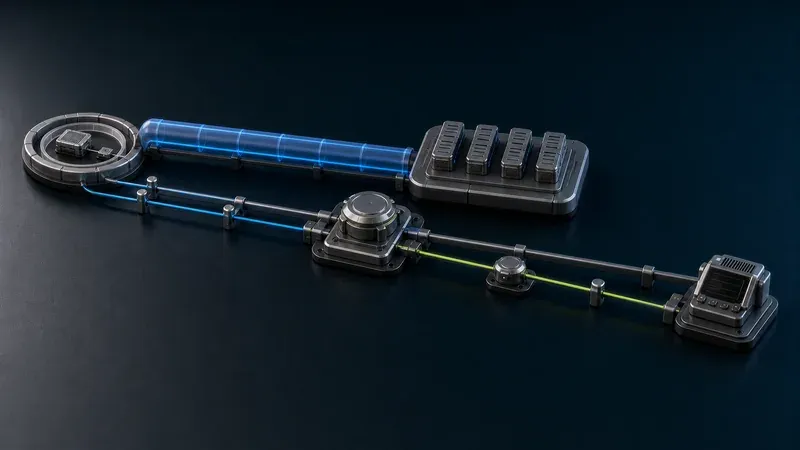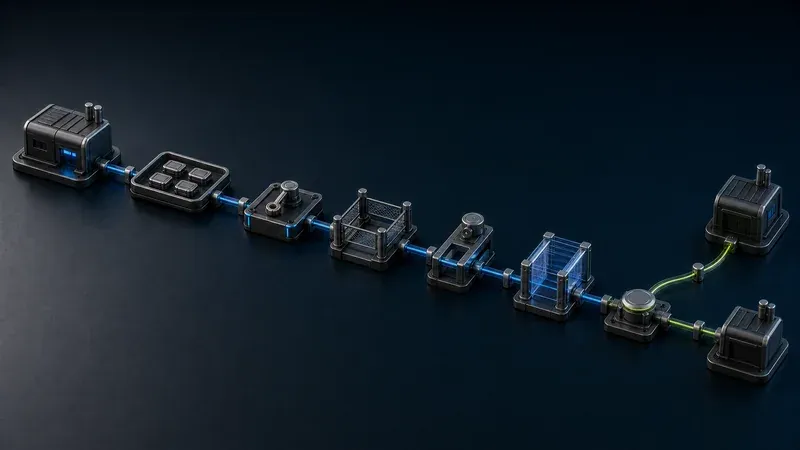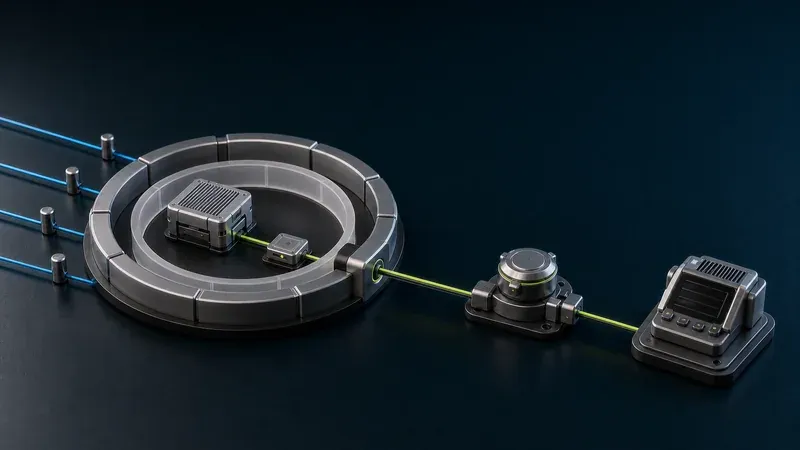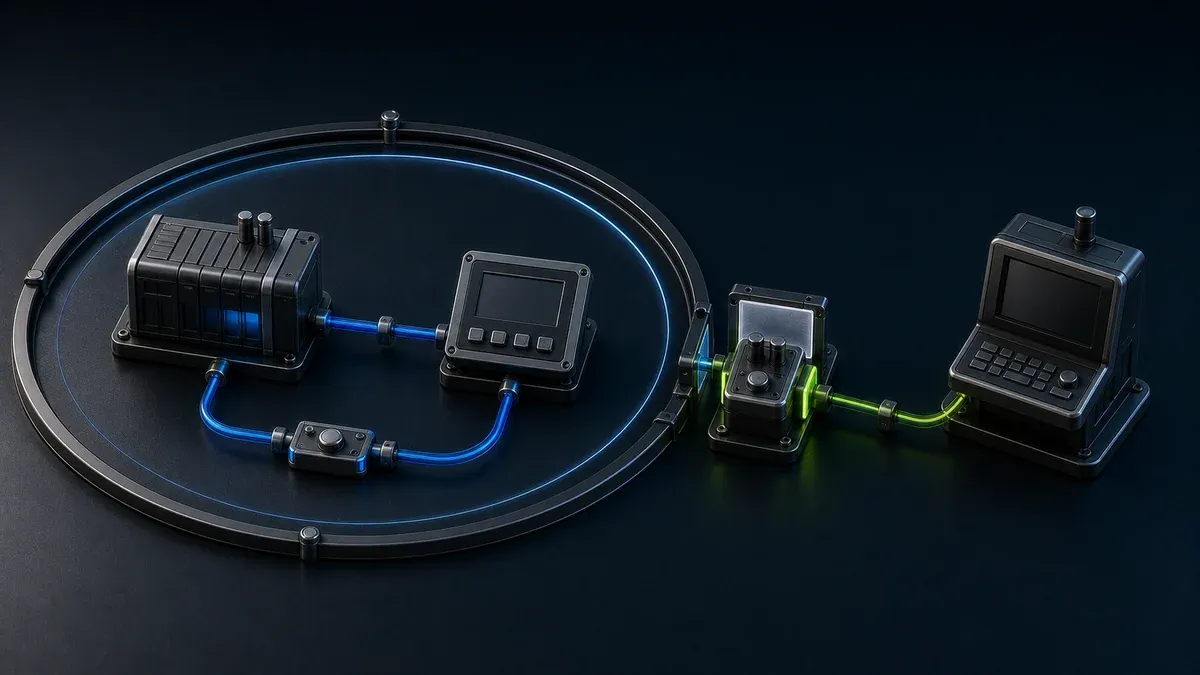
A secure remote PLC and HMI support architecture routes an identified user through a controlled access layer to a narrowly defined workstation, application, or device in a segmented OT zone. PLCs and HMIs should not be the first internet-facing endpoint, and observation should be separated from engineering changes. Safety, local authorization, recovery, and access removal remain operating responsibilities even when the connectivity is well protected.
The design goal is not “remote control of the plant.” It is a small number of support paths, each built for a specific job: view an HMI, collect diagnostics, update an application, or perform an authorized controller change.
Why does PLC and HMI support need its own architecture?
A PLC can directly affect equipment and process state. An HMI can expose alarms, setpoints, modes, and operator actions. Engineering workstations contain specialized tools, project files, credentials, and drivers that may be difficult to patch on an ordinary IT cadence. These assets have different consequences from a standard office application.
The NIST Guide to Operational Technology Security frames OT security around unique performance, reliability, and safety requirements. That means a remote access control should be evaluated not only for confidentiality and authentication, but also for what happens to production during latency, disconnection, software failure, maintenance, or a mistaken command.
Secure connectivity cannot decide whether it is safe to force an output, change a setpoint, download logic, or reboot an HMI. Those decisions belong to the site’s operating, safety, and change-control process.
What should the end-to-end support path look like?
A practical path is:
Remote engineer → identity and access layer → constrained transport → OT access zone or site gateway → managed support target → selected HMI or PLC service
Every arrow is a boundary with an owner and an allowed-flow definition. The user should not receive a general route merely because the final target sits on a private network.
| Layer | Required decision | Useful control | Failure question |
|---|---|---|---|
| Remote endpoint | Who may use it, and is it managed? | Unique identity, multifactor authentication, device policy, separate privileged account | Can a lost or compromised laptop be removed quickly? |
| Identity and access | Which job and resource are allowed? | Role and target policy, revocation, optional expiry for temporary access | Does failure deny new access without disturbing local control? |
| Transport and access zone | How does traffic cross into OT? | Narrow routes, application proxy, constrained VPN, or gateway in a boundary zone | What stays operational when the link or service is unavailable? |
| Support workstation or proxy | Where do tools and files live? | Hardened jump host, controlled desktop, service-specific proxy | Is there a maintained backup and local recovery path? |
| HMI or PLC target | Which exact protocol and privilege are needed? | Firewall allowlist, least-privilege account, read/write separation | Can an erroneous or interrupted action affect the process? |
| Operations procedure | When may the work occur? | Named local coordinator, backups, rollback, communications plan | Who stops work and restores the safe state? |
This layered model aligns with the zones-and-conduits way of thinking in the ISA/IEC 62443 series. Referencing the standard does not make a design certified; it gives teams a structured way to assign risk, boundaries, and lifecycle responsibilities.
Should users connect to an HMI, a workstation, or the PLC?
Choose the least consequential target that completes the job.
| Support job | Preferred target | Typical boundary | Avoid by default |
|---|---|---|---|
| Observe status or alarms | Read-only dashboard, historian, or published HMI view | Application-level access to one named service | Routing the user to the whole cell network |
| Diagnose an HMI application | Managed HMI support workstation or controlled desktop | Remote desktop to one host, then local application access | Installing general remote-control software on every operator station |
| Collect controller diagnostics | Approved engineering workstation with limited downstream reach | Remote desktop or jump host plus exact PLC protocol rules | Giving a vendor laptop a direct plant-subnet route |
| Change PLC logic or firmware | Managed engineering workstation under a change window | Separate privileged role, backup, local coordinator, and rollback | Treating remote login as permission to make a process change |
| Support many customer machines | Per-machine or per-resource access policy | Repeatable gateway and target template | One shared VPN account across customers |
Read-only should describe both the application behavior and the downstream permissions, not just a label in a portal. Some protocols or accounts may not provide meaningful read/write separation. If the target cannot enforce the intended boundary, publish a safer intermediary such as a historian view or managed engineering workstation.
How should the remote endpoint and identity be controlled?
Use a unique identity for each person. Separate normal use from privileged engineering activity, and require multifactor authentication suited to the risk. Define whether vendors may use their own laptops or must connect to a managed support workstation. If unmanaged endpoints are accepted, document the compensating restrictions rather than silently treating them as trusted.
Keep engineering packages, license files, controller projects, and firmware on the managed workstation when practical. That reduces uncontrolled copies and makes compatibility easier to maintain. Disable unneeded clipboard, drive, printer, and file-transfer functions where the remote desktop technology supports it, but preserve a controlled route for approved project updates and diagnostic exports.
CISA and its partners’ Guide to Securing Remote Access Software explains how legitimate remote tools can also be abused by threat actors. Inventory every remote access agent, remove unapproved tools, and detect connections that fall outside the approved architecture. A secure gateway does not help if an old unattended remote-control agent remains active on the HMI.
Where should the site gateway or jump host sit?
Place the site-side access component in a deliberate boundary zone with only the interfaces, routes, and services it needs. It may be an industrial edge device, remote access gateway, or managed workstation. It should not be a dual-homed shortcut that silently bypasses firewall policy.
For application access, proxy the named application where possible. For remote desktop, expose the controlled workstation rather than the controller network. For legacy PLC engineering protocols, permit only the workstation-to-controller flows proven necessary during testing. Discovery broadcasts and dynamic ports require special attention; do not widen a rule to “any” merely because the vendor documentation is incomplete.
The 2026 NIST NCCoE OT remote access build architecture demonstrates that organizations can assemble remote access architectures from identity, authorization, segmentation, and implementation components. Its water-sector examples are not a universal blueprint, but they provide a current primary reference for examining trust boundaries and practical deployment choices.
How should PLC changes be handled remotely?
Create a different procedure for process-affecting work than for observation. Before a logic download, firmware update, force command, or significant setpoint change:
- Name the remote engineer and the local coordinator.
- Confirm the target controller, running process, and approved work window.
- Capture the current project, configuration, firmware details, and a recoverable backup.
- Define the expected change and how it will be validated.
- Confirm communications and a local stop condition.
- Apply the change through the privileged path.
- Verify controller state, alarms, HMI behavior, and process response.
- Remove temporary privilege or access when the work is complete.
- Store the change record in the organization’s normal maintenance system.
Do not assume the remote access product supplies this workflow. Request approval, process authorization, change evidence, and safety sign-off may live in a maintenance, ticketing, or quality system. The access layer should enforce the connectivity decision it actually knows; it should not be credited with controls implemented elsewhere.
How should vendor access differ from employee access?
Outside technicians usually need a smaller target set and a clearer end condition. Scope access to the machine, application, workstation, or service involved in the support case. Make it revocable, and use expiry when the maintenance window has a known end. Standing access may still be justified for contracted support, but it needs a named internal owner and periodic review.
Avoid shared supplier accounts. If a vendor needs a proprietary tool, decide whether it runs on the managed site workstation or the supplier endpoint. Define who may transfer files, how those files are scanned and validated, and who owns controller project backups.
The international Principles of OT Cyber Security stresses that OT decisions should account for business continuity and the consequences of compromise. Apply that lens to vendor convenience: reducing travel is valuable, but it does not justify an unexplained permanent route to a consequential control system.
What should be verified before production rollout?
Build a representative test cell or use a controlled maintenance period. Verify:
- exact user, role, resource, source, destination, port, and protocol mappings
- authentication, access removal, and optional expiry behavior
- employee and vendor endpoint requirements
- PLC suite discovery, online monitoring, upload, download, and file-transfer behavior
- HMI viewing and administrative functions as separate tests
- gateway, jump-host, and remote client patch responsibilities
- unauthorized access attempts to adjacent VLANs and devices
- latency, packet loss, reconnect, and interrupted-transfer behavior
- internet, DNS, identity service, relay, gateway, and jump-host outages
- controller and HMI behavior when the remote session disappears
- backup restoration and the local recovery path
- how responders disable remote access without stopping the control process
Run negative tests. A good result is not only that the engineer can reach the intended PLC; it is also that the same identity cannot reach a neighboring controller, a read-only role cannot perform a write, and removing access prevents a new session.
For transport options, compare VPN, jump server, and ZTNA for OT. For sites with double NAT or carrier-managed connectivity, review industrial access behind NAT without port forwarding.
Use the industrial remote-access rollout checklist to turn the selected architecture into site ownership, commissioning tests, and a repeatable operating process.
What are the limitations and when is remote support not a fit?
Remote support may be the wrong choice for a required air gap, safety-instrumented functions, work that needs direct physical observation, unsupported serial-only equipment, or processes where latency and disconnection create unacceptable consequence. Some firmware or recovery operations require local presence even when normal diagnostics work remotely.
A jump host can fail, an external identity service can become unavailable, and a gateway update can introduce incompatibility. Preserve local operation and an independent recovery method. Do not make remote connectivity part of a closed-loop control path.
This architecture does not prove IEC 62443 certification, zero-trust compliance, safe PLC logic, or regulatory compliance. Products also differ in event detail, retention, session monitoring, and recording. If those are requirements, specify and test them directly instead of assuming they follow from “secure remote access.”
Where might Orenda fit?
Orenda Connect can be evaluated as a resource-level path to approved apps, devices, servers, and industrial systems without broad network-level access. Orenda Box can host local operational applications and connect to machine data near the equipment. For third parties, Orenda vendor access is target-scoped and revocable, with optional expiry.
Those capabilities can support one layer of this architecture; they do not replace the site’s safety review, local authorization, PLC backup, change control, managed engineering workstation, or recovery procedure. Orenda does not imply built-in approval workflow, comprehensive per-human audit history, or session recording. Use a pilot to validate the exact protocol, gateway placement, trust boundaries, access removal, outage behavior, and evidence requirements before applying the design to production control assets.