Remote monitoring observes machine state, remote access gives an authorized user a path to a defined resource, and remote control can request or cause a process-affecting action. The three functions may share connectivity, but they are not interchangeable. PLCs, engineered control systems, safety functions, and the customer’s operating procedures must retain their intended local authority.
This distinction matters to machine builders because a service proposal that says “remote connection” may refer to anything from viewing a dashboard to changing controller logic. Those tasks have different consequences, permissions, evidence needs, and recovery plans.
What is the difference between monitoring, access, and control?
Use the function and effective permission, not the product label, to classify a workflow.
| Function | Primary purpose | Typical resource or data | Process effect | Example OEM task |
|---|---|---|---|---|
| Remote monitoring | Observe and interpret state | Dashboard, trends, alarms, production history, selected values | None intended | Review a fault pattern or production stop history |
| Remote access | Provide a constrained path to a resource | Web application, HMI, engineering workstation, SSH or desktop service | Depends on target permissions | Open an approved diagnostic application |
| Remote control | Request or cause a state or configuration change | HMI command, controller programming tool, parameter or recipe interface | Possible or intended | Change a parameter under an approved procedure |
Access is the middle layer, not proof of control and not proof of safety. A user may have remote access to a read-only dashboard. Another user may reach an engineering workstation capable of changing PLC logic. The transport could look similar while the operational consequence is completely different.
Monitoring is also read-only only when the whole path enforces it. A dashboard title or disabled button is not enough if the underlying account, API, service, or downstream application still permits writes.
Why is the distinction important for OEM service?
Machine builders often support equipment at customer sites where they do not own production schedules, network policy, or local safety coordination. Ambiguous service language can give the OEM and customer different expectations about who may do what.
For example, “remotely troubleshoot” might mean viewing alarms, collecting logs, opening a managed workstation, going online with a PLC, changing parameters, downloading logic, resetting a fault, or starting equipment. Describe each resource, action, actor, condition, and approval route.
What does a clear architecture look like?
A useful design separates four layers:
- Machine and control layer. Sensors, actuators, PLCs, drives, robots, DCSs, and safety systems perform their engineered functions.
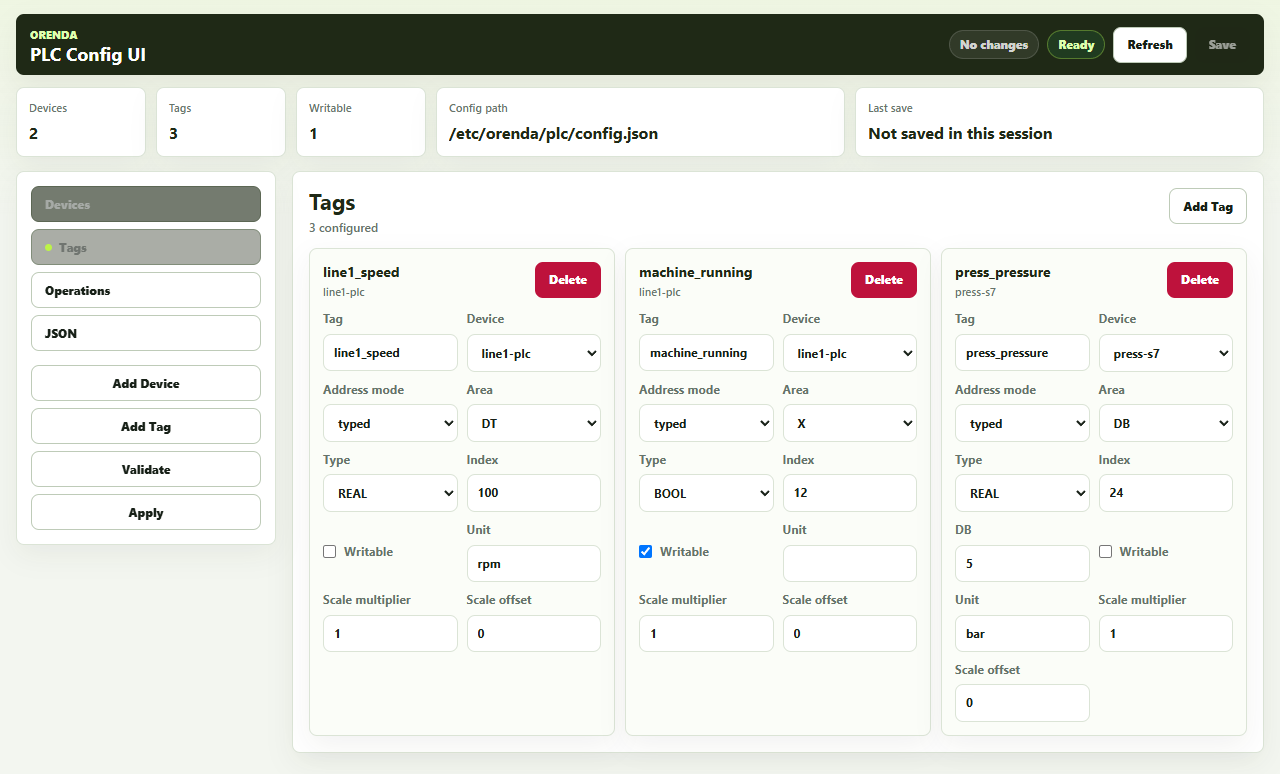
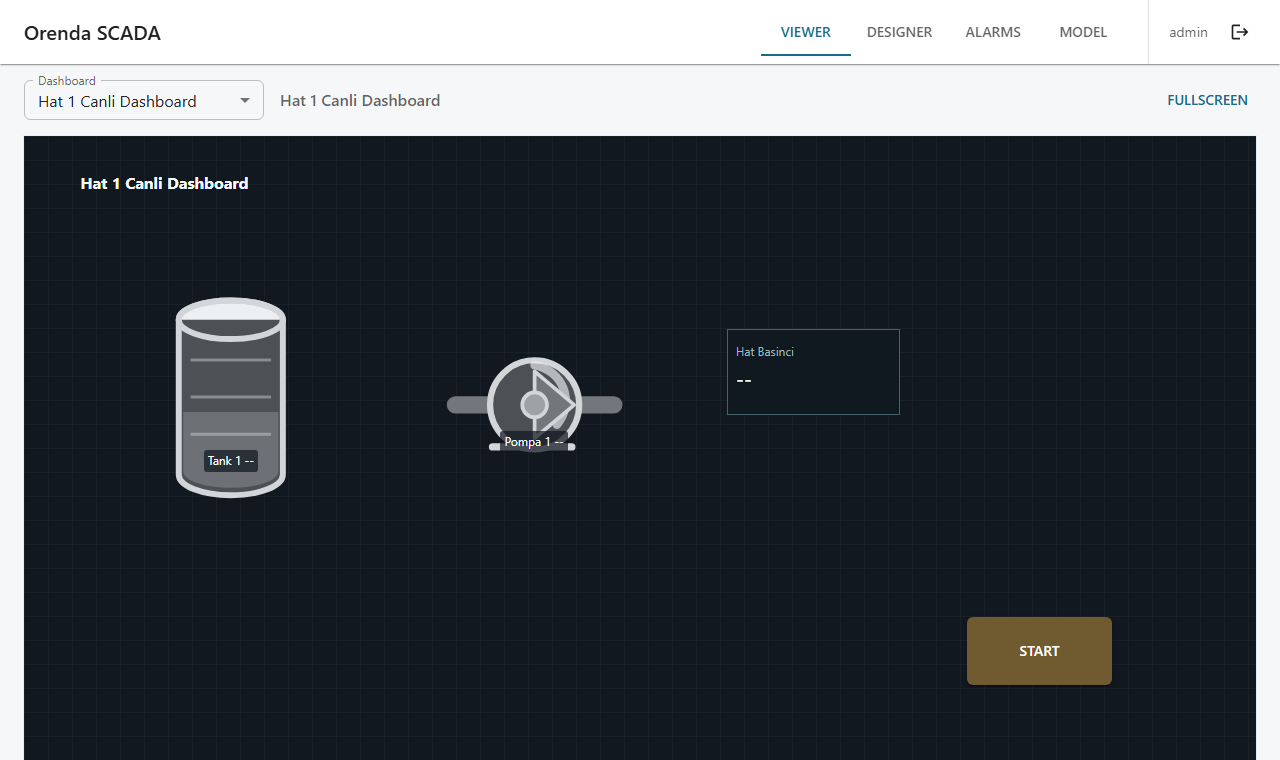
- Observation and application layer. HMIs, SCADA, historians, MES, or diagnostic tools present selected data and, where designed, expose permitted interactions.
- Access layer. A constrained network, gateway, broker, proxy, VPN, or resource-level path connects an identified user or approved support method to a defined resource.
- Authorization and operating procedure. The asset owner determines who may perform the task, when work may begin, what local coordination is required, and how to recover.
Do not collapse layer four into a successful login. Identity and policy can restrict a user to a resource, but they do not confirm that a line is clear, a maintenance window is active, or local recovery is ready.
The NIST Guide to OT Security frames OT around systems that monitor or control physical devices, processes, and events while emphasizing performance, reliability, and safety requirements. That is why the consequence of a remote action must remain part of the architecture.
How should common service tasks be classified?
Classify the task before choosing the access method.
| Service task | Minimum likely capability | Additional controls to define |
|---|---|---|
| View alarm and state history | Monitoring path | Data freshness, timestamp meaning, source quality, retention |
| Review a web HMI | Access to one application | Read/write permissions, session ownership, local visibility |
| Collect logs from a workstation | Access plus file handling | Allowed directories, malware controls, evidence handling |
| Diagnose PLC state online | Engineering access | Exact controller, tool version, mode, local coordination |
| Change logic or firmware | Process-affecting access/control | Backup, tested change, authorization, rollback, safe machine state |
| Reset a fault or issue a command | Remote control | Hazard review, interlocks, local observation, explicit procedure |
Some actions cross categories. Going online with a PLC may begin as observation, but the same tool may expose writes or downloads. Treat effective capability, not intention, as the boundary.
Does remote monitoring replace local diagnosis?
No. Remote data can help an OEM form a hypothesis, but it may omit physical context: noise, vibration, material condition, guard position, an operator workaround, a disconnected sensor, or damage outside the monitored points. Data can also be stale, incorrectly scaled, missing, or mapped to the wrong machine revision.
A useful monitoring view shows timestamp, source, quality or unknown state, units, and machine identity. It should make disconnection visible instead of displaying the last value as if it were current. The installed-base guide explains how to maintain the machine identity and configuration context needed to interpret that data.
Remote monitoring can support triage. It does not prove a root cause or authorize a corrective action. For consequential work, the OEM and customer should agree what local checks must confirm the remote interpretation.
When can remote control be appropriate?
Remote control can be appropriate only when the machine and operating model were engineered for it. The risk review needs to consider foreseeable access, people near the equipment, visibility of the work area, communications loss, unexpected restart, interlocks, local/remote mode, and recovery.
ISO 12100 provides general machinery risk-assessment and risk-reduction principles. Applying those principles is a job for competent people with the actual machine context. A remote-access product does not make a machine safe for unattended or remote operation and does not establish conformity.
At a minimum, a process-affecting remote action needs answers to these questions:
- Who at the customer site authorizes the work now?
- What machine state and local conditions are required?
- How do people nearby know remote work is occurring?
- Which interlocks and safety functions remain effective?
- What backup or baseline exists before a change?
- What happens if communications fail during the action?
- Who can stop the work and restore the last known state?
- Which record captures the approved change and outcome?
Keep the control decision in the engineered controller and operating procedure. A cloud service, remote dashboard, or general access platform should not become the machine’s real-time control authority.
How should identity and vendor access differ?
Named employees or long-term service users should normally have individual identities and only the resources required for their roles. Outside-party support may use a separate mechanism, but its limitations must be understood.
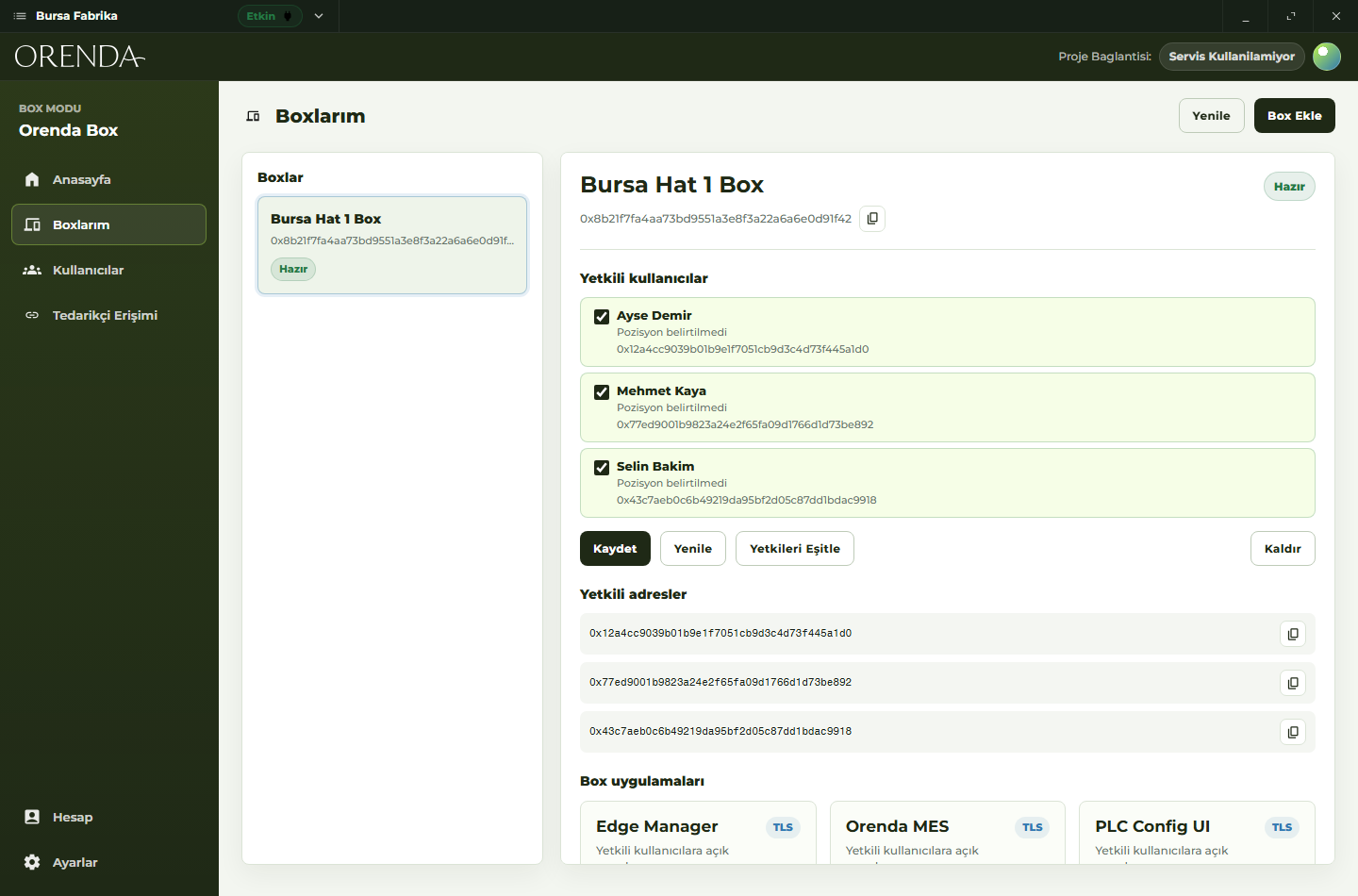
An Orenda vendor link is a target-scoped bearer link. It can be revoked and may optionally be configured to expire, but possession of the link grants its bearer access to that target. It does not provide reliable per-human identity for everyone who receives or uses it. Share it only through the organization’s approved process and do not treat it as a replacement for a per-person evidence requirement.
Orenda does not provide a general service request or approval workflow or a comprehensive audit of every human action inside a downstream application. The asset owner still needs its own ticket, authorization, maintenance-window, change, and evidence process.
What security controls apply to all three functions?
The ISA/IEC 62443 series overview describes lifecycle security and shared responsibility among asset owners, product suppliers, integrators, and service providers. OMAC’s remote-access considerations provide machine-automation context for the topic. Use such guidance to structure a risk review; do not claim compliance because a particular connection method is installed.
A baseline design should include:
- exact user or support method, target, protocol, and direction
- least privilege at both the access layer and target application
- separate administrative and service roles
- protected credentials and fast removal of unnecessary access
- segmented paths rather than general reach to a customer network
- managed endpoints or a controlled engineering workstation where appropriate
- backup, rollback, and local recovery for changes
- logging and evidence validated against the actual requirement
- documented ownership for patching and support components
- behavior during internet, identity, DNS, gateway, or target failure
The NIST NCCoE industrial control system integrity practice guide is another reference for thinking about industrial network architecture and authorized communications. The appropriate design still depends on the actual machine and customer environment.
What should an OEM test before rollout?
Test a representative machine, site path, user role, and service task. A demo that opens a dashboard proves only one success case.
Verify:
- The user reaches only the intended machine resource.
- An observational role cannot issue commands or write data.
- A privileged role cannot reach unrelated machines or applications.
- Access revocation and configured vendor-link expiry work as expected.
- Stale or disconnected monitoring data is obvious.
- Network loss does not disrupt local control or safety functions.
- Local staff can continue, stop, and recover without the remote path.
- Required service evidence is captured in the correct systems.
- Software, protocol, and machine-revision compatibility are proven.
- The customer and OEM can explain the escalation and authorization route.
Also test denied actions. Proving that the permitted resource works is incomplete unless the team proves that the broader network, other machines, and disallowed commands remain unavailable.
How can machine builders standardize the boundary?
Create a task catalog for each machine family. For every task, state whether it is monitoring, access, or control; name the target; define the minimum role; list the customer’s authorization and local-presence requirements; and document failure recovery. Reuse the pattern across individual customer projects and boxes, but validate each site separately.
Pair that catalog with the remote-service standardization guide and a current installed machine record. Do not assume that one customer’s network, risk decision, or work procedure transfers to another.
Where can Orenda fit?
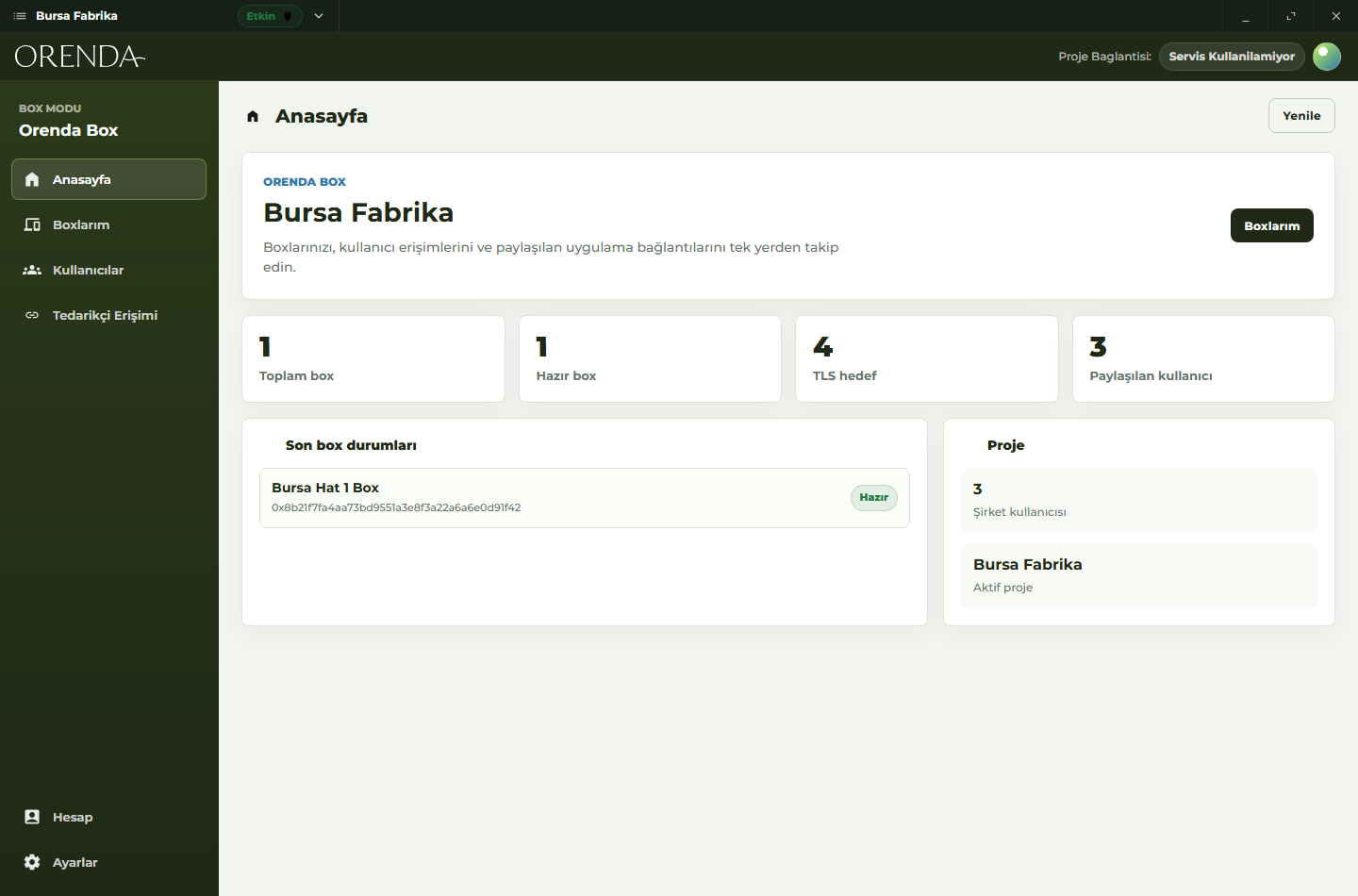
Orenda Connect gives named organization users resource-level paths to approved resources. Orenda Box can run local applications that present configured machine data near the equipment. These capabilities can support monitoring or access use cases, depending on the configured resource and permissions; they do not turn Orenda into a safety system or automated machine controller.
The PLC and other engineered control systems remain responsible for machine control. The customer and OEM remain responsible for task authorization, local coordination, change control, and safe recovery. Fit also depends on the actual data source, target service, protocol, site network, and evidence requirement, so validate the workflow in a pilot.
The machine builders solution summarizes the commercial use case. For controller and HMI boundaries, continue with the secure remote PLC and HMI support architecture.
What is the final takeaway?
Monitoring tells you what selected data says. Access gives a person or support method a path to a resource. Control can change the machine or process. Define and enforce those roles separately even when they share infrastructure.
A sound operating model does not infer permission from connectivity. It keeps machine control and safety in the engineered local system, uses narrow resource access, and requires the asset owner’s procedure before any process-affecting action.