Installed base management gives a machine builder a dependable record of every delivered machine: what it is, where it is, how it was configured, who owns the service relationship, what lifecycle state it is in, and which support path is approved.
For machine builders, “installed machine base” is usually clearer than “fleet.” Fleet management commonly describes vehicles, drivers, routes, and mobile assets. An OEM supporting packaging lines, assembly cells, skids, robots, or process equipment needs a model centered on customer-site machines, configuration, service, parts, access, and handover.
What is installed base management for machine builders?
Installed base management is the process of maintaining authoritative lifecycle and service information about machines after they leave the factory. It connects the serial number and as-built configuration created during engineering with the as-commissioned state, customer location, service history, current ownership, and support route.
The ISO 55000:2024 overview places asset management in a wider lifecycle and value context. A machine builder does not need to claim conformity to use that useful principle: treat asset information as part of a continuing management system, not as a one-time shipment spreadsheet.
An installed base record is not live telemetry or a substitute for a CRM, ERP, field-service platform, CMMS, product-lifecycle system, or asset registry. Monitoring and access tools should reference its identity while retaining their narrower responsibilities.
Why do installed machine records become unreliable?
The record often begins in several places at once. Engineering owns project numbers and drawings. Production owns serial numbers and build records. Commissioning captures site-specific changes. Sales owns the customer relationship. Service keeps notes in tickets, email, and individual laptops. The customer may later move the machine, replace a controller, rename a line, or change the responsible integrator.
Without a stable machine identity, these records drift apart. A support engineer receives a photograph of a nameplate, finds three similar projects, and cannot tell which software backup or electrical revision matches the running machine. Remote connectivity does not solve this ambiguity. Fast access to the wrong target is still wrong.
Typical failures are using a customer name as the only key, losing final commissioning changes, linking tickets to people instead of machines, or treating a remote-access bookmark as the master record. These shortcuts make relocation, configuration changes, transfers, and retirement hard to govern.
What fields belong in a minimum viable installed base record?
Start with fields that answer service questions. Assign an owner and source for each field rather than creating one ungoverned form.
| Data group | Minimum useful fields | Service question answered |
|---|---|---|
| Identity | Stable machine ID, serial number, model, project or order reference | Which physical machine is this? |
| Deployment | Customer organization, site, area or line, commissioning date | Where is it and in what operational context? |
| Configuration | As-commissioned hardware and software baselines, drawings, backup references, approved deviations | Which revision should service use? |
| Lifecycle | Built, commissioning, active, stored, transferred, retired; effective date and owner | Should this machine still receive service or remote access? |
| Service | Warranty or entitlement reference, service owner, customer contacts, escalation route | Who may authorize and coordinate support? |
| Connectivity | Approved support resource reference, site prerequisites, last validation date | How can an authorized person reach the correct resource? |
| Evidence | Linked tickets, changes, inspection or maintenance records, handover acceptance | What relevant work has already occurred? |
Avoid storing secrets, passwords, or access tokens in general asset fields. Keep credentials in the system designed to protect them. The installed base record should point to the approved resource or procedure, not expose the credential used to enter it.
How should machine identity be designed?
Give the delivered machine a stable identifier that does not depend on customer name, current location, IP address, or human-readable nickname. Those attributes change. The identifier should survive relocation, network redesign, controller replacement, and customer rebranding.
Then define the hierarchy around it. A line may contain several machines; a machine may contain panels, controllers, HMIs, drives, and edge systems. Decide which level receives the service ticket, configuration baseline, warranty, and remote-support resource. Do not force every sensor into the commercial record, but do not make one line-level entry so broad that an engineer cannot identify the affected unit.
The CISA-led OT asset inventory guidance treats inventory as a foundation for understanding and managing OT assets. A machine builder’s service registry and a customer’s security inventory have different owners, yet shared identifiers and documented exchanges make both more reliable.
Which system should be the source of truth?
There may be several authoritative systems, but each data domain should have one owner. For example:
- ERP or product-lifecycle tooling may own serial numbers and shipped configurations.
- CRM and field-service tooling may own customer relationships, entitlements, cases, and visits.
- CMMS or asset management may own maintenance plans, while document control owns drawings and backups.
- A remote-access platform may own resource policy and connection configuration.
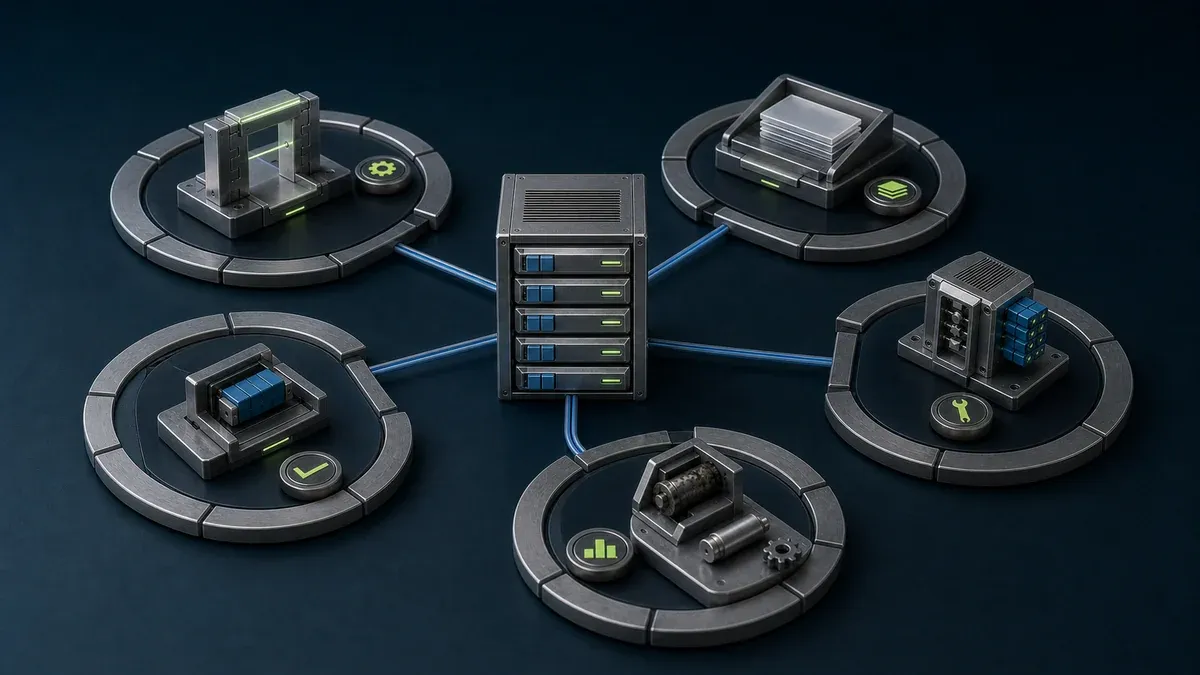
Link these domains with the stable machine ID. Do not copy every field into every platform. Define which system wins when customer, site, lifecycle, or configuration data conflicts, and make corrections through that owner.
Orenda is not a CRM, FSM, CMMS, product-lifecycle system, or comprehensive asset registry. If Orenda is used for machine data or resource-level access, reference its organization, box, and resource identifiers from the installed-base record maintained by the appropriate business system.
How should the record support remote service?
Remote service starts before a connection. The service desk must identify the machine, validate the customer and site context, understand the reported symptom, determine the required resource, and coordinate with an authorized site contact.
A repeatable triage path is:
- Confirm the stable machine ID and current site.
- Check lifecycle state, service entitlement, and responsible service team.
- Review the as-commissioned baseline and later approved changes.
- Classify the task as observation, troubleshooting, file transfer, configuration, or process-affecting work.
- Select the narrowest approved HMI, application, workstation, or service resource.
- Confirm the customer’s authorization and local operating conditions outside the connection tool.
- Perform the task under the organization’s change and safety procedure.
- Attach the outcome and any configuration change to the machine record.
The separate guide to remote monitoring, remote access, and remote control helps classify step four. The remote machine commissioning checklist covers the earlier handover from project delivery into support.
What should customer handover add to the installed base?
Handover is the best moment to establish a clean baseline. Before the project closes, capture:
- signed-off machine identity and hierarchy
- as-commissioned drawings, bill of materials, controller and HMI references, and software backup locations
- known deviations from the standard machine design
- customer site and technical contacts with ownership for updates
- support entitlement, escalation route, and service hours
- the exact remotely reachable resources, if any, and their owner
- site network prerequisites and recovery procedure
- training and acceptance references
- planned review date for contacts, access, and lifecycle state
Do not present a reachable dashboard as complete handover. The customer also needs local documentation and a recovery path that works when internet or remote services are unavailable.
How should access and cybersecurity records be separated?
An asset record says what the machine is. An access policy says who or what may reach a resource. A change procedure says what an authorized person may do under current operating conditions. Keep these controls linked but separate.
The NIST Guide to OT Security emphasizes that OT security must account for performance, reliability, and safety. The ISA/IEC 62443 series overview also describes shared responsibility across asset owners, product suppliers, integrators, and service providers. For an OEM, that means the support design needs explicit boundaries between builder and customer responsibilities.
At minimum, review:
- whether the machine and customer relationship are still active
- whether named users still need the assigned resource
- whether outside-party links remain necessary and correctly scoped
- whether configuration references match the machine in service
- whether retired or transferred equipment has been removed from old support paths
- whether the customer can operate and recover locally if remote access is unavailable
Remote reachability must not move PLC, controller, or safety authority into the asset registry or access platform.
Which measures show that the installed base is becoming usable?
Measure record quality and service execution before promising business outcomes. Useful indicators include:
- percentage of active machines with a validated stable ID and site
- percentage with a current as-commissioned configuration reference
- percentage with a named service owner and customer contact
- age of the last lifecycle and access review
- number of support cases that cannot be matched to one machine
- time required to identify the correct configuration and approved resource
- percentage of completed cases linked back to the machine record
These measures expose missing governance. They do not by themselves prove reduced downtime, lower service cost, or increased revenue. Those outcomes depend on staffing, machine design, parts, procedures, customer participation, and many other factors.
How can a machine builder implement this in stages?
- Define identity and ownership. Choose the stable key, hierarchy, field owners, and lifecycle states.
- Create the minimum record. Import only data that can be validated, and mark unknown values explicitly.
- Connect commissioning to service. Make the installed-base update a required delivery output.
- Link support systems. Reference tickets, engineering documents, and approved remote resources through the stable ID.
- Pilot the service workflow. Use real cases to find ambiguous fields and ownership gaps.
- Review and retire. Establish periodic contact, lifecycle, and access reviews, including an offboarding path.
For a broader operating model, see how to standardize remote service for machine builders.
Where can Orenda fit?
Orenda Connect lets named organization users open approved resources. For outside support, an Orenda vendor link is a target-scoped bearer link that can be revoked and can optionally be configured to expire. Because a bearer link does not establish the identity of each person who receives or uses it, organizations that require per-human evidence should use their own identity, authorization, and evidence controls and assess whether that access method fits the task.
Orenda does not include a general service request or approval workflow, and it should not be treated as a comprehensive activity audit, asset registry, CRM, FSM, or CMMS. It can be one resource-access and edge-data layer linked to the installed machine base. The customer and machine builder still own service authorization, maintenance windows, change control, safety, and local recovery.
The installed machine base remote service page explains Orenda’s per-machine operating boundary, while the machine builder remote service page covers the first customer workflow. Validate the actual machine, data source, target resource, site connectivity, and operating procedure in a representative pilot.
What is the final takeaway?
An installed machine base becomes useful when every delivered machine has a stable identity, an owned lifecycle record, a trustworthy configuration reference, and a clearly governed support route. Build that foundation before adding more dashboards or automation.
Keep the asset master, live data, access policy, and change procedure distinct. Link them through the machine ID so a service engineer can reach the right context and approved resource without turning connectivity software into the owner of the machine lifecycle.