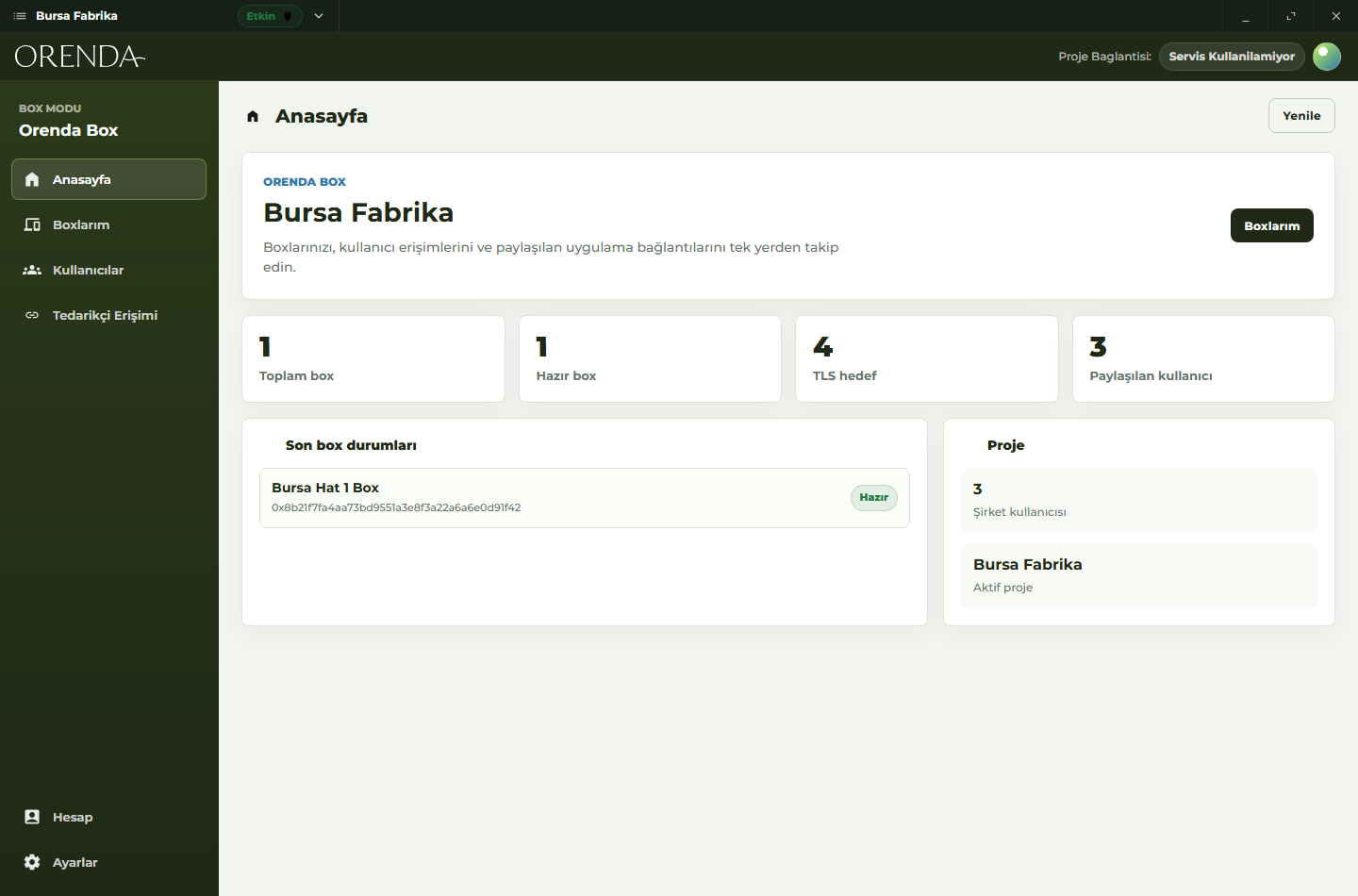
Project home
Review projects, users, resources, and service status before daily work.
A desktop and mobile app for private remote access to apps, devices, servers, and industrial systems without opening the whole network.
Orenda Connect gives teams a private way to reach internal apps, industrial systems, servers, and on-site devices. Users open only the resources they are allowed to use. The target can be a web app, SCADA/HMI, RDP, SSH, a support tool, a machine, or an Orenda Box.
Create a project, add the resources your team needs to reach, invite users, assign access, then open the approved resource from Connect.
Real Orenda Connect screens for project status, resource access, partner links, and account settings.
Review projects, users, resources, and service status before daily work.
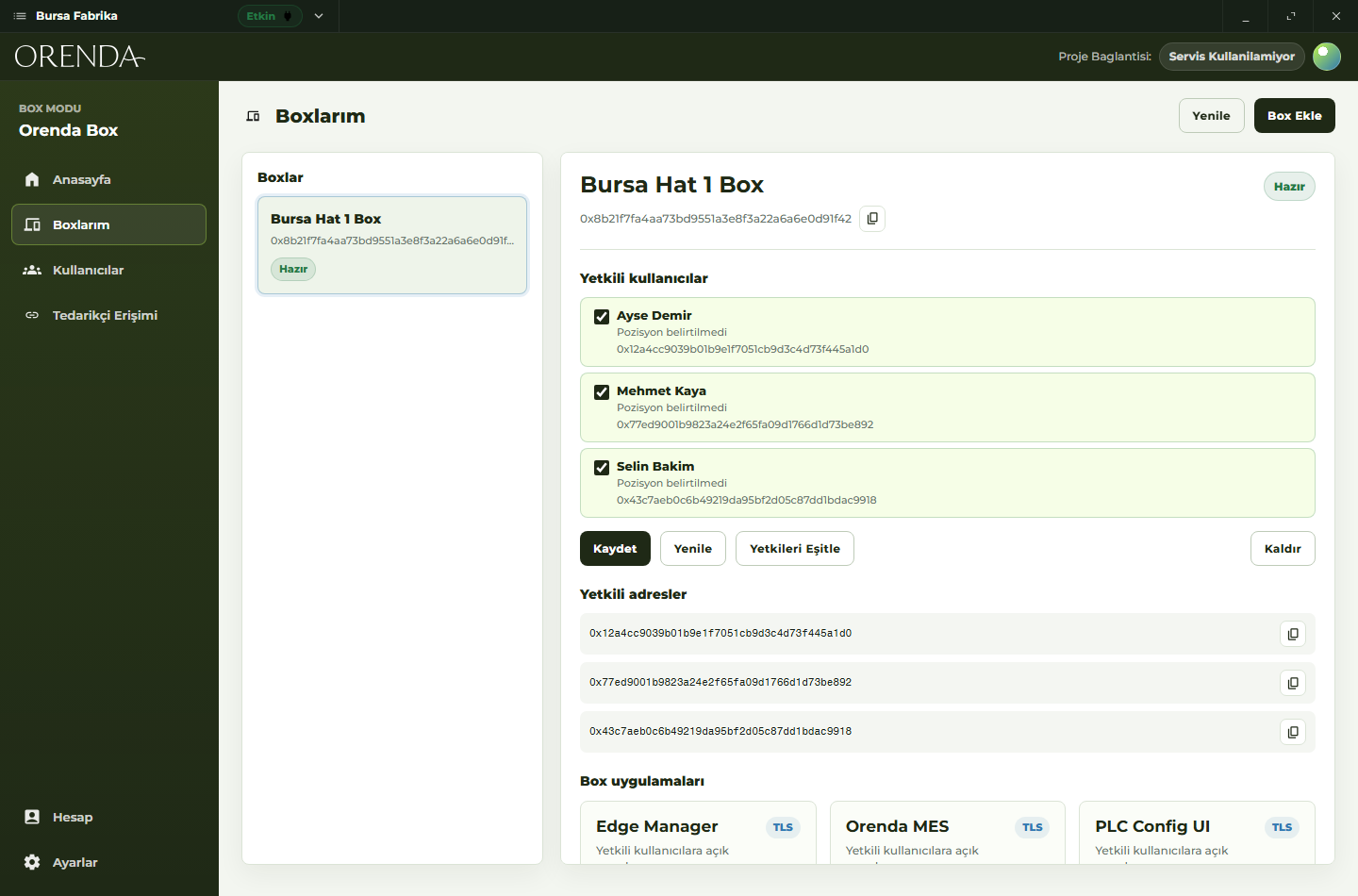
Start approved access and open the selected resource from the client.
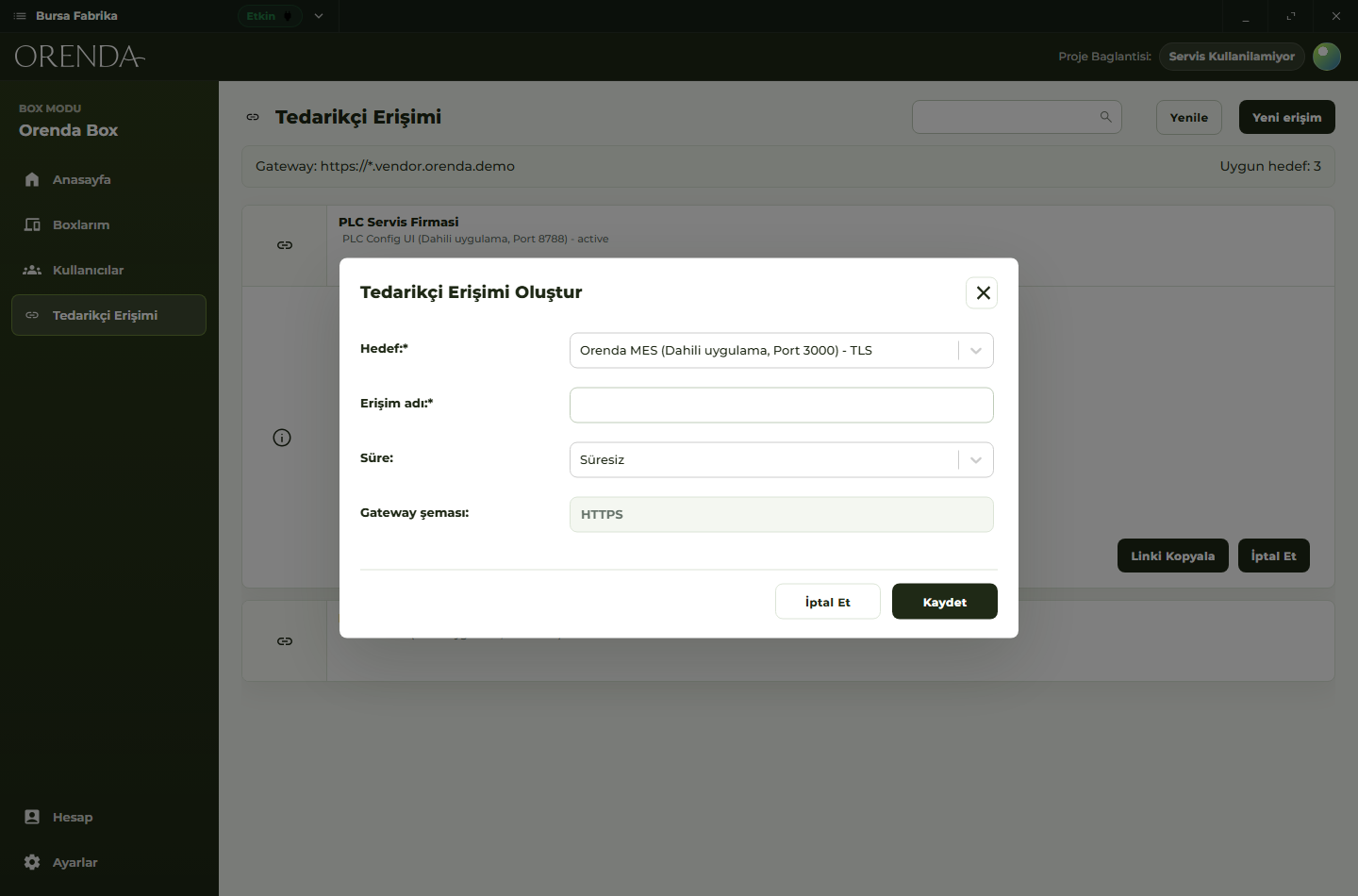
Create a link for one selected resource, choose an optional expiry, and revoke it when the work is done.
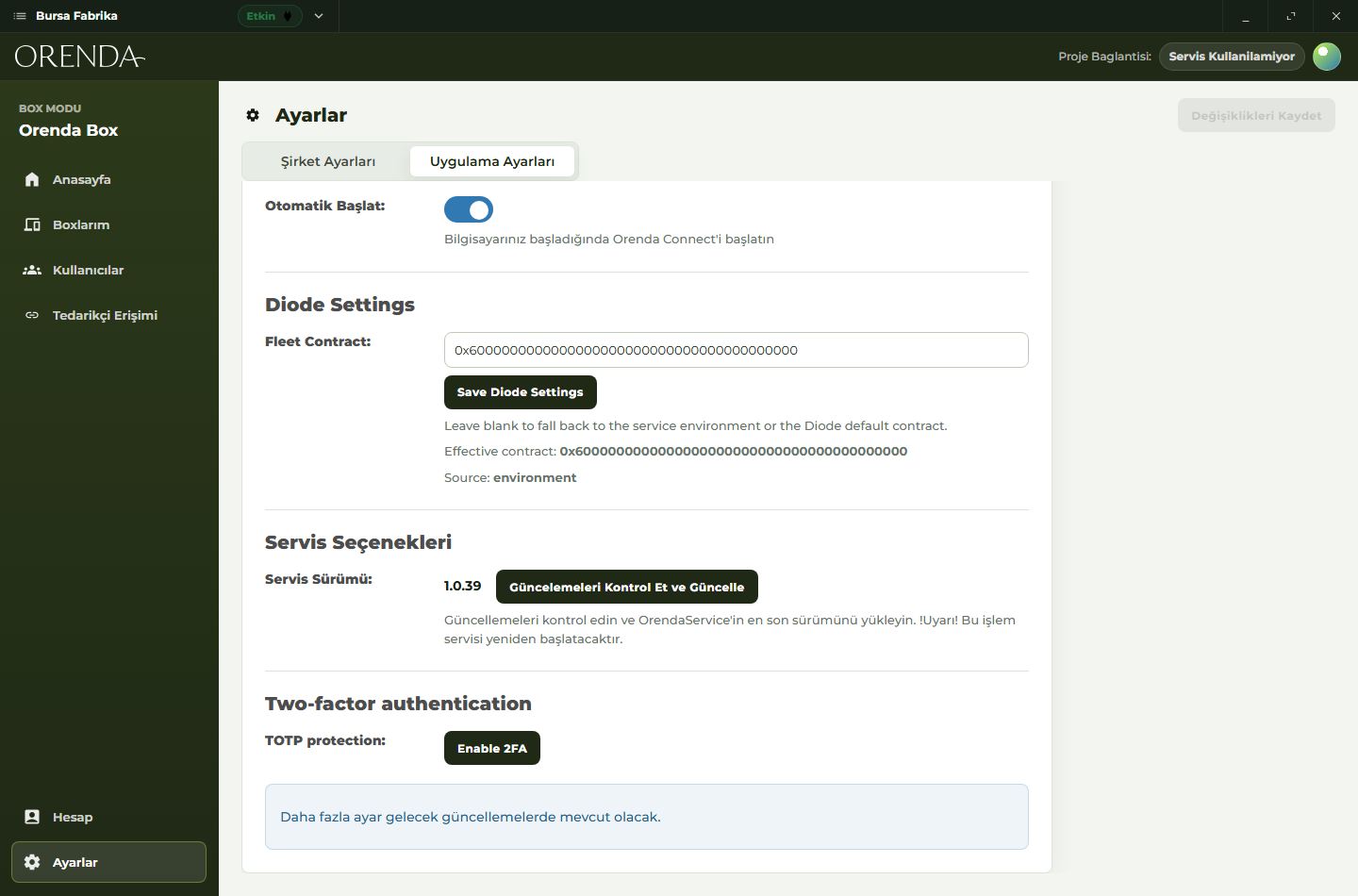
Manage account and sign-in settings from the same product area.
Orenda Connect works as a private access app for industrial, IT, service, and support teams.
Give people access to internal apps, devices, or services without handing out broad network access.
Support customer equipment and service tools after delivery from a repeatable access workflow.
Open approved operational screens, servers, or apps from one client.
Give outside partners target-scoped access to the exact resource they need.
Reach apps, devices, servers, machines, and services from one client.
Organize people into teams or roles so access decisions are easy to review.
Give each person access only to the resources they need.
Give an outside partner access to one resource, with optional expiry and revocation.
Work from the desktop app in the office or from mobile when you are on site.
Use it with web apps, SCADA/HMI, RDP, SSH, support tools, and machine systems.
Orenda Connect is designed to avoid broad access to the whole site network. A user gets the resources they are approved to use, and that access can be removed when it is no longer needed.
Access can follow users, groups, roles, or the way your support team is organized.
A partner can be given one application or service without opening unrelated systems.
Support links can have an expiry and can be revoked when access is no longer needed.
Users open approved resources from the client instead of learning custom network paths.
EUR 14.50 / month
Up to 1 service or app you expose
Up to 10 users
Standard support
EUR 39.50 / month
Up to 5 services or apps you expose
Up to 30 users
Priority support
EUR 99.50 / month
Up to 20 services or apps you expose
Up to 100 users
Priority support