Secure remote access for industrial sites sounds simple until the first real exception arrives. A controls engineer needs PLC access from home. A machine builder needs a short maintenance window. A supervisor wants visibility across lines. Suddenly the team is balancing uptime, security, vendor coordination, and documentation at the same time.
That is why remote access in OT should be designed as an operating model, not just a tunnel.
NIST SP 800-82 Rev. 3 emphasizes that OT has distinct performance, reliability, and safety requirements and often uses equipment with long lifecycles. Remote access controls have to fit those constraints rather than importing an office-IT pattern unchanged.
This article explains a practical way to set up secure remote access for industrial and distributed environments. The goal is straightforward: make access easy for approved people, hard for everyone else, and simple to govern over time.
What this article covers
- what secure remote access means in an industrial setting
- the core architecture decisions that matter most
- a rollout checklist for pilots and production
- common mistakes that create risk later
- a simple governance model operations teams can actually maintain
Why industrial remote access needs a different approach
Office IT remote access often assumes managed laptops, standard applications, and users who work in the same systems every day. OT environments are different.
In industrial sites, access often involves:
- PLCs, HMIs, historians, and engineering stations
- third-party vendors who only need occasional access
- older assets that cannot support modern agents
- restricted networks with little tolerance for disruption
- production schedules where timing matters as much as permission
That means the best remote access design is not the one with the most features. It is the one that reduces exposure while staying usable during real operations.
Start with four design rules
Before choosing tooling, align on four rules.
1. Access should be specific
Avoid broad site-wide access when the actual task only requires one machine, one service, or one subnet. Specific access is easier to approve, easier to review, and much easier to revoke.
2. Every session should have an owner
Someone inside the business should always be accountable for why access exists. In many teams, stale access survives because no owner is attached to it.
3. Approval and revocation must be routine
Access should not depend on memory. A good model makes approvals predictable and revocation normal, especially after maintenance windows, project milestones, or supplier changes.
4. The plant network should stay controlled
Remote access should create a narrow path to an approved target. It should not turn the site into a broadly reachable network.
A practical reference architecture
The easiest model to operate usually looks like this:
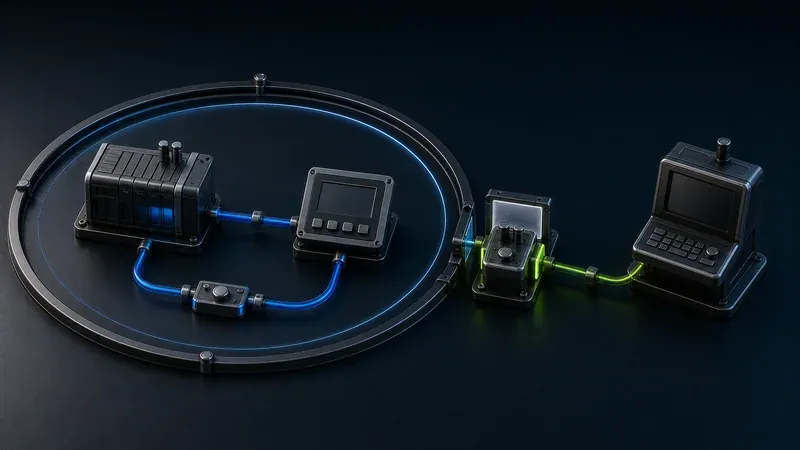
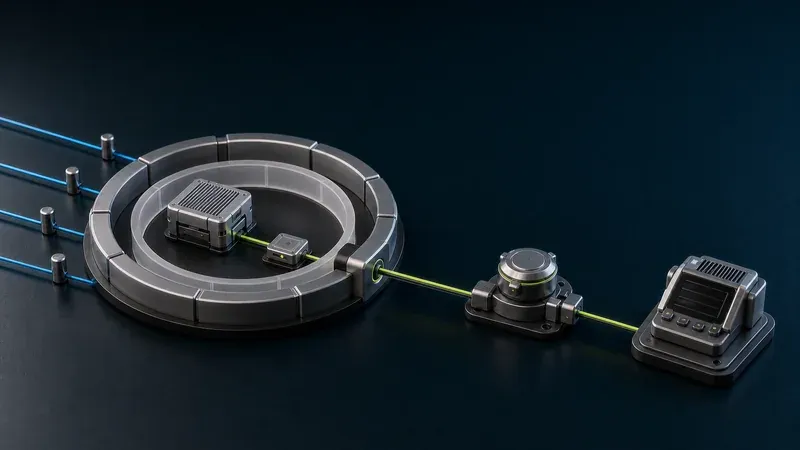
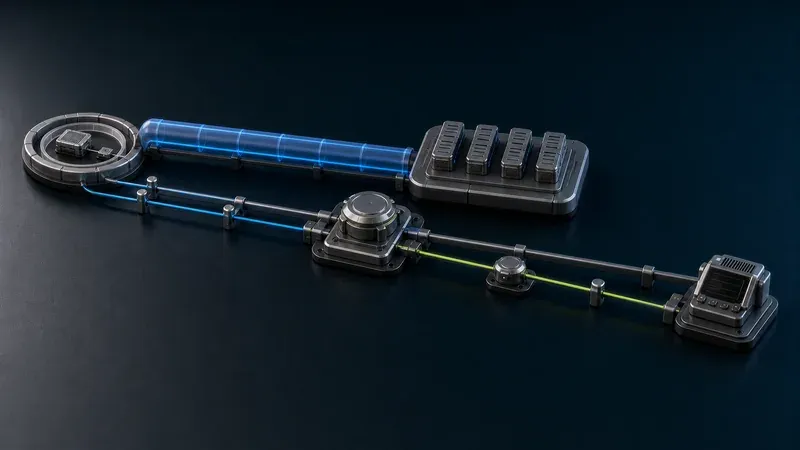
- A local edge component sits close to the industrial environment.
- Remote users connect through an approved identity and policy layer.
- Access is granted only to named assets, services, or ports.
- Sessions are tied to a business purpose such as maintenance, troubleshooting, or support.
- Admins can disable or remove access rules quickly when the task is done.
This structure works well because it separates three things that often get mixed together:
- identity
- connectivity
- authorization scope
When those are handled separately, you avoid the common failure mode where one VPN account quietly becomes permanent access to far more systems than intended.
What secure access should look like in practice
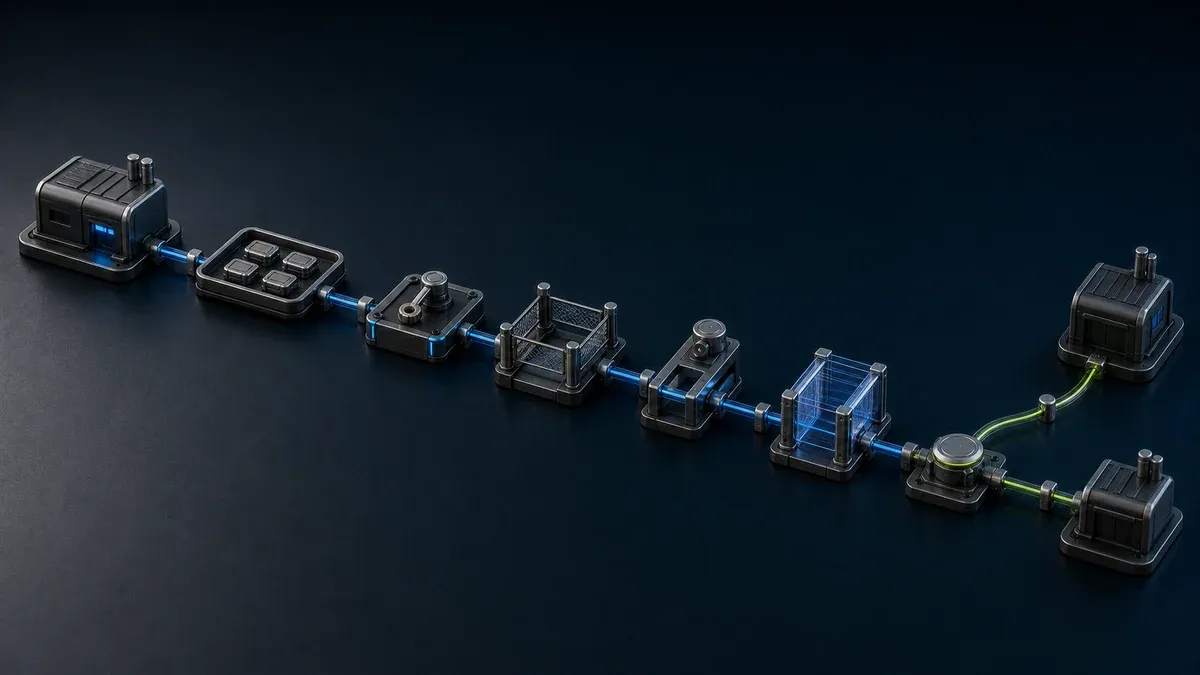
A good industrial remote access flow is usually simple:
- request access for a defined task
- approve it with a named owner
- connect only to the needed target
- complete the work
- review or revoke access after the task
That may sound basic, but it solves most of the long-term problems teams face:
- too many standing accounts
- unclear supplier permissions
- broad network exposure
- messy audit preparation
- emergency access that never gets cleaned up
Rollout checklist for OT teams
Use this checklist before rollout.
Define the access scope
List the assets and services that actually need remote access.
Ask:
- which PLCs, HMIs, PCs, or applications are in scope
- who needs access: internal staff, vendors, or both
- whether access is ongoing or event-based
- which sites have the highest urgency
Group access by use case
Do not start with one policy for everyone. Split access into simple use cases:
- engineering support
- vendor maintenance
- remote troubleshooting
- supervisor visibility
- temporary commissioning work
This makes it easier to define approval rules and standard operating procedures.
Map owners
Assign a business owner to each access pattern. Usually that is a plant manager, maintenance lead, automation manager, or service coordinator.
Limit the path
Define exactly what each user group can reach. In OT, good restrictions are often based on target asset, service, local port, or project context rather than broad network-level trust.
Decide the session rule
Choose whether access is:
- always available for a very small admin group
- approved on demand for most users
- temporary by default for vendors and contractors
Prepare support and fallback
Document what happens if a session fails during a live issue. The safest design is still the one the team can operate under pressure.
Common mistakes to avoid
Treating remote access like a one-time network project
Remote access is ongoing operations. It needs ownership, periodic review, and a clear way to remove access when conditions change.
Giving vendors the same access model as internal engineers
Vendors usually need narrower scope, shorter duration, and more explicit approval. Their workflow should reflect that.
Standardizing too late
Many companies let each site invent its own process. That feels faster at first, but it creates inconsistent approvals, uneven risk, and a large cleanup project later.
Forgetting the edge environment
Industrial access depends on what is available locally. If the site edge is messy, undocumented, or overly open, the remote model becomes hard to control.
A simple governance cadence
You do not need a heavy program to keep remote access under control. A monthly review is enough for many teams.
Review:
- active users and groups
- high-risk vendor access
- unused or stale permissions
- recent maintenance exceptions
- sites or assets with unusual access growth
The goal is not paperwork. The goal is to keep reality aligned with policy.
Where Orenda-style architecture fits
A decentralized, target-based model is often easier to manage in industrial environments than broad centralized network access. Instead of exposing large parts of the network, teams can create controlled paths to specific services and manage rules per project or device.
That matters in plants where uptime, segmentation, and supplier access all have to coexist.
Where Orenda can help
Orenda Connect lets named organization users reach resources approved for them instead of treating the whole site as broadly reachable. For outside support, authorized organization users can create target-scoped vendor links, revoke them, and configure an optional expiry.
The organization remains responsible for the business request, approval, internal owner, maintenance window, change control, review cadence, and any required per-human evidence. A vendor link is a bearer credential and does not, by itself, identify the individual who used it or provide a complete approval workflow.
If your team is formalizing this now, look at the Secure remote access solution and the Vendor access solution to see how the same operating model can support both internal teams and third-party support.
A practical next step
If remote access is still handled through broad VPN access or one-off exceptions, this is usually the point where a more structured model starts to pay off. Review the Secure remote access solution, or visit Pricing if you want to scope a pilot or phased rollout.
Final takeaway
Secure remote access for industrial sites works best when it is narrow, owned, revocable, and repeatable across real operating scenarios.
Start small. Define the exact use cases. Give every session a reason and an owner. Then build a model your team can review without drama every month.
Use the pilot to verify technical scope and access removal, then document the separate operational process that governs why and when access is allowed.